AS 680/682
Display Configuration Tool Description, Operation and Maintenance
ADS−B
4−42 Ed. 10.07
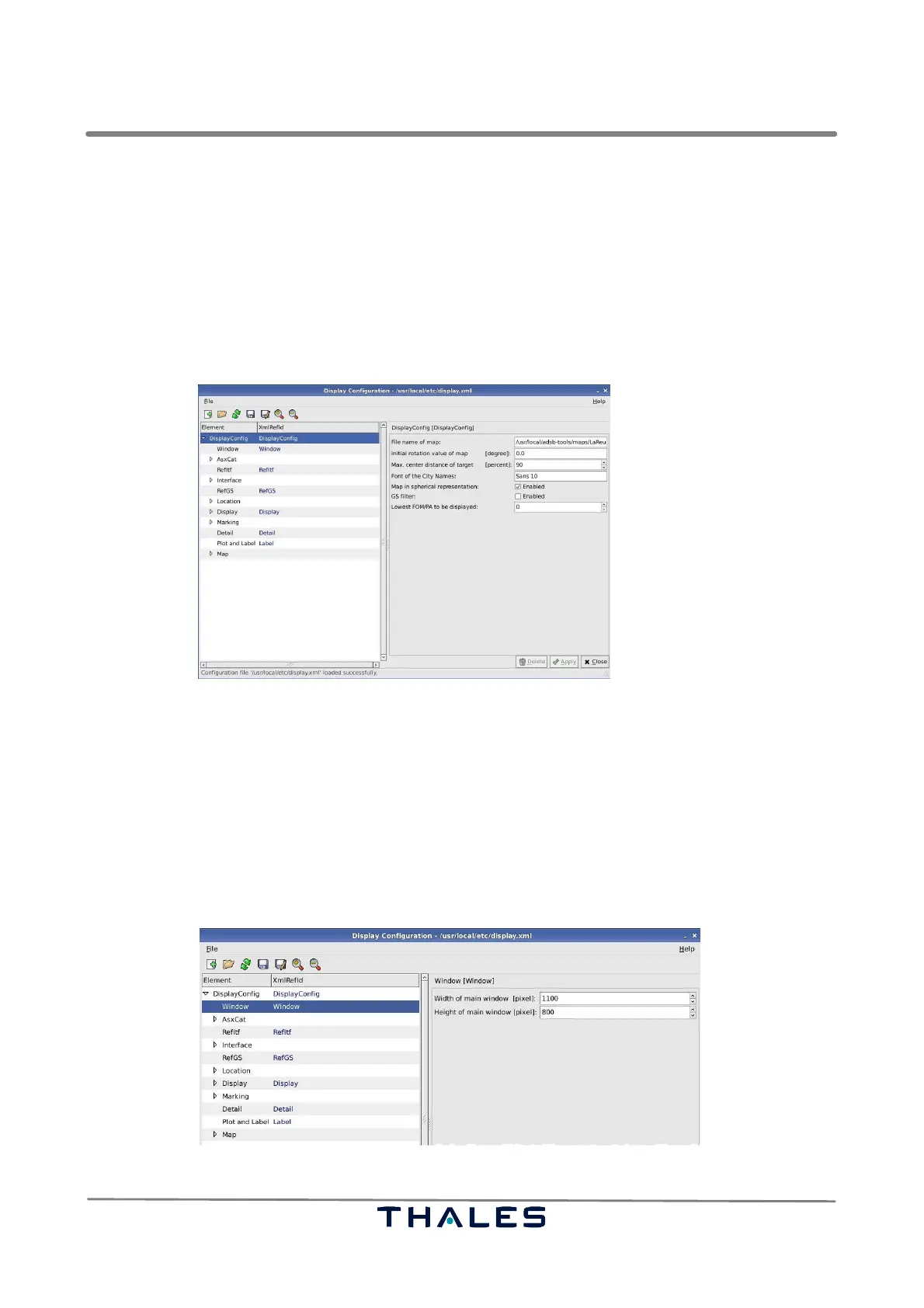
S Map in spherical representation: for ADS−B purposes this parameter has always to be enabled,
because only spherical maps are used. However, it is possible to disable this parameter, if the
loaded map represents cartesian coordinates.
S GS filter: if this parameter is checked, the GS Filter in the Technical Situation Display is available.
If this parameter is not checked, then no filtering on SAC and SIC values is performed, independent
on what is shown in the GS filter panel, refer to section 4.4.2.6.2 , of the Technical Situation Display.
S Lowest FOM/PA to be displayed: represents the lowest allowed (Figure of Merit) position accuracy
of the targets being displayed in the Technical Situation Display. This value is found in the PA filter
panel, refer to section 4.4.2.6.3 .
Fig. 4−66 Parameters DisplayConfig (example)
4.5.7.2 Window Parameters
The parameter panel Window, see Fig. 4−67, contains parameters concerning the initial size of the
main window of the Technical Situation Display:
S Width of main window:
Gives the initial and minimal width in pixels for the Technical Situation Display’s main window.
S Height of main window:
Gives the initial and minimal height in pixels for the Technical Situation Display’s main window.
Fig. 4−67 Parameters Window (example)


 To Next Page
 Loading...