Page | 11
5. Information on the initial start-up
The following instructions apply to the TR top2 as well as to the TR top3 serie.
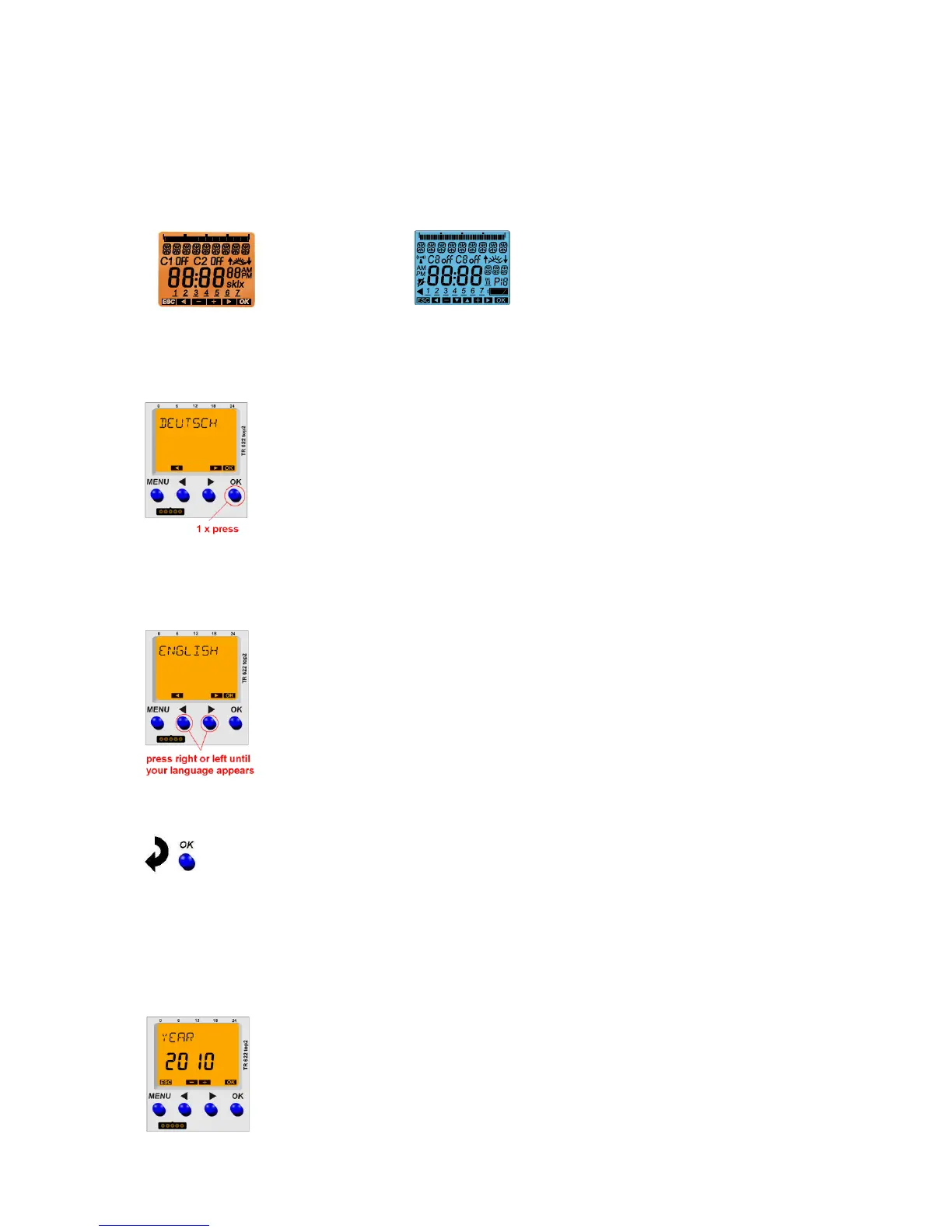
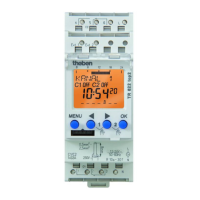
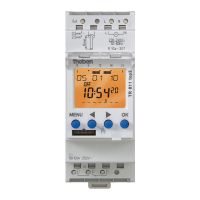
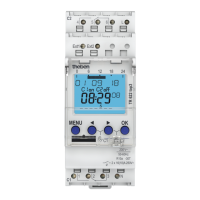
The only aspects in which TR top3 devices differ from TR top2 devices are the display colour and, to a
minimal extent, the display layout:
top2 top3
When the time switch is removed from the packaging all important settings have already been made.
Individual settings can be performed by selecting and confirming.
GERMAN flashes. Confirm by pressing OK.
In the event of wishing to set another language press the arrow buttons until the language in question is
shown on the display. Proceed to confirm this language with the OK push button.
Confirm by pressing OK.
Note: By pressing the ESC push button, i.e. the menu button, it is possible to return to the previous
setting menu.
If the user has, for example, made a mistake and pressed the OK button too quickly, the menu button
enables returning to the previous selection item.
Either confirm with the OK push button or modify the year (flashing) with the arrow
buttons and then confirm by pressing OK.





 To Next Page