Page | 71
Sending projects from the mobile device via e-mail
An existing project file (OT2) can be sent from the app as an e-mail attachment.
This can be done, for example, by opening your standard e-mail program. The project file is inserted
into a new e-mail automatically, which you can then send to any e-mail address.
After that, you can archive the project file on a PC, for instance, or edit it in the OBELISK PC software.
The project file must be saved in the OT2 format specific to Theben for this to work. Theben AG will
provide the OT2 file format specification.
Importing/opening projects from an e-mail attachment
An existing project file (OT2) can be imported into the app from an e-mail attachment and opened there.
The user can, for example, create an existing project file on the PC and send it to the mobile device via
e-mail. Tap and open the project.
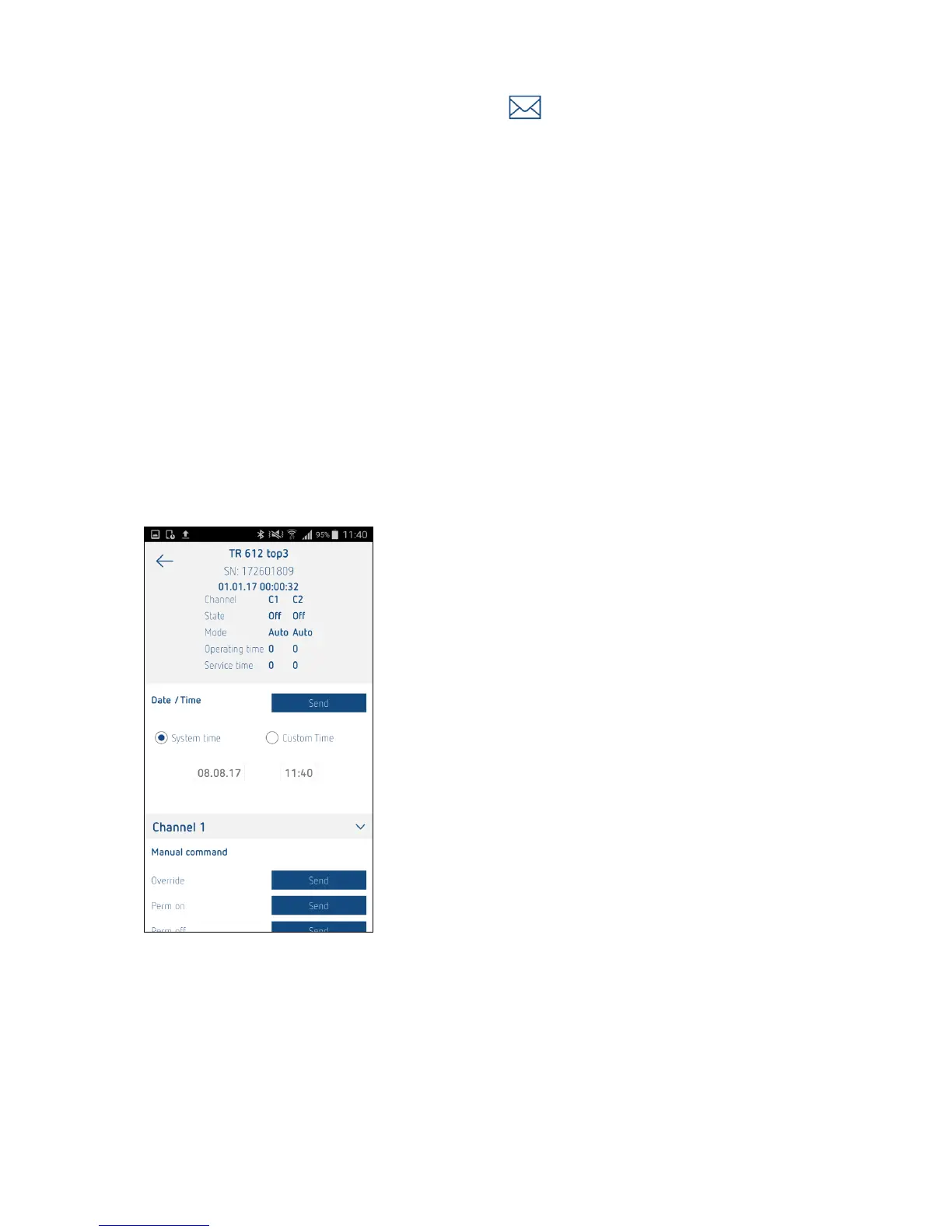
Direct commands
As well as transferring projects, it is also possible to send direct commands to the devices over
Bluetooth.





 To Next Page