Page | 14
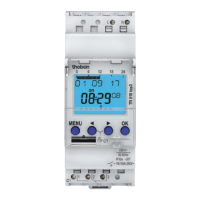
6.2. Segment graph bar display
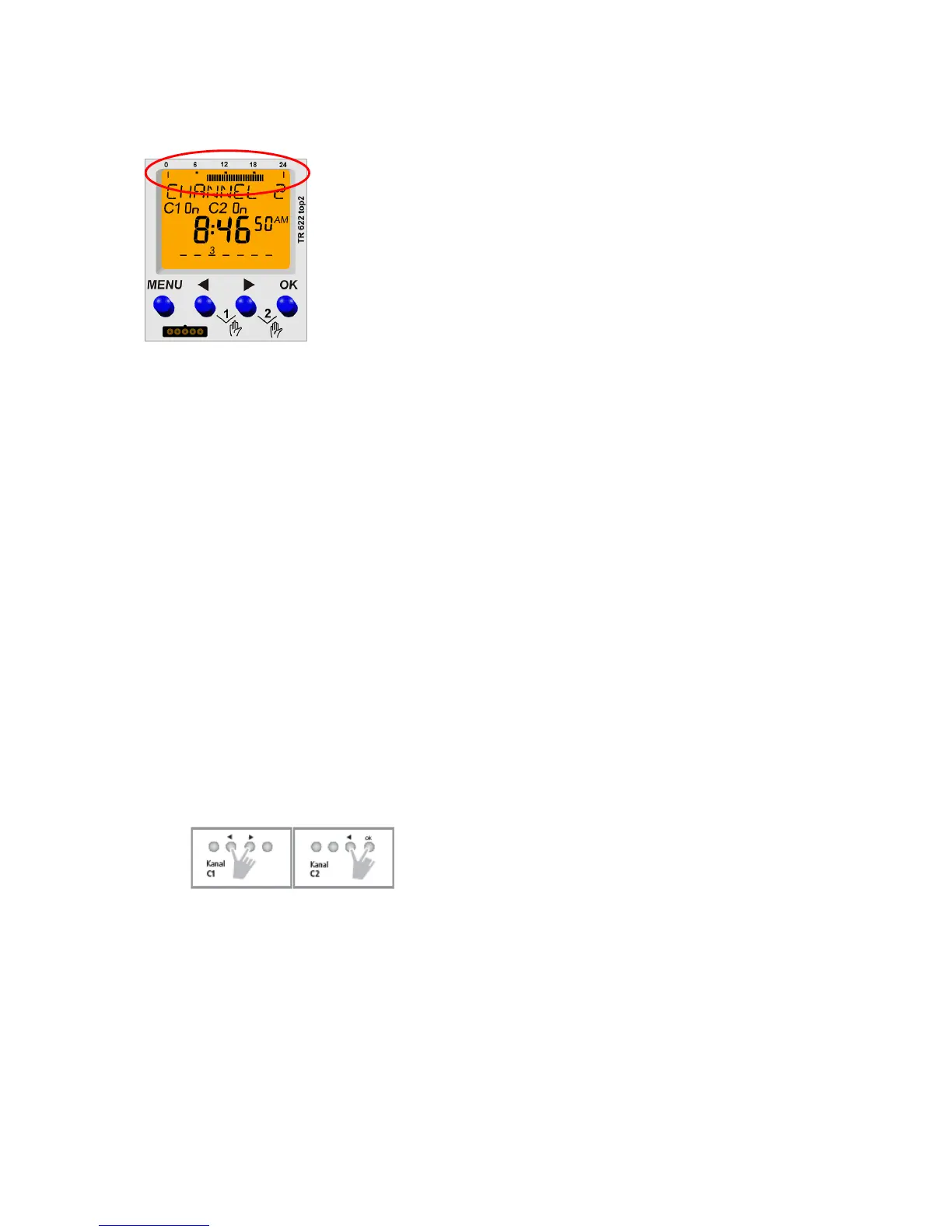
horizontal top
Help lines for 24 hours at 0 and 24 hours
Help points at 6, 12 and 18 hours
48 segment bar graph displays, one line = 30 minutes
Each bar graph display shows the programming for a specific time segment:
o Graph bar display 1: From 00:00:00 hours to 00:29:59 hours
o Graph bar display 2: From 00:30:00 hours to 00:59:59 hours
o ….
o Graph bar display 47: From 23:00:00 hours to 23:29:59 hours
o Graph bar display 48: From 23:30:00 hours to 23:59:59 hours
For switching time and pulse the following is applicable:
o Graph bar ON means that the channel is on for at least 1 second within the time period.
o Graph bar OFF means that the channel is off for the entire period.
The following is applicable for cycle:
o Graph bar ON means that a cycle was programmed within the time period.
o This means that with cycle the actual channel status is not shown however only that a
cycle is active for the period.
The following priorities are also valid for the graph bar display: Cycle has the highest priority,
followed by pulse and then the switching times (switching times have the lowest priority).
6.3. Auto mode and manual / permanent switching
By pressing push buttons ◄ and ► at the same time the manual switching can be activated
(keep both push buttons pressed permanent switching)
Example:
Program: OFF
Press push buttons: Manual ON
Prolonged pressing of push buttons: Permanent ON
Prolonged pressing of push buttons: Permanent OFF
By pressing both buttons again the manual / permanent switching is deleted again.
Manual / permanent switching priorities
o Permanent switching is not deleted by other events.
o Manual switching is deleted again by a program switching command.





 To Next Page