Operation
Instrument Controls Menu
Thermo Fisher Scientific Model 49i Primary Standard Instruction Manual 3-49
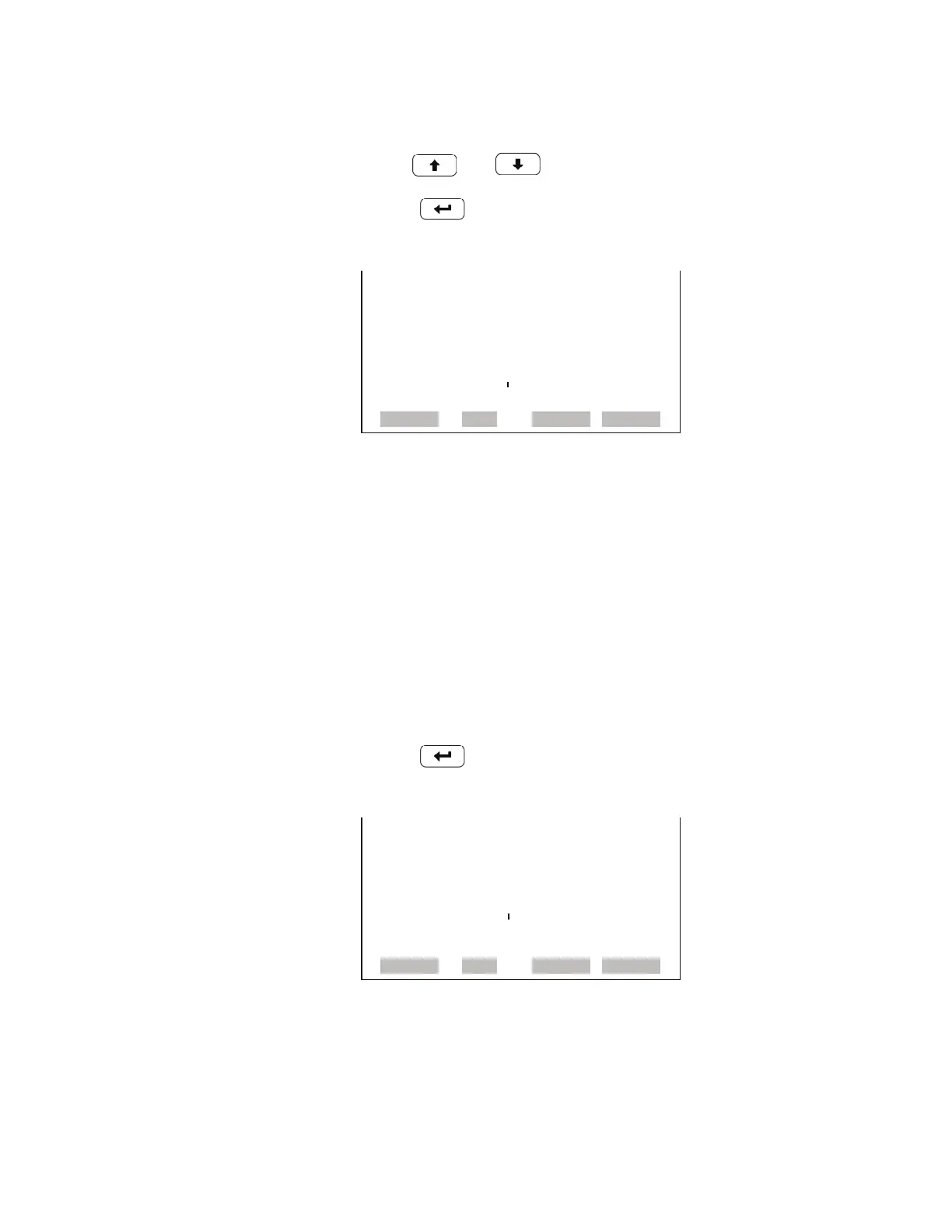
• In the Main Menu, choose Instrument Controls > Screen Contrast.
• Use and to increment or decrement the screen contrast.
•Press to accept a change.
Service Mode The Service Mode screen is used to turn the service mode on or off. The
service mode locks out any remote actions and includes parameters and
functions that are useful when making adjustments or diagnosing the
Model 49i Primary Standard. For more information about the service
mode, see “Service Menu” later in this chapter.
Note The service mode should be turned off when finished, as it prevents
remote operation.
• In the Main Menu, choose Instrument Controls > Service Mode.
•Press to toggle and set the service mode on or off.
Date/Time The Date/Time screen allows the user to view and change the system date
and time (24-hour format). The internal clock is powered by its own battery
when instrument power is off.
SCREEN CONTRAST:
CURRENTLY: 50 %
SET TO: 60 % ?
©ª CHANGE VALUE
SAVE VALUE
RANGE AVG DIAGS ALARM
SERVICE MODE:
CURRENTLY: OFF
SET TO: ON ?
TOGGLE VALUE
RANGE AVG DIAGS ALARM










 To Next Page