Operation
Diagnostics Menu
3-50 Model 49i Primary Standard Instruction Manual Thermo Fisher Scientific
• In the Main Menu, choose Instrument Controls > Date/Time.
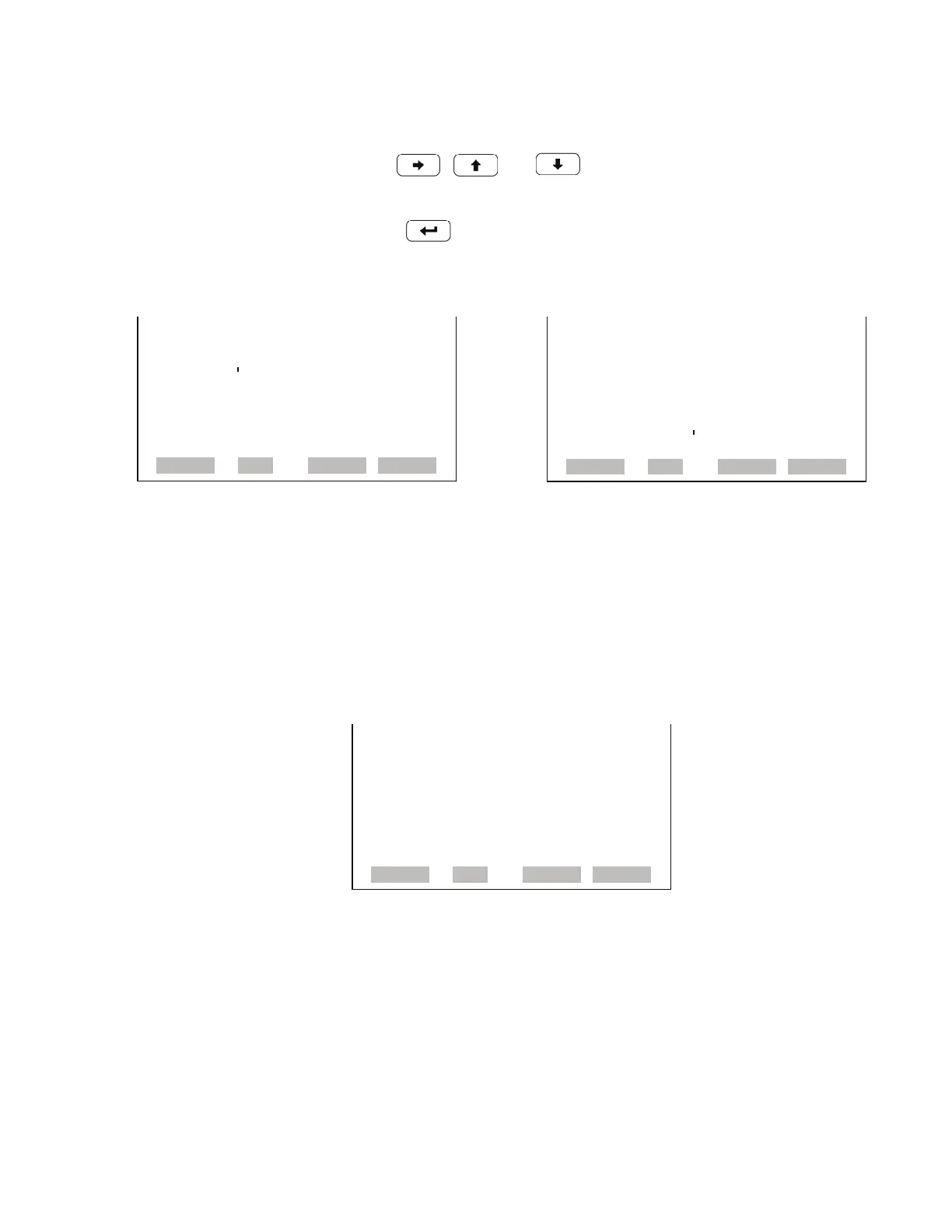
• Use , and to move and change the value of the date
and time.
•Press to edit and save the new date and time.
Diagnostics Menu The Diagnostics menu provides access to diagnostic information and
functions. This menu is useful when troubleshooting the instrument. The
analog input readings and analog input voltages are only displayed if the I/O
expansion board option is installed.
• In the Main Menu, choose Diagnostics.
DATE AND TIME:
19 MAR 2005 12:34:56 DATE AND TIME:
PRESS
TO EDIT
19 MAR 2005 12:34:56 ?
SETTING: DAYS
¨ SET MONTHS
©ª CHANGE VALUE
SAVE VALUE
RANGE AVG DIAGS ALARM
RANGE AVG DIAGS ALARM
DIAGNOSTICS:
>PROGRAM VERSION
VOLTAGES
TEMPERATURES
PRESSURE
FLOWS
CELL A/B O3
INTENSITIES
ª
RANGE AVG DIAGS ALARM
ANALOG INPUT READINGS
ANALOG INPUT VOLTAGES
DIGITAL INPUTS
RELAY STATES
TEST ANALOG OUTPUTS
INSTRUMENT CONFIGURATION
CONTACT INFORMATION



 To Next Page