REVUE THOMMEN AG
CH-4437 Waldenburg
AD20 Standby Altimeter
Page 31 of 72
07-Sep-2009 Document No: AD-INSOP-800 Revision: 1.6
The ‘Bar-Graph’ displays the current battery charge in 20% steps while the lower number shows the
charge in %. The aircraft should not start before a minimum charge of 20 % is available.
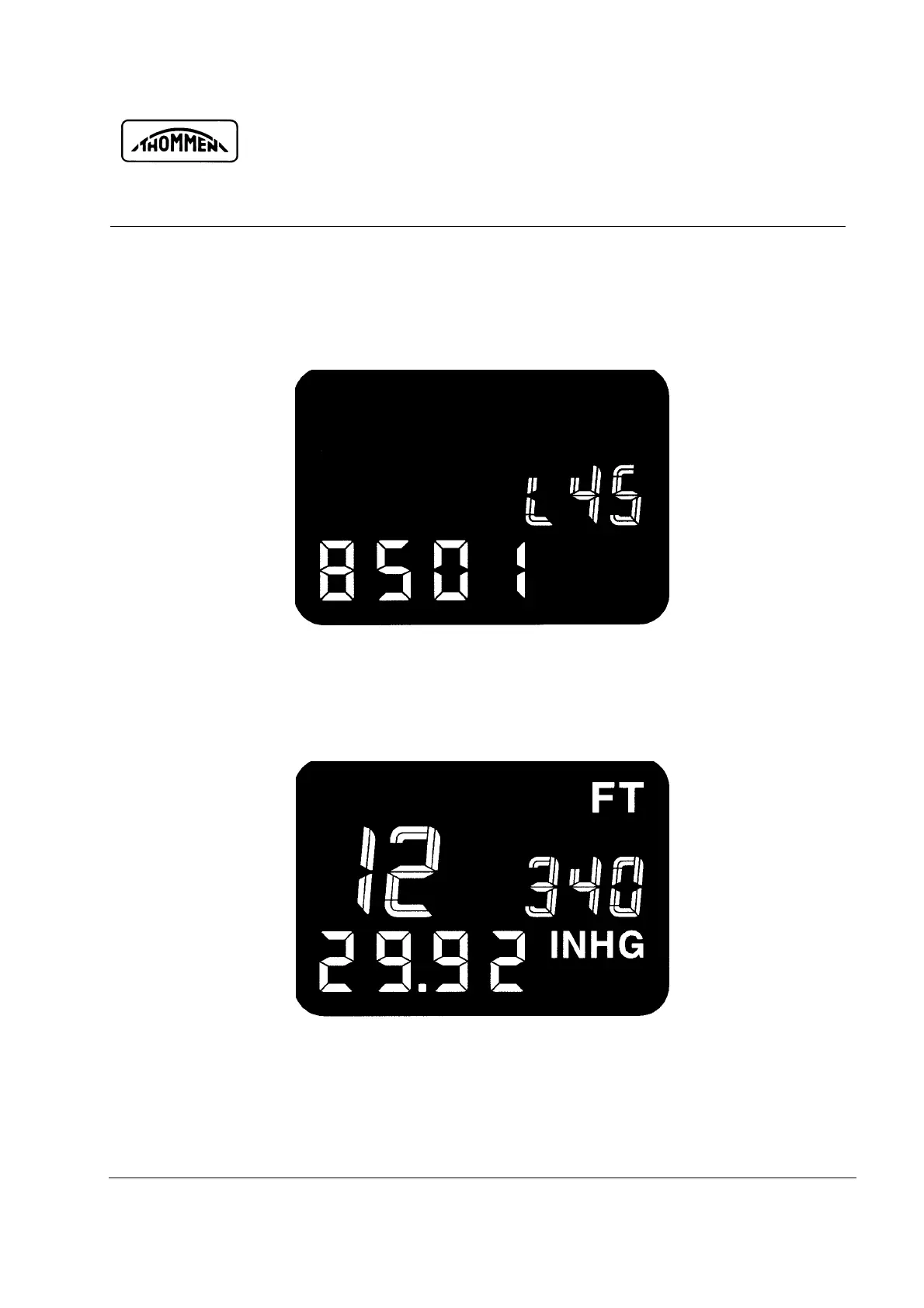
2.4.1.3 Display Config ID and A/C type
Fig. 2-5 Display Config ID and A/C type
The selected A/C type is displayed on the upper line (e.g. L45, also refer to 4.1.6.2.3 on page 56),
the config ID (e.g. 8501) on the lower line.
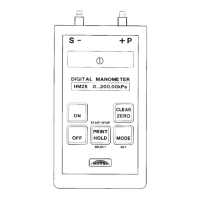
2.4.1.4 Display current altitude and baro setting
Fig. 2-6 Display current altitude and baro setting


 To Next Page