EasyManua.ls Logo

THOMPSON PUMP J1939 - Control Panel Analog and Digital Inputs

THOMPSON PUMP J1939
51 pages
Print Icon
To Next Page IconTo Next Page
To Previous Page IconTo Previous Page
Loading...
- 23 -
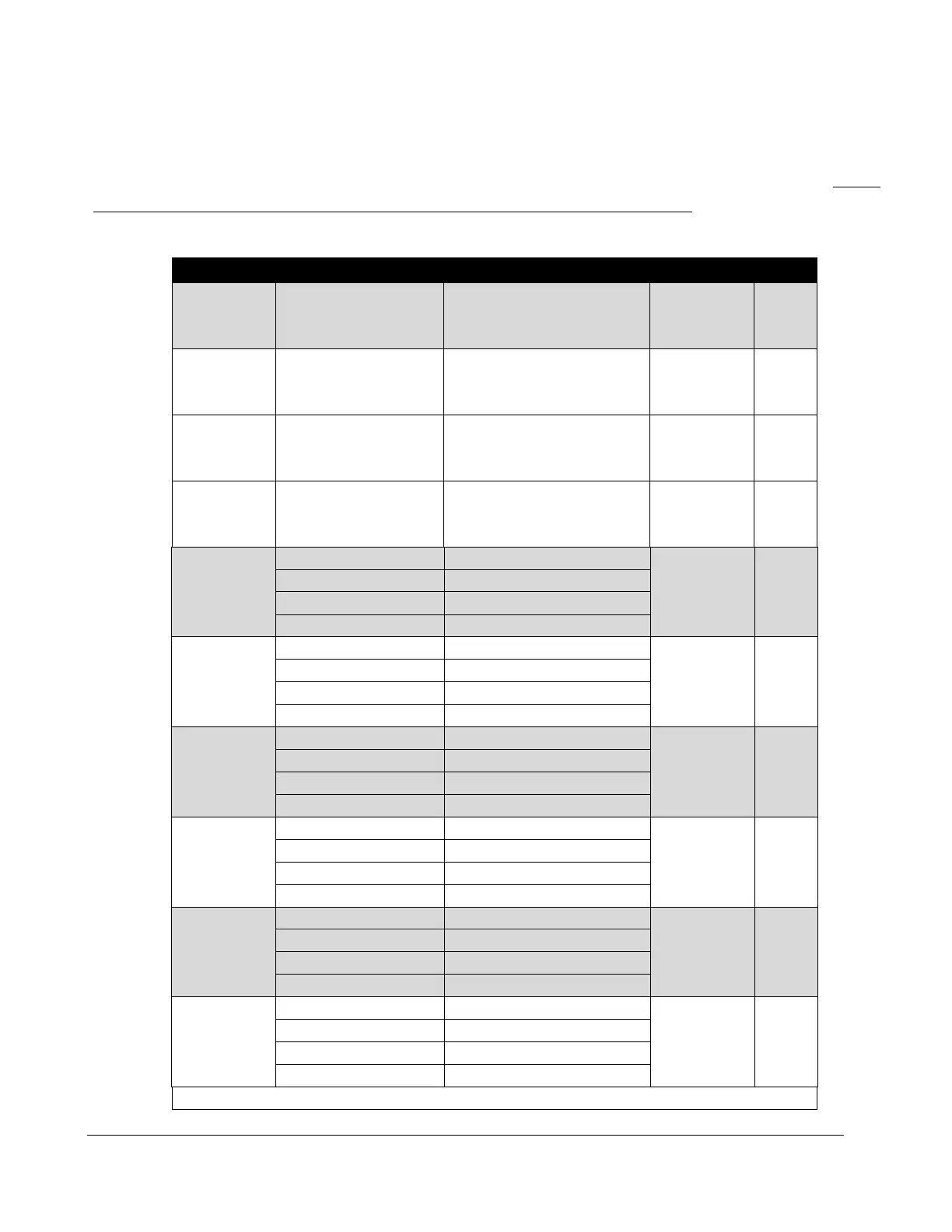
CONTROL PANEL ANALOG AND DIGITAL INPUTS
The panel provides the analog and digital inputs defined below located in the Input Configuration
menu. The panel is shipped from the factory with the highlighted inputs enabled in the panel. Inputs
not highlighted need to be enabled/configured in the menu system to be used.
Input
Options
Default Setting
Connector
Pin
Analog 1
Pre Set
Fuel Level
31 Pin
Accessory
Connector
25
Analog 2
Application
Transducer Input
Level
4 Pin
Level
Connector
1
Analog 3
Pre Set
Discharge Pressure
4-Pin
Pressure
Connector
1
Analog 4
Pre Set
Suction Pressure
4-Pin
Suction
Connector
1
Digital 1
Open/Closed
Open
4 Pin
Float
Connector
1
Function
Remote Start/ High Float
Message
None
Check
Always
Digital 2
Open/Closed
Open
4 Pin
Float
Connector
2
Function
Low Float
Message
None
Check
Off
Digital 3
Open/Closed
Open
31 Pin
Accessory
Connector
18
Function
Alarm
Message
None
Check
Off
Digital 4
Open/Closed
Open
31 Pin
Accessory
Connector
19
Function
Auto Start Inhibit
Message
None
Check
Off
Digital 5
Open/Closed
Open
31 Pin
Accessory
Connector
20
Function
Pre Alarm
Message
None
Check
Off
Digital 6
Open/Closed
Open
31 Pin
Accessory
Connector
21
Function
None
Message
None
Check
Off
Digitals 7,8 and 9 Available

Related product manuals