- 42 -
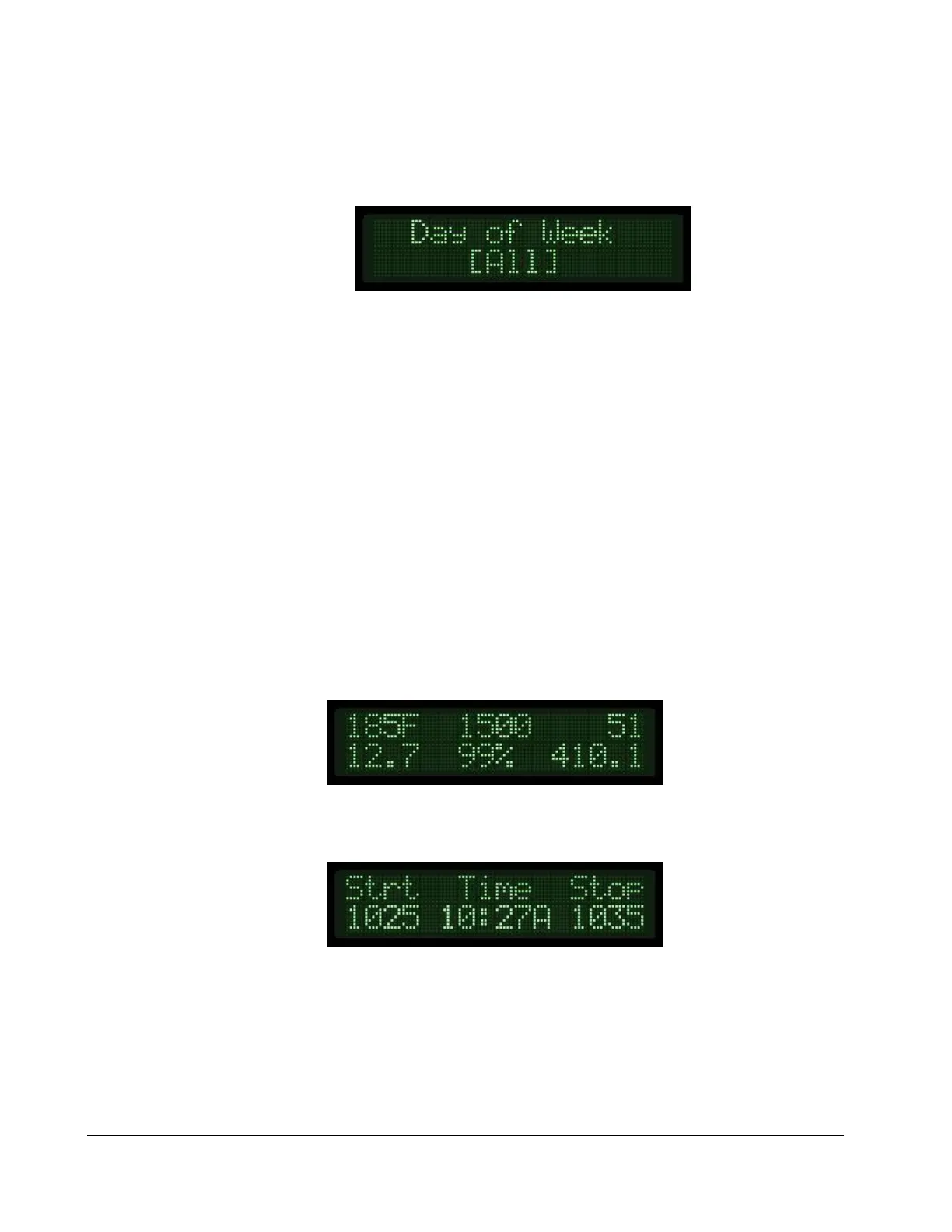
6) Press the up arrow key to see and/or change the Day of Week the event will run. You can
select, [Off], [All], [Alternate], or an individual day (ie [Mon], [Tue], etc.). To change the
selection, press the Enter key, use the up or down arrows to set, and press the Enter key again
to save.
7) To set up the next event, press the Down arrow key until you reach the Scheduled Event
screen. Change the event number to the next number and then program the corresponding
start time, stop time and day of week options.
RUNNING ON THE WEEKLY SCHEDULER
When the module is placed in the Auto mode, and the day and time matches a scheduled
engine run event, the module will auto start the engine and run for the programmed period. While
the engine is running, the display will alternate between the typical engine vitals screen and the event
screen, allowing the operator to understand when the engine started, the current time and when the
engine will be stopped.
TYPICAL RUN SCREEN
SCHEDULED RUN SCREEN


 To Next Page