- 40 -
DISPLAYING DATE AND TIME IN AUTO MODE
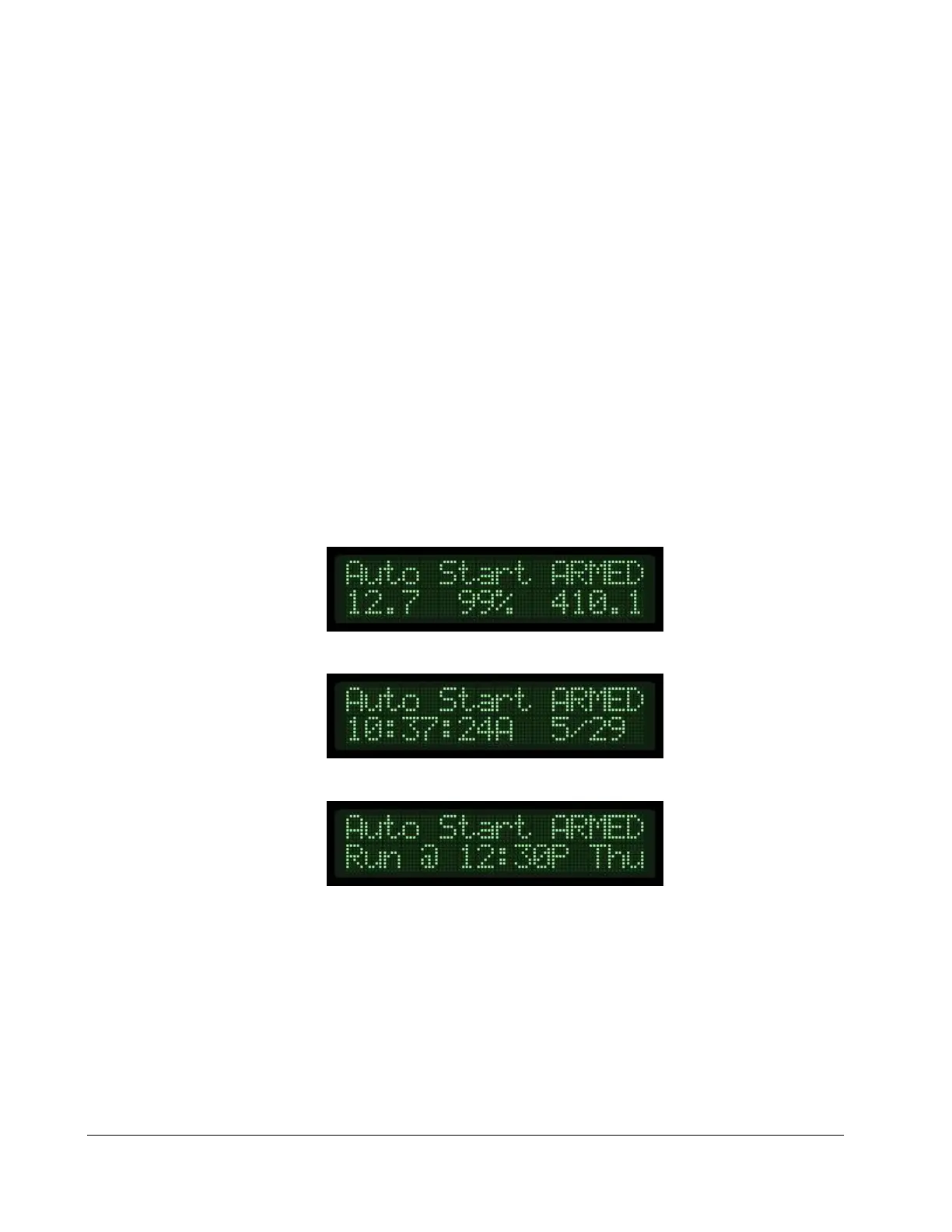
When the module is placed in the Auto mode, the day and time will be displayed on the lower
line of the Auto Start Armed screen, alternating with the traditional Battery, Fuel Level and Engine
Hours display. If a scheduled event is programmed, the display will also alternate to show the next
scheduled event. The Auto Start Armed mode will eventually power down to a low power mode,
turning the display off entirely. Pressing any key will manually wake the unit up.
AUTO START ARMED SCREEN
CURRENT DATE AND TIME SCREEN
NEXT RUN EVENT SCREEN


 To Next Page