E-DOC-CTC-20090507-0002 v1.0
44
6 Thomson Gateway
GUI
Configure
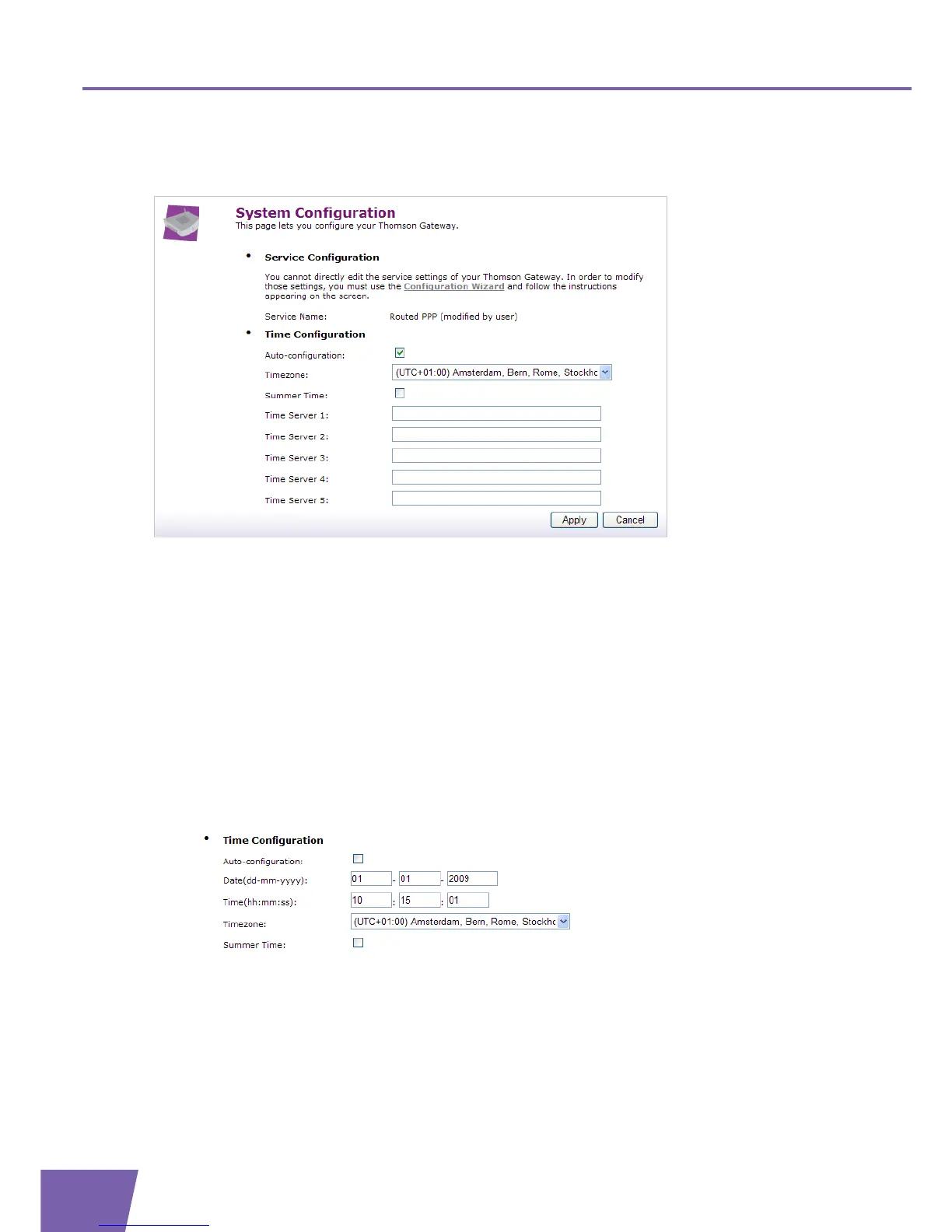
The System Configuration Configure page allows you to change your current configuration.
This page consists of the following sections:
Service Configuration:
Click Configuration Wizard to edit the service settings of your Thomson Gateway. The Easy Setup wizard
will be launched. For more information, see ” Setting up your Thomson Gateway” on page 45
Time Configuration:
Select Auto-configuration if you want the Thomson Gateway to use a dedicated Network Time
Protocol (NTP) Server to synchronize its clock to. The following settings can be configured:
Timezone:
Choose your geographical timezone.
Summer Time:
Enable/disable time adjustment in regions where daylight saving is applicable.
Time Server 1..5:
Dedicated time server(s) for the Thomson Gateway to synchronize with.
Clear Auto-configuration to configure the Thomson Gateway time settings manually.
The following settings can be configured:
Date (dd-mm-yyyy):
Current date
Time (hh:mm:ss):
Current time
Timezone:
Geographical timezone



 To Next Page