E-DOC-CTC-20090507-0002 v1.0
45
6 Thomson Gateway GUI
Summer Time:
Enable/disable time adjustment in regions where applicable
Click Apply to apply and save your settings.
Setting up your Thomson Gateway
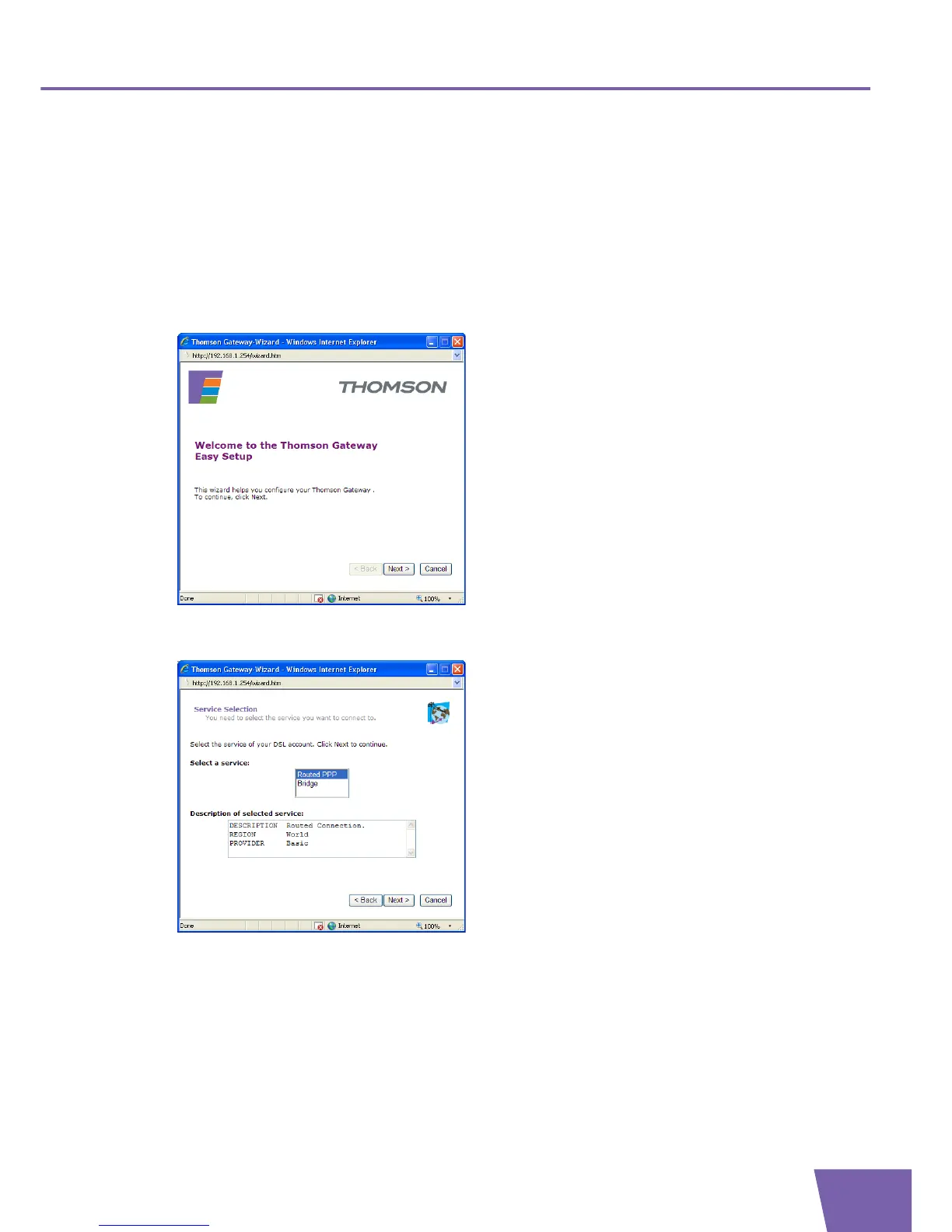
The Easy Setup wizard helps you to configure your Thomson Gateway Internet connection.
Proceed as follows:
1 In the Pick a task list, click Set up. The embedded Easy Setup wizard appears:
2 Click Next.
3 The following window invites you to select the appropriate service for your Internet connection:
In the Select a service list, select the service specifiied by your Serivce Provider and click Next to
continue.
4 Subsequent screens will guide you through the configuration setup of your Thomson Gateway. Follow
the instructions and enter the required information whenever needed. The requested information will
depend on the selected Service profile and should be provided by your Service Provider.
Click Next whenever requested.



 To Next Page