E-DOC-CTC-20090507-0002 v1.0
54
6 Thomson Gateway
GUI
Details
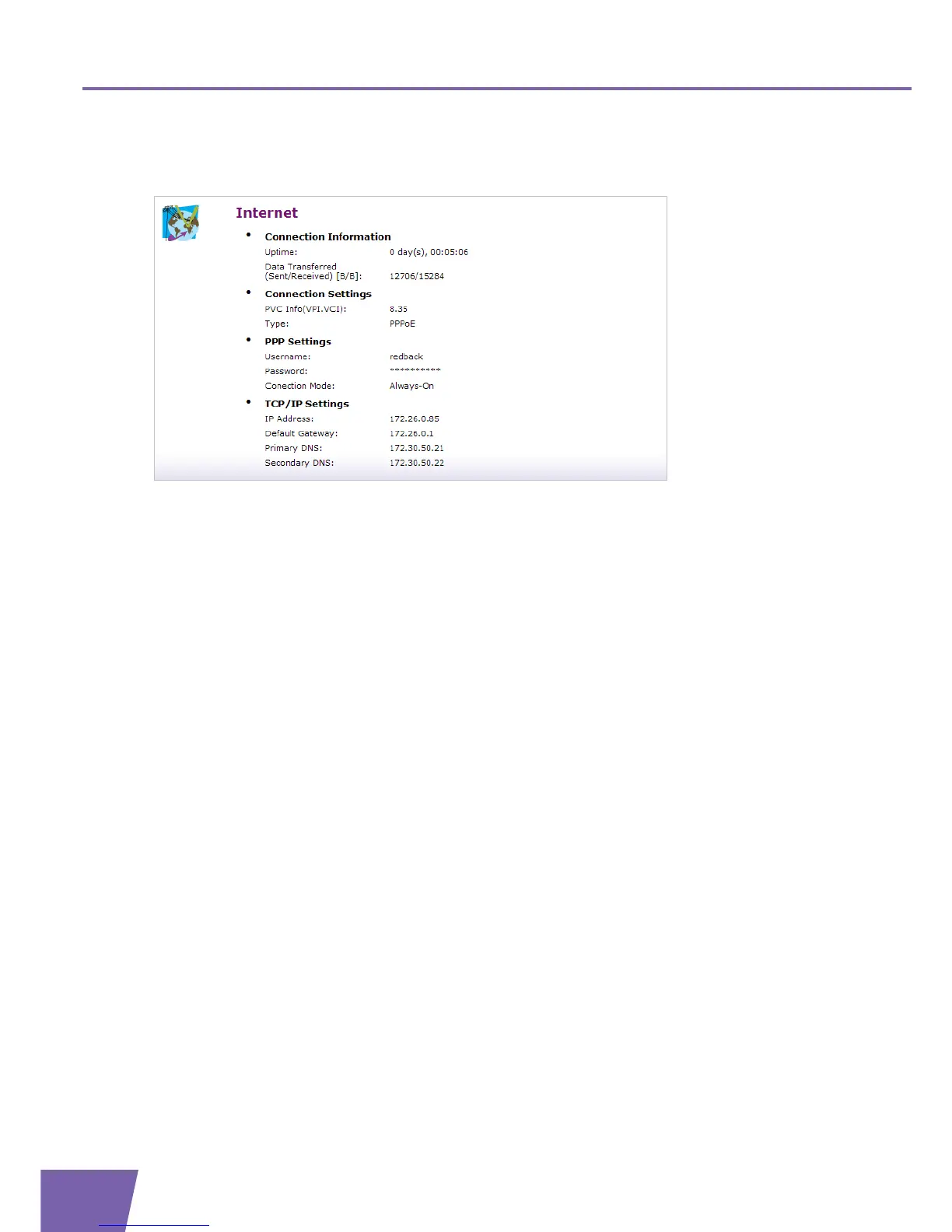
The Internet Service Settings Details page displays all information of this Internet service:
In addition to the information shown on the Overview page, the following fields are added:
Connection Settings:
PVC Info (VPI.VCI)
Type, either be “Bridge”, “PPPoE”, “PPPoA” and etc.
PPP Settings (only applicable for PPP connections):
Username and Password:
Displays the username and password of your Internet account.
Connection Mode:
Displays the PPP connection model, either be “Always-On”, “On-Demand” or “Manual”.
Connecting or disconnecting
If you configured a dial-up connection, you can establish/terminate the connection by clicking the Connect/
Disconnect button.



 To Next Page