E-DOC-CTC-20090507-0002 v1.0
55
6 Thomson Gateway GUI
Checking connectivity to the Internet
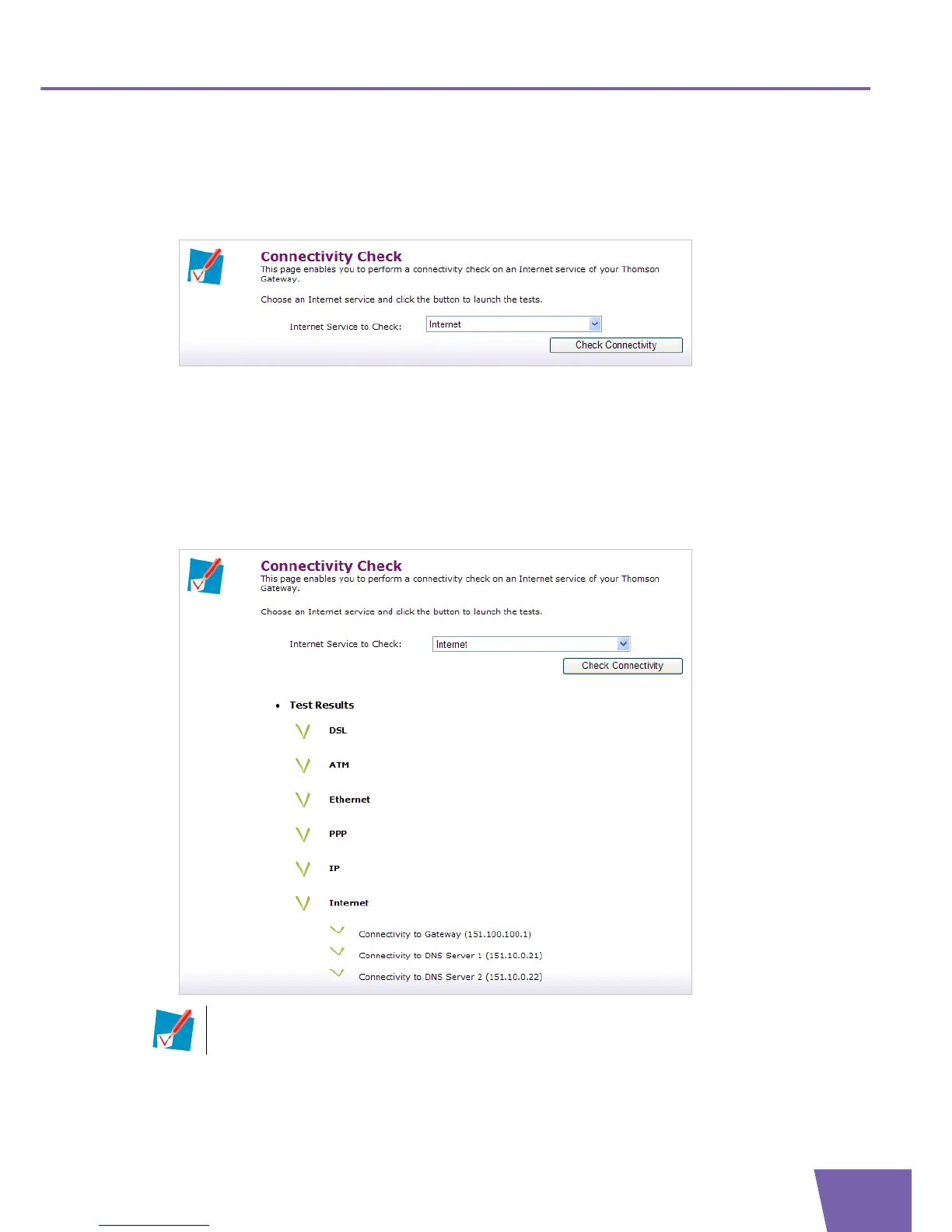
On the Connectivity Check page, you can check if your Internet connection is working correctly.
Proceed as follows:
1 In the Pick a task list, click Check connectivity to the Internet.
2 In the Internet Service to Check list, click the Internet service that you want to check (default setting =
Internet).
3 Click Check Connectivity. The following items are checked if applicable:
DSL line
ATM interface
Ethernet interface
PPP connectivity
4 The Thomson Gateway lists the test results.
If a test is successful, you will get a green check mark. If a test fails you will get a red cross.



 To Next Page