E-DOC-CTC-20071119-0003 v1.0
37
3| Firmware Upgrade and Configuration Update
3.1.3 Dual Memory Bank Firmware Upgrade
Introduction
Some Thomson Gateway business RTEMS devices have a dual memory bank (Flash).
Description
First, the CPE receives a Download RPC from the ACS. If the FileType argument is set to “1 Firmware Upgrade
Image”, a firmware upgrade is started.
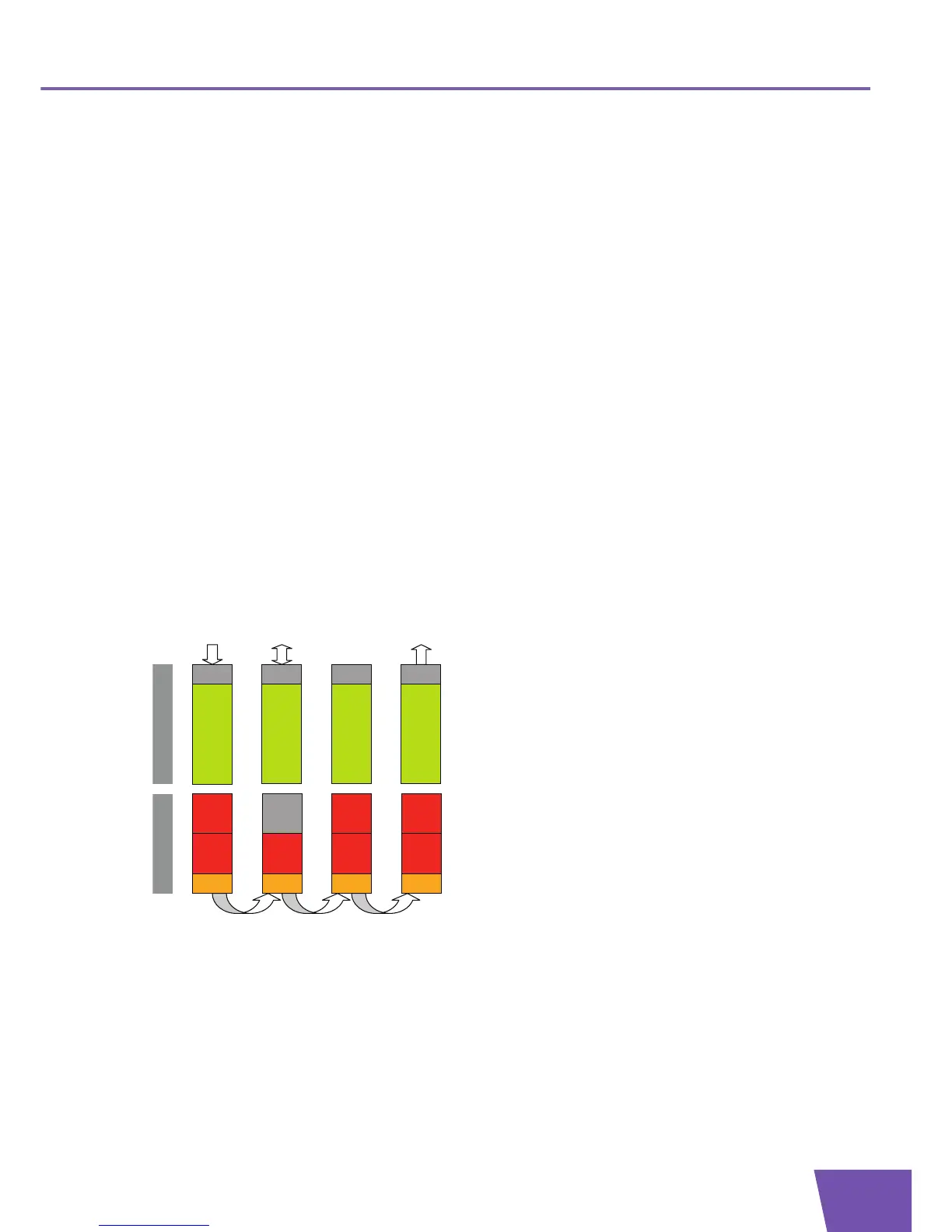
A dual memory bank firmware upgrade process includes following steps:
1 The “passive” firmware image in Flash is deleted.
2 The new firmware image is downloaded and written to Flash.
3 A switch-over is performed: the new firmware image is now the “active” image and the old firmware
image becomes the “passive” image.
4 A reboot is initiated to load and run the new firmware.
Finally, the completion (success or failures) of the firmware upgrade is indicated to the ACS
(TransferComplete RPC).
Firmware upgrade flow
The different steps of the firmware upgrade process are depicted in following illustration:
Firmware 1
Flash
SDRAM
BL
Img 1
BL
Firmware 1
Firmware 1
BL
Firmware 3
BL
Erase passive
image in Flash
Download &
Flash
image
Switch-over &
Reboot
Upgrade
Command
Upgrade
Complete
Download
Image
Img 2
Img 1
Img 1
Img 3
Img 1 Img 3



 To Next Page