E-DOC-CTC-20071119-0003 v1.0
59
5| WAN Connections
5 WAN Connections
Introduction
The IGD data model on the Thomson Gateway contains the object
“InternetGatewayDevice.WANDevice.1.WANConnectionDevice.”.
This object can be used to create a:
PPPoE connection
PPPoA connection
IP connection with static IP address
IP connection with DHCP
IPoA connection
The IGD data model on the Thomson Gateway contains the object
“InternetGatewayDevice.Layer3Forwarding.Forwarding.”. This object can be used to create forwarding
entries.
Message flow
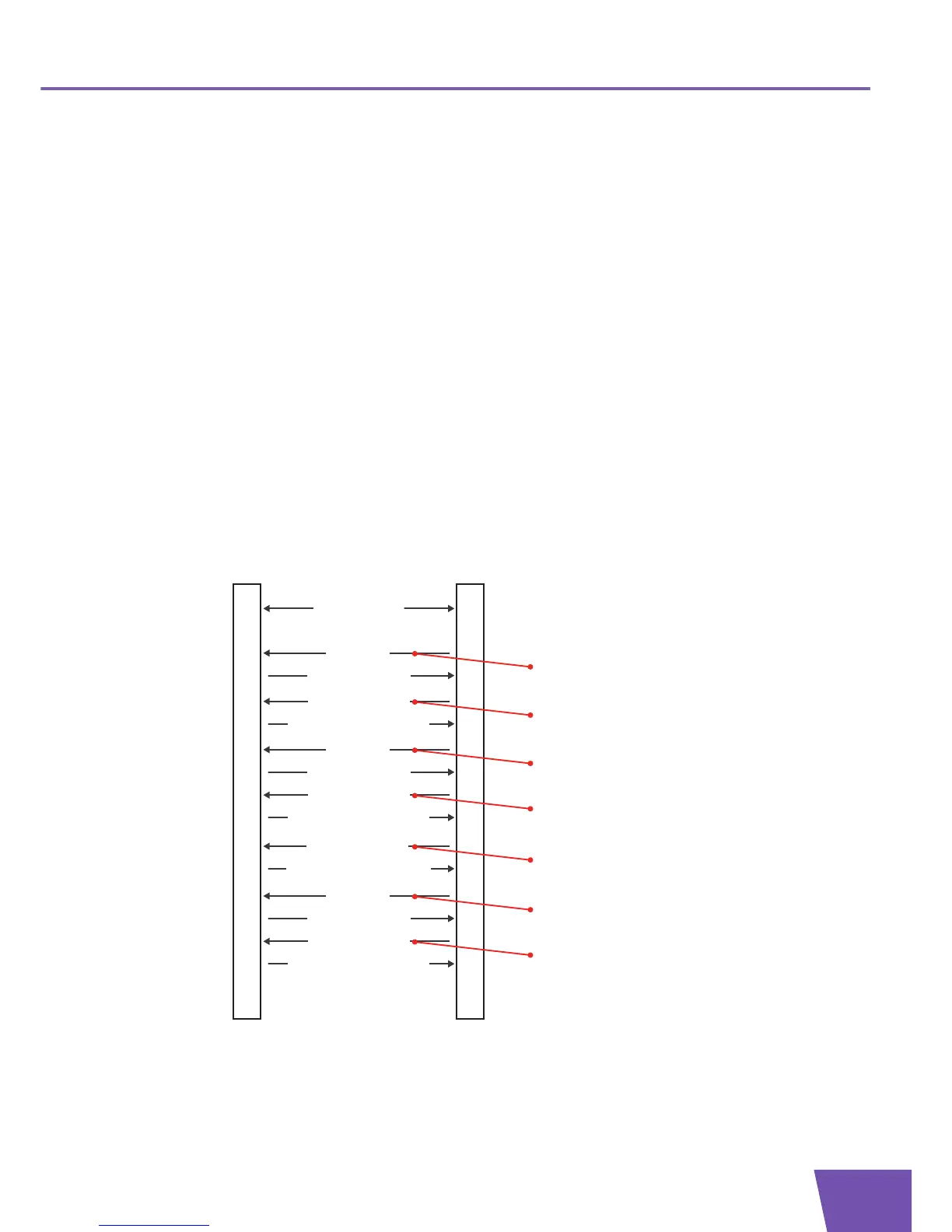
Following illustration shows a possible message flow for the creation and configuration of a WAN
connection:
ACSCPE
Transaction session
5) Apply changes
Configure the WAN Connection Device
4) SetParameterValues
6) SetParameterValuesResponse
...
11) Apply changes
Configure the WANPPPConnection or WANIPConnection
10) SetParameterValues
12) SetParameterValuesResponse
Create a WAN Connection Device
1) AddObject
3) AddObjectResponse
2) Apply changes
Obtain Connection Information and
Forwarding Entries
13) GetParameterValues
14) GetParameterValuesResponse
...
Create a WANPPPConnection or WANIPConnection
7) AddObject
9) AddObjectResponse
8) Apply changes
19) Apply changes
Configure the Forwarding Entry
18) SetParameterValues
20) SetParameterValuesResponse
Create a Forwarding Entry
15) AddObject
17) AddObjectResponse
16) Apply changes



 To Next Page