Appendix A – UL 1741 PCS CRD Section 208 Information – Time of Use
EI Residential Solar Solution US Installation Manual | www.tigoenergy.com | Help Center 69
The Tigo PCS supports the following operational modes:
• Time of Use
• Self-Consumption
• Backup
• Zero Export
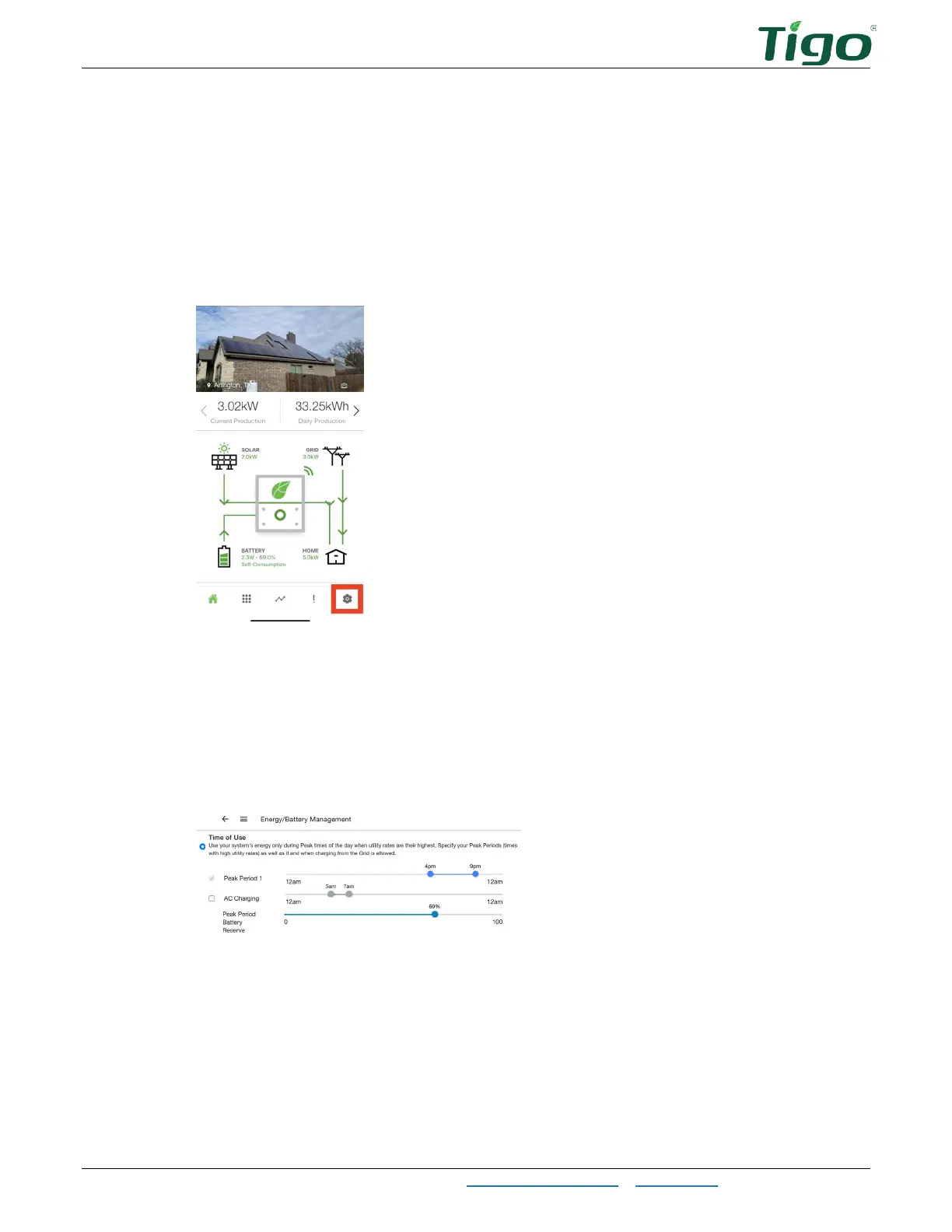
To set a mode and adjust settings:
1. Open the Tigo Energy Intelligence mobile app.
2. Tap the Settings icon.
Time of Use
This mode controls when the grid may be used to charge the battery.
To configure
Time of Use
settings:
1. Select
Energy/Battery Management > System Behavior > Time of Use
.
2. Adjust the sliders to set when utility rates are highest, when the battery can be charged
from the grid, and a desired battery reserve during peak periods (how much energy to
save in case of grid failure).



 To Next Page