The EI Battery – Status Indicators
EI Residential Solar Solution US Installation Manual | www.tigoenergy.com | Help Center 45
Status Indicators
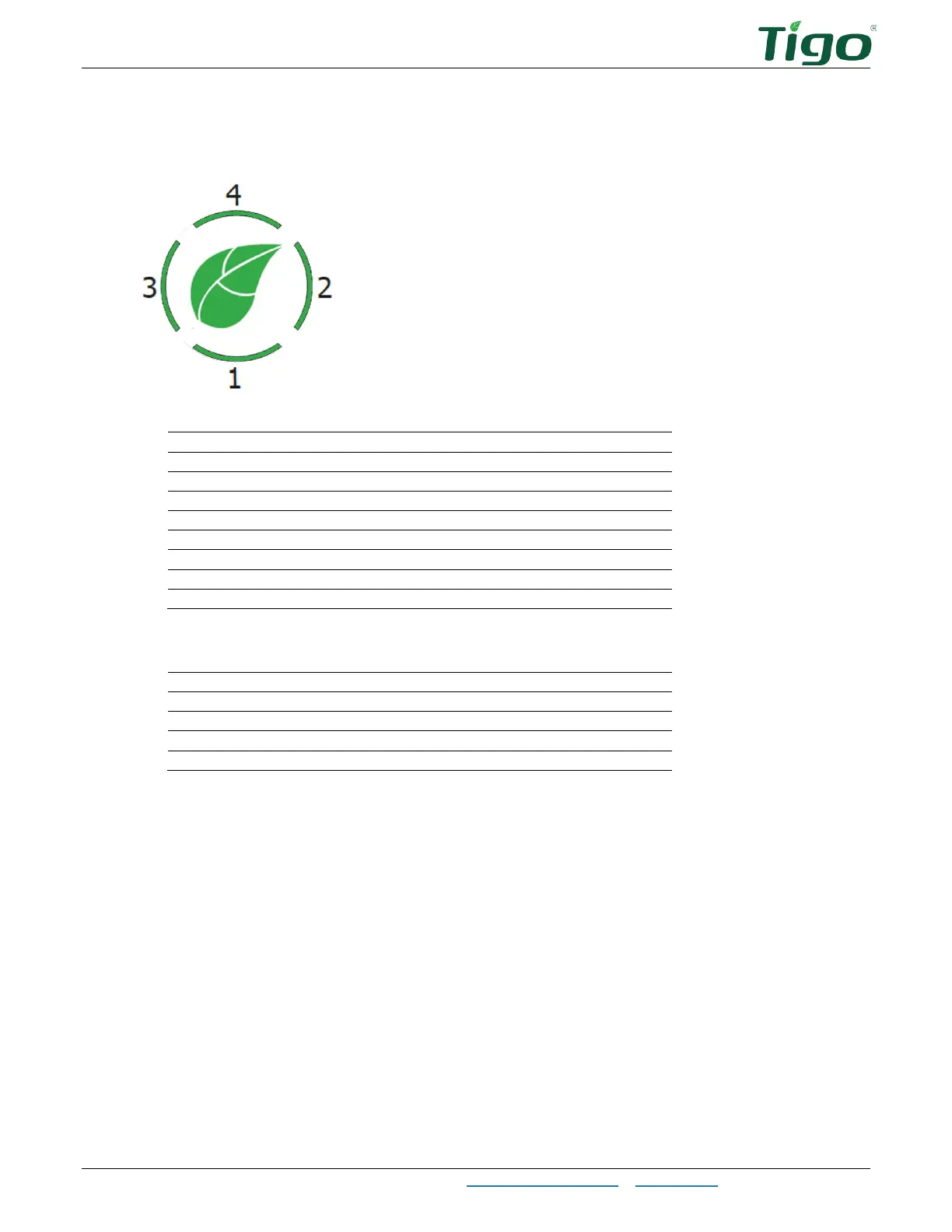
The green leaf and encircling four bars indicate the battery operating condition.
The leaf indicates battery status:
Flashing green (.5s on/2s off)
Flashing green (.5s on/.5s off, .5s on/2s off)
Flashing red (1s on/1s off)
Flashing yellow (1s on/1s off)
Flashing green (.1s on/.1s off)
Flashing red (.1s on/.1s off)
LEDs indicate battery charge:
≤25% – 1 flashes; 2, 3, 4 off
≤50% – 1 on, 2 flashes; 3, 4 off
≤75% – 1, 2 on, 3 flashes; 4 off
≥75% – 1, 2, 3 on; 4 flashes



 To Next Page