TAP and TS4 MLPE – Install TS4 MLPE
EI Residential Solar Solution US Installation Manual | www.tigoenergy.com | Help Center 50
Install TS4 MLPE
To install TS4 devices and map them for the Tigo Energy Intelligence app:
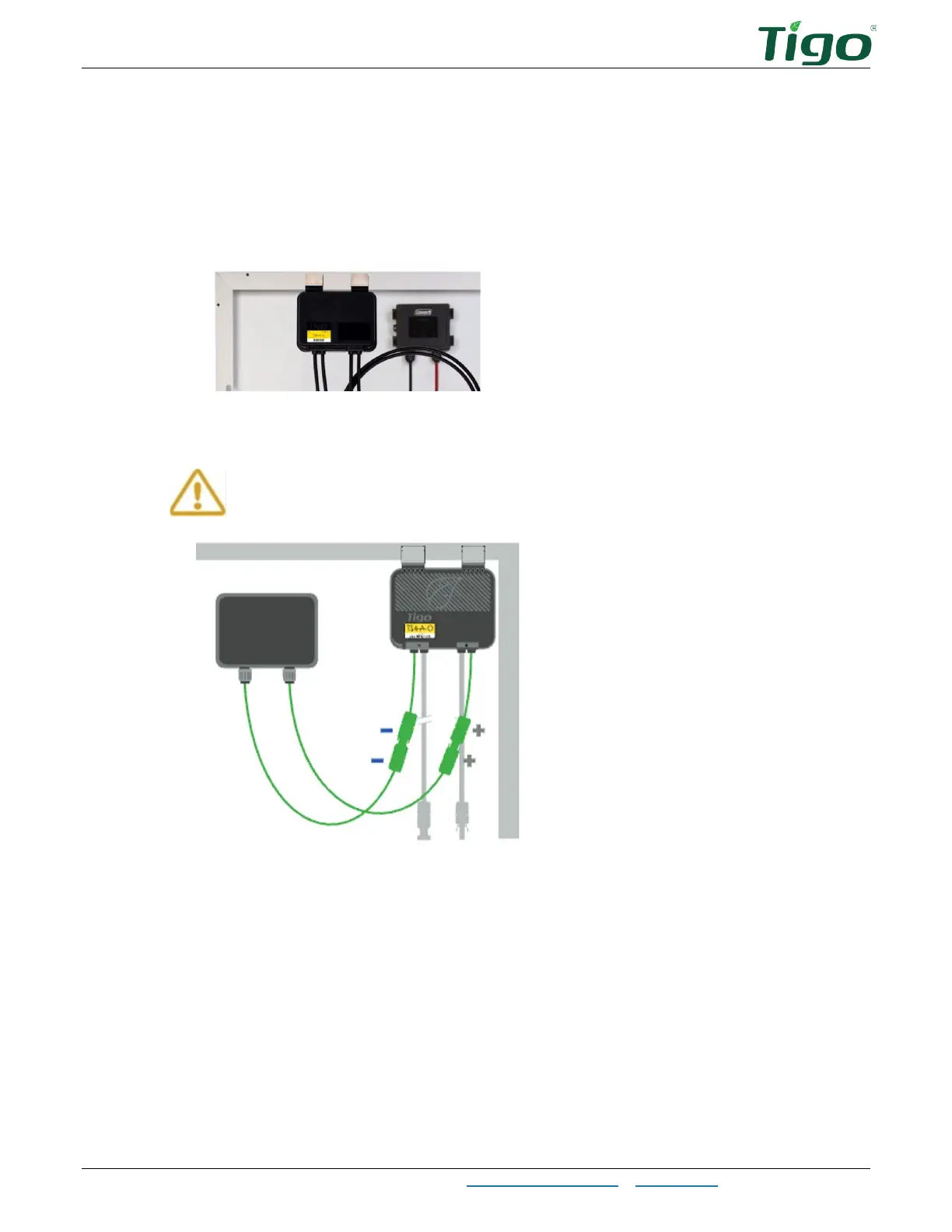
1. Attach a TS4 device to a PV module frame using the silver clips. If using frameless
modules, remove the clips and bolt the TS4 directly to the PV rail with M8 bolts. No
additional earthing is required.
If frame thickness ≤35mm (1.4in), install the module with the TS4 label facing the PV
module.
You must connect the shorter TS4 input leads to the PV modules first. Failure to
do so can damage the TS4 unit.



 To Next Page