Playing back and deleting incoming messages
22
Playing back and deleting incoming messages
Playing back new incoming messages
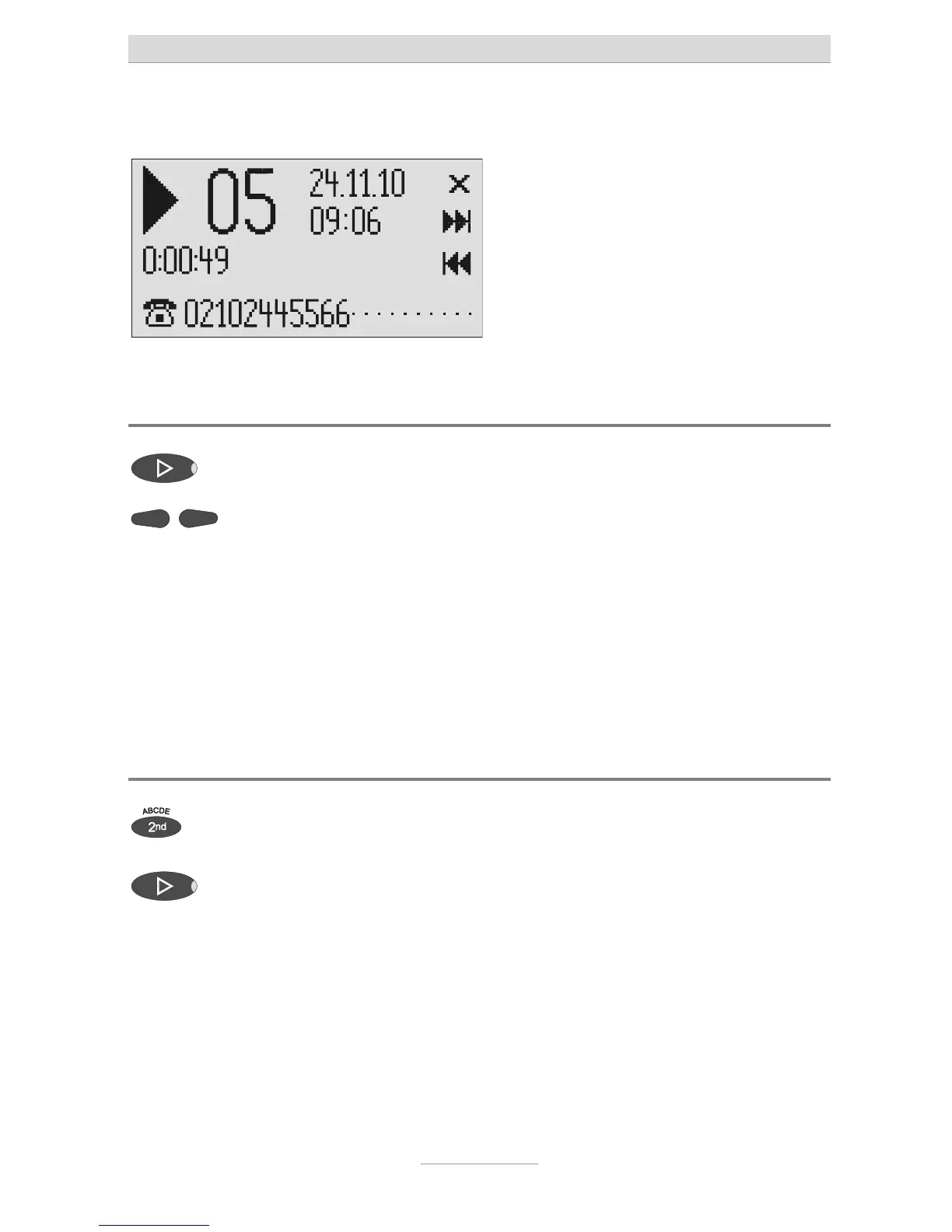
Press playback. Starts playback of unheard incoming
messages. The current number, remain-
ing playback time and date and time of
he caller's telephone number is trans-
ferred during a call then this is also dis-
played. If the telephone number matches
one from the telephone book, the caller's
name is displayed.
The volume can be set using the
control buttons (left/right).
The LED in the playback button flashes if you have new, unread messages.
Playing back all incoming messages
Press secondary function The secondary function symbol is dis-
played.
Press playback. The playback starts with the first incom-
ing message.
You can also transfer incoming messages via the audio output on an external
device (e.g. cassette recorder). The transfer starts automatically with the play-
back function.



 To Next Page