Telephone book
35
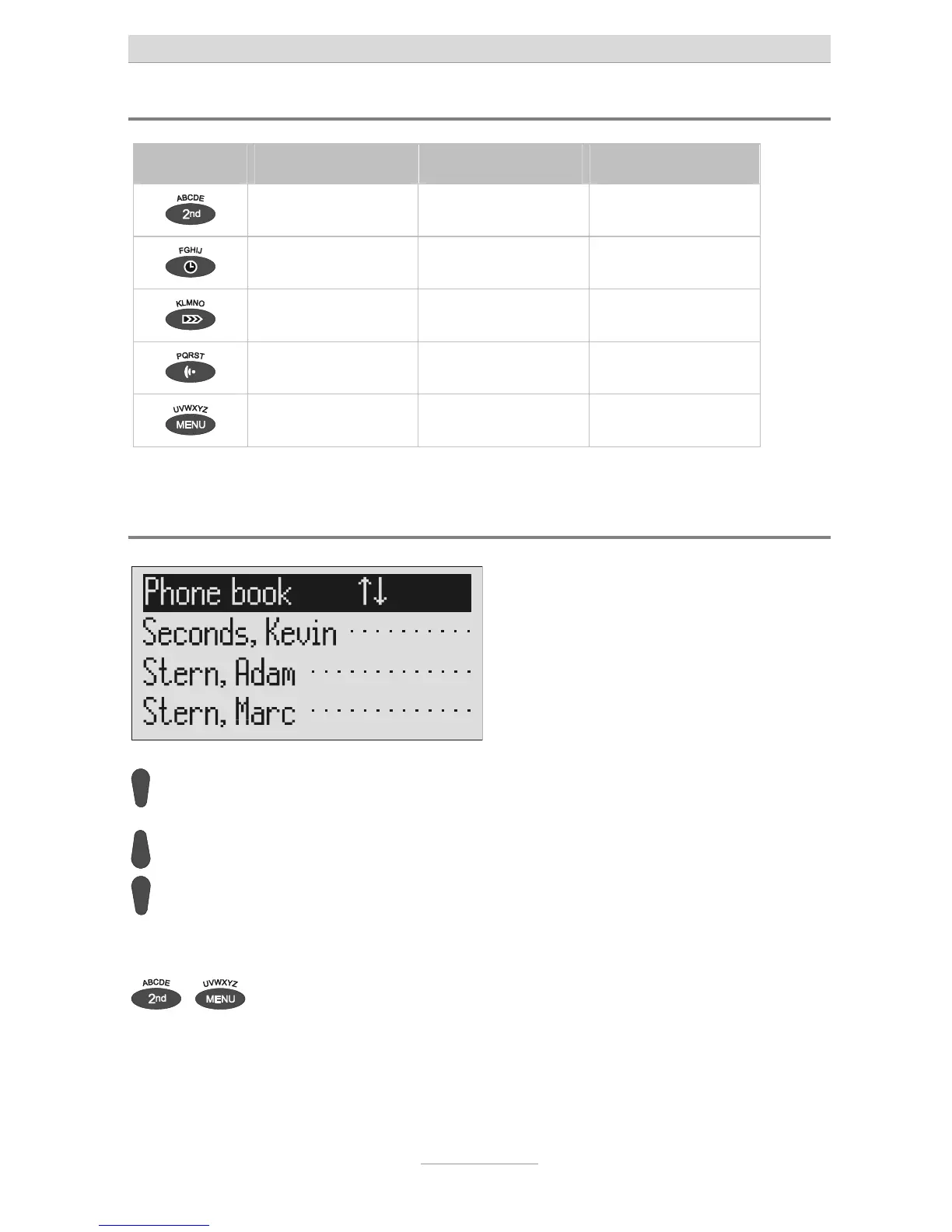
Summary of possible characters
Button Occupancy (ABC) Occupancy (abc) Occupancy (12!?)
A B C D E Ä É a b c d e ä é è , . ? ! : ‘ ; “
F G H I J f g h i j ì ( ) - + & = %
K L M N O Ö k l m n o ö ò / * # € @ < >
P Q R S T p q r s t ß 1 2 3 4 5
U V W X Y Z Ü u v w x y z ü ù 6 7 8 9 0
Search entries
Press control button (down). The telephone book is opened.
Search for the desired entry using
he control buttons (up/down).
The entries scroll through the display.
or
...
Select initial letters by pressing the
corresponding entry button one or
more times (e.g. "T" – press "OGM"
button five times).
The entries with the requested initial let-



 To Next Page