Automatic monitoring
73
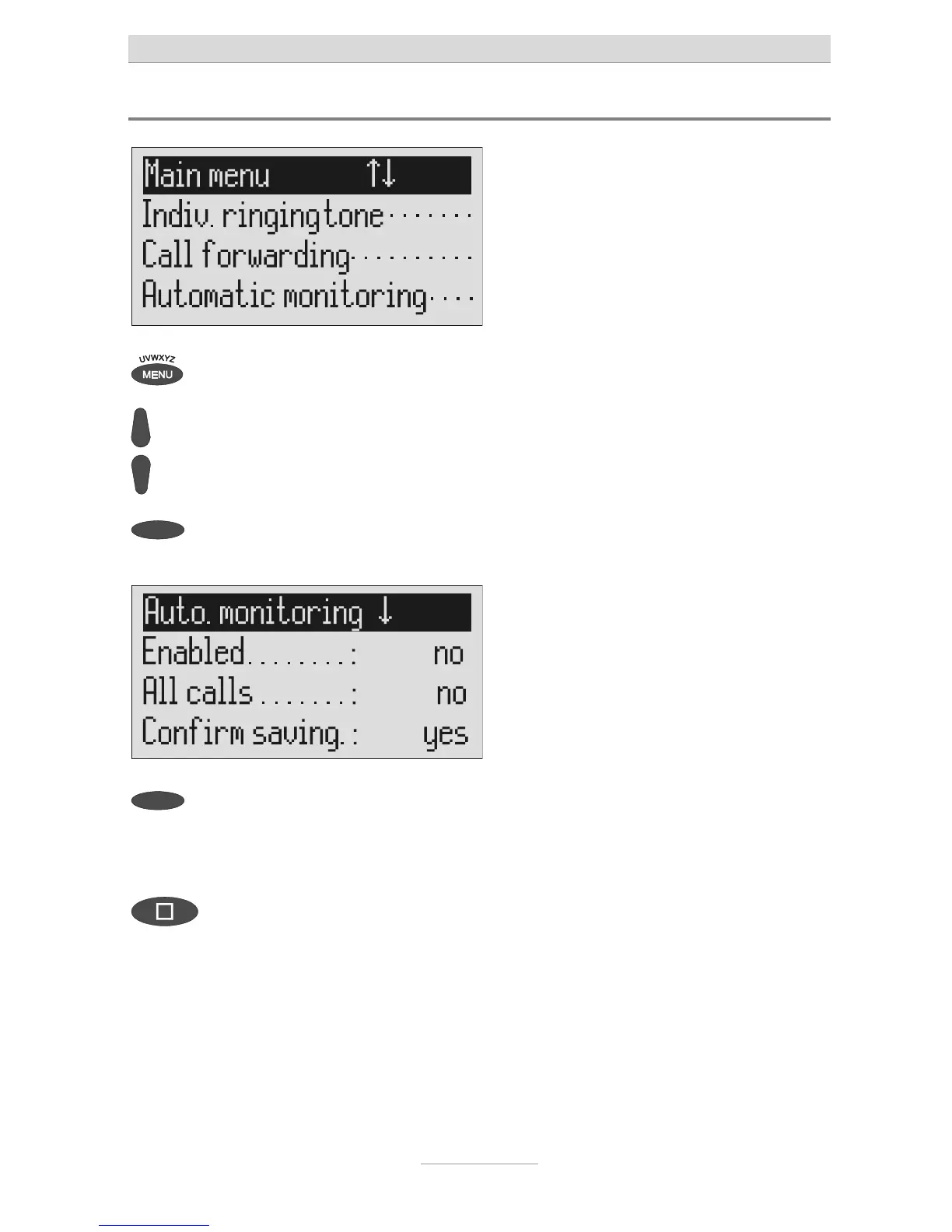
Settings for automatic monitoring
Press menu. The main menu is displayed.
Search for the "Automatic monitor-
ing" entry using the control buttons
(up/down).
Press the selection button next to
"Automatic monitoring".
The entry field for automatic monitoring
is displayed
Press the selection button next to
he setting that you wish to change
until the desired setting is dis-
played.
The display shows the current setting.
To stop the entry press stop several



 To Next Page