Monitoring/Personal info (memo)
26
Monitoring/Personal info (memo)
Monitoring telephone calls
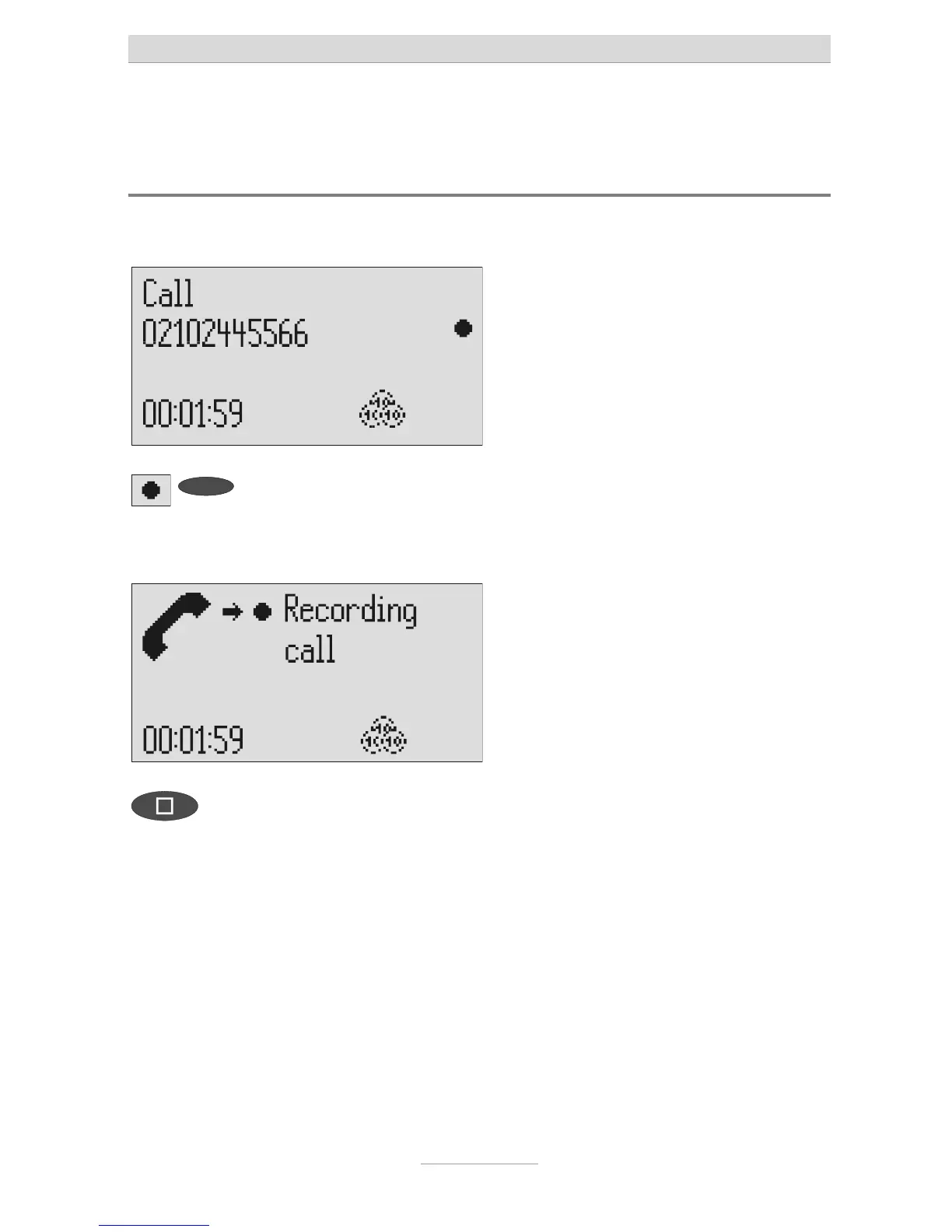
You can record the content of important calls.
Press the selection button next to
he record symbol speed during a
call.
The device starts to record. A lifted tele-
phone receiver is displayed so as to indi-
cate an ongoing recording.
To end the recording press stop or
hang up.
The standby status is again displayed. If
answering mode was activated before,
his continues.
A monitoring recording is stored as any other regular recording and can be
played back at any time.
You can also transfer recordings via the audio output on an external device
(e.g. cassette recorder). The transfer starts automatically with the playback
function.



 To Next Page