Short messages (SMS)
56
Message center
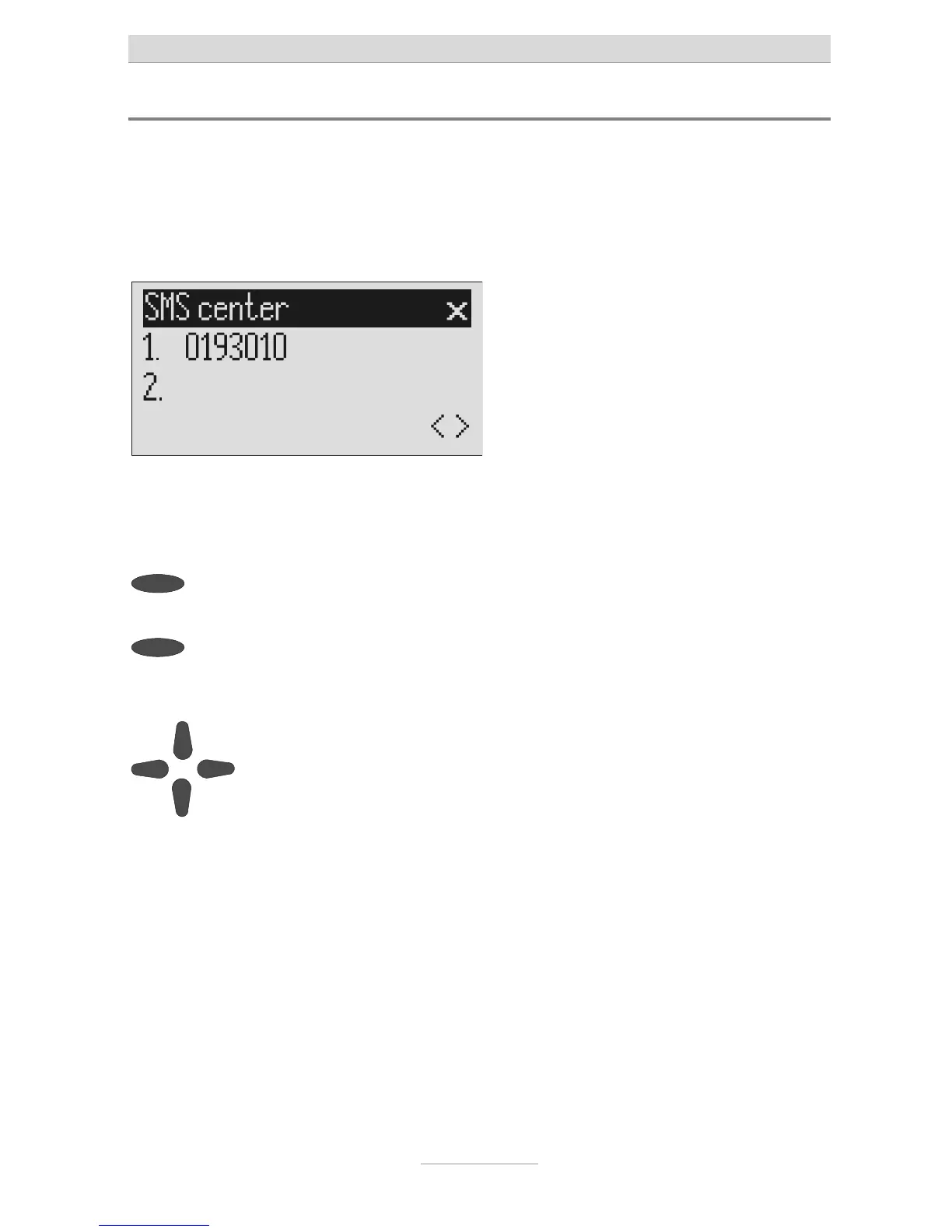
Enter the telephone number for your message center here (e.g. Deutsche Telekom
0193010). If you are using the device in a different country or network, your network
operator will tell you the call number of your message center. In some countries you
have to enter two telephone numbers – one to send and the other to receive. The
send number must be saved in memory location 1.
Open the message menu and
search for the message center en-
ry.
Press the selection button next to
"Message center".
The display changes and the first digit in
he first call number flashes.
To move to the 2
nd
center press the
selection button next to the second
call number.
The cursor moves to the second call
number.
Set the call number using the con-
rol buttons (up/down, left/right).
If you have set up two message centers you can receive SMS messages from
both. But you always send via the first center.



 To Next Page