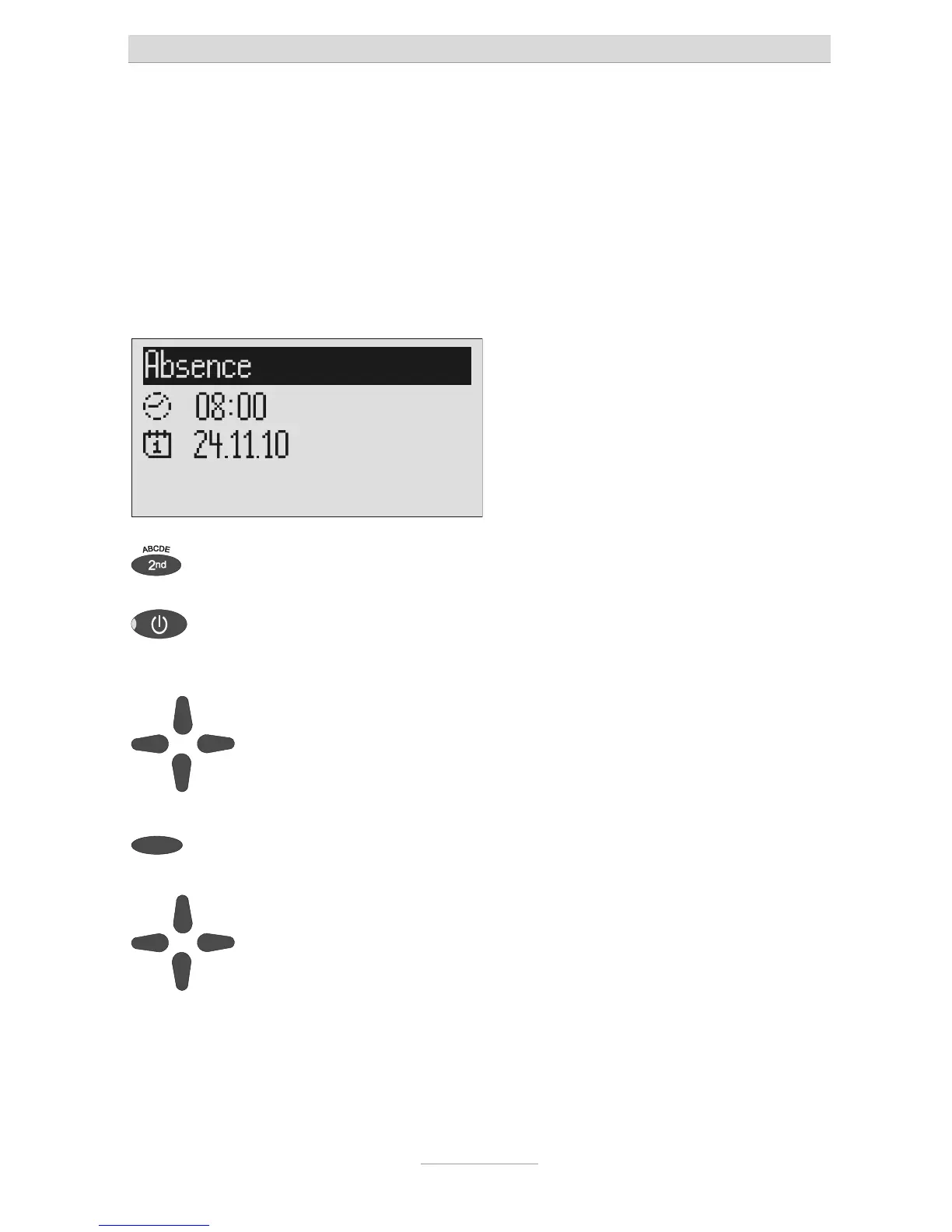
Absence manager
28
Absence manager
If you leave your office for a while, for example to attend a meeting, your tiptel 540
SD can inform your callers as to when you will be available again. Callers will hear
this message:
"Hello, the person you are trying to call will be available again from … I repeat [time]
… Thank you, the device will switch off."
After the set time has passed your tiptel 540 SD switches this message off automat-
ically.
Press secondary function The secondary function symbol is dis-
played.
Press answering mode. The display changes and shows the cur-
rent date and time.
The hours flash.
Set the desired time using the con-
rol buttons (up/down, left/right).
The display shows the absence time that
will be announced.
rol buttons (up/down, left/right).
If you change the date the message will
also announce the day and month.



 To Next Page