Mailboxes
77
Setting up mailboxes
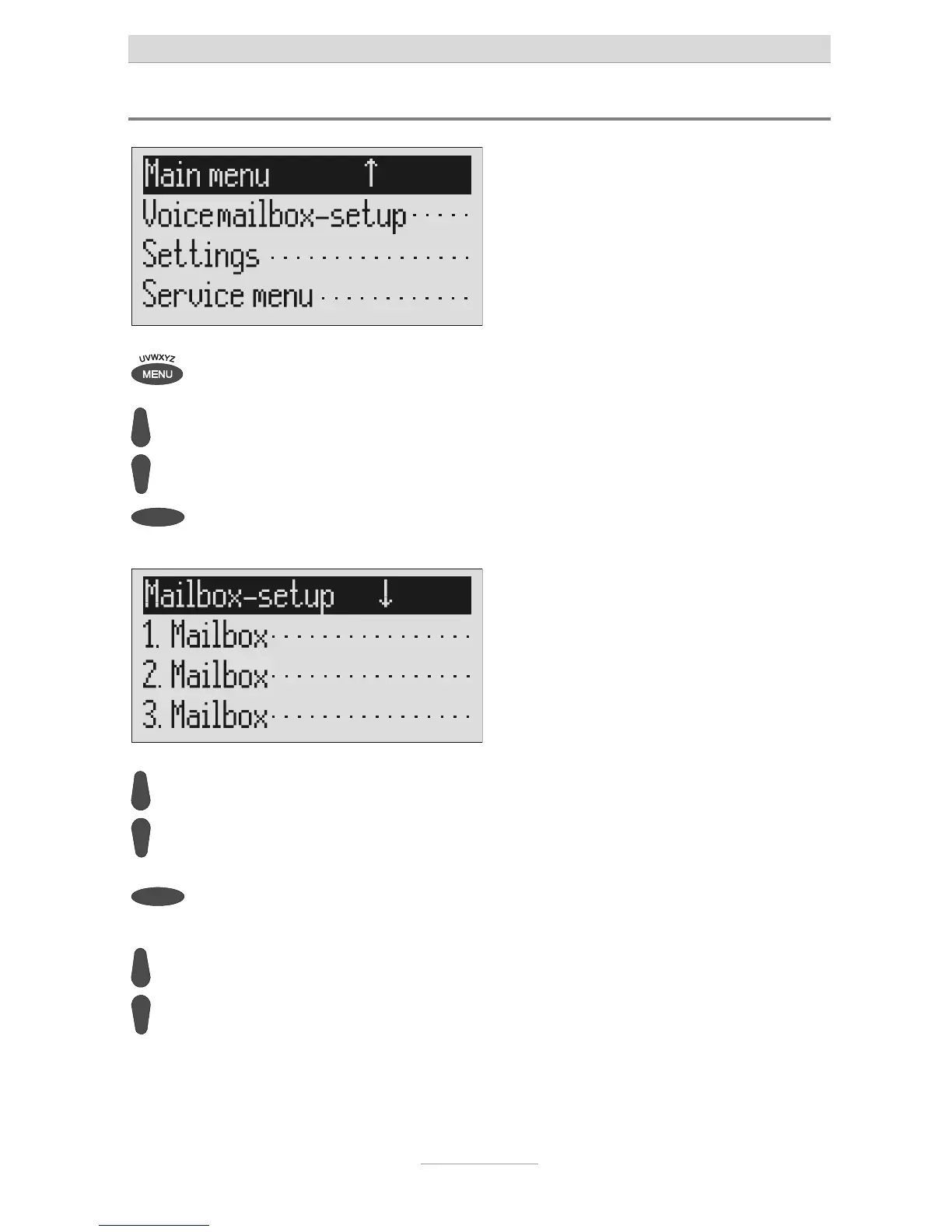
Press menu. The main menu is displayed.
Search for the "Set up mailboxes"
entry using the control buttons
(up/down).
Press the selection button next to
"Mailbox setup".
The mailbox setup menu is displayed.
Search for the desired mailbox us-
ing the control buttons (up/down).
4 mailboxes are displayed.
Select the desired mailbox using the
selection button.
The settings menu for the selected mail-
box is displayed.
Search for the desired setting op-



 To Next Page