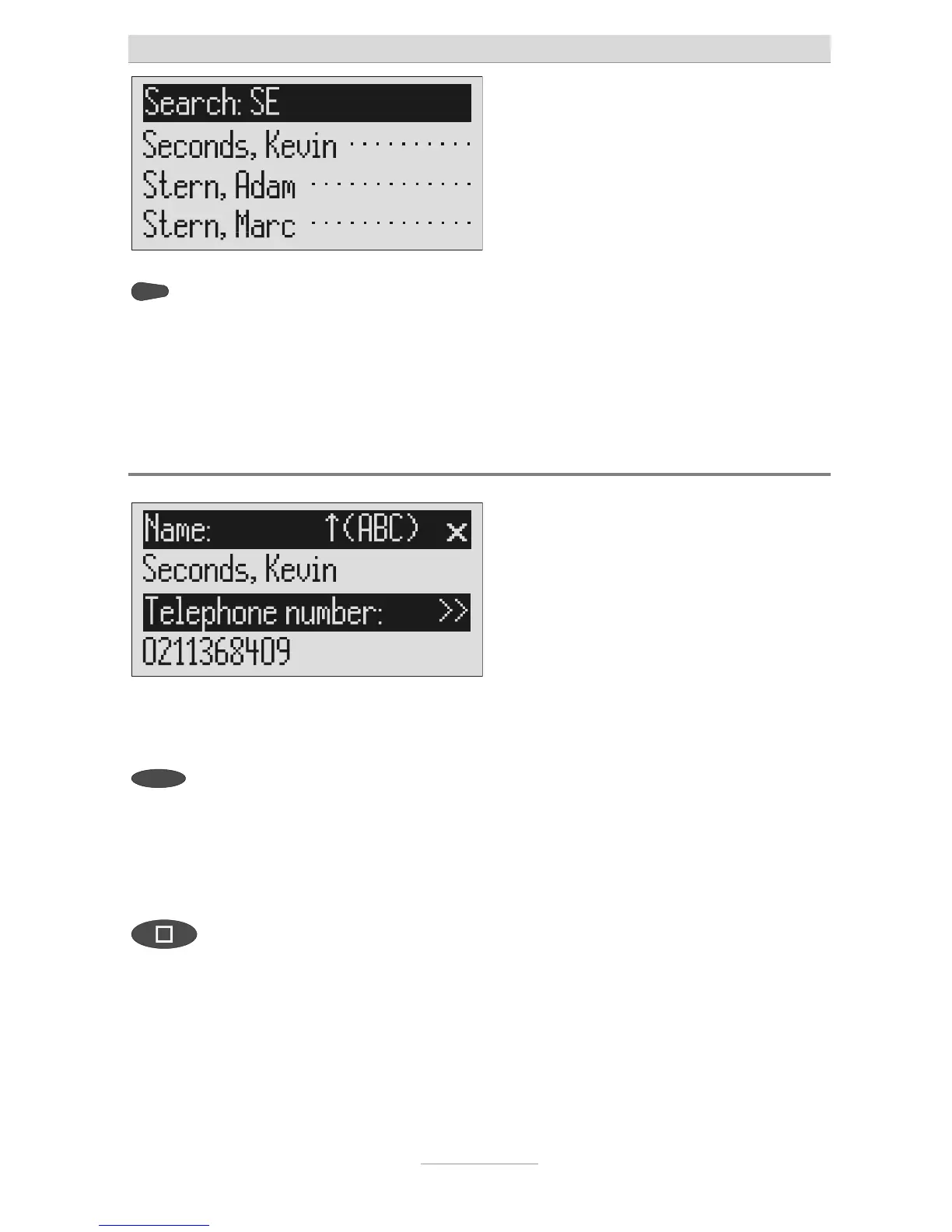
ou can enter (up to 5) other letters
for the search using the control but-
on (right) and the corresponding
entry keys.
The corresponding entries are displayed
for selection.
Checking and changing entries
Search for names as described un-
der "Search entries".
2s
Search for names as described un-
der "Search entries".
Press the selection button next to
he desired name for 2 seconds.
The entry field for the name and the tele-
phone number are displayed. The entry
location flashes.
Carry out the required changes.



 To Next Page