Security lock
74
Security lock
In order to protect your tiptel 540 SD from unauthorised use you can lock the device
with a PIN (personal identification number). The PIN is number containing 1 to 4
digits. You must enter this PIN to unlock the device. In the factory pre-set, the PIN
code is "0000".
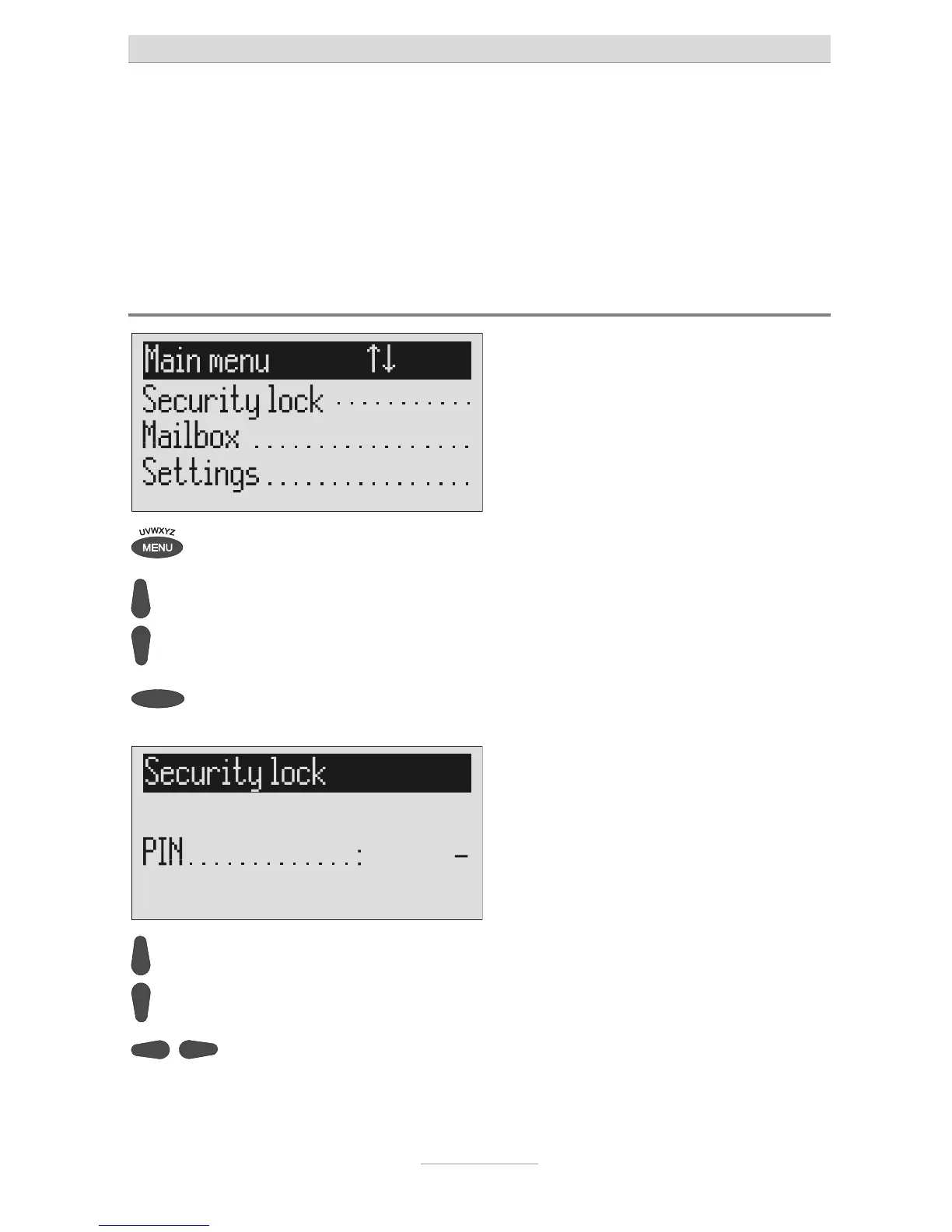
Locking the device/Changing PIN
Press menu. The main menu is displayed.
Search for the "Security lock" entry
using the control buttons
(up/down).
Press the selection button next to
"Security lock".
The PIN entry field is displayed.
Enter the first digit of the PIN using
he control buttons (up/down).
The display shows the current setting.
Select the next or previous entry
location using the control buttons
(left/right).
The cursor is located at the selected en-



 To Next Page