Playing back and deleting incoming messages
24
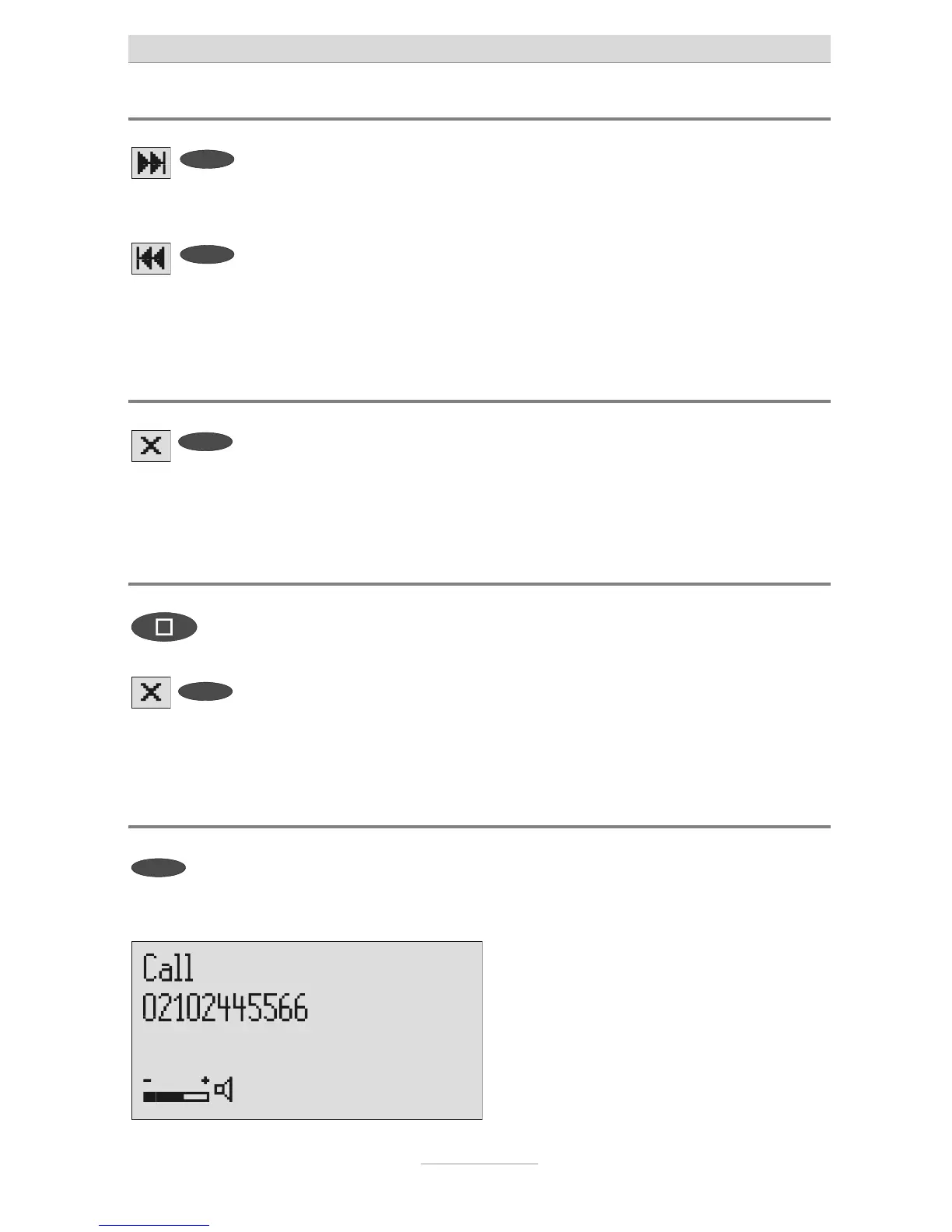
Fast forward and rewind
Press and hold the selection button
next to the go backwards or for-
wards symbol.
Playback is interrupted and the display
counts down or up the playback time.
Deleting individual incoming messages
Press the selection button next to
he delete symbol during playback.
The current incoming message is erased.
New message numbers are assigned to
all incoming messages that follow.
Deleting all incoming messages
Press stop. The display shows standby and answer-
ing mode.
2s
Press the selection button next to
he delete symbol for 2 seconds.
All incoming messages are deleted.
Dialling the caller directly
Press the selection button next to
he displayed telephone number or
he name during playback.
The device starts dialling the selected
elephone number. Dialling can be
screened via the loudspeaker.



 To Next Page