Timer
58
Programming timer
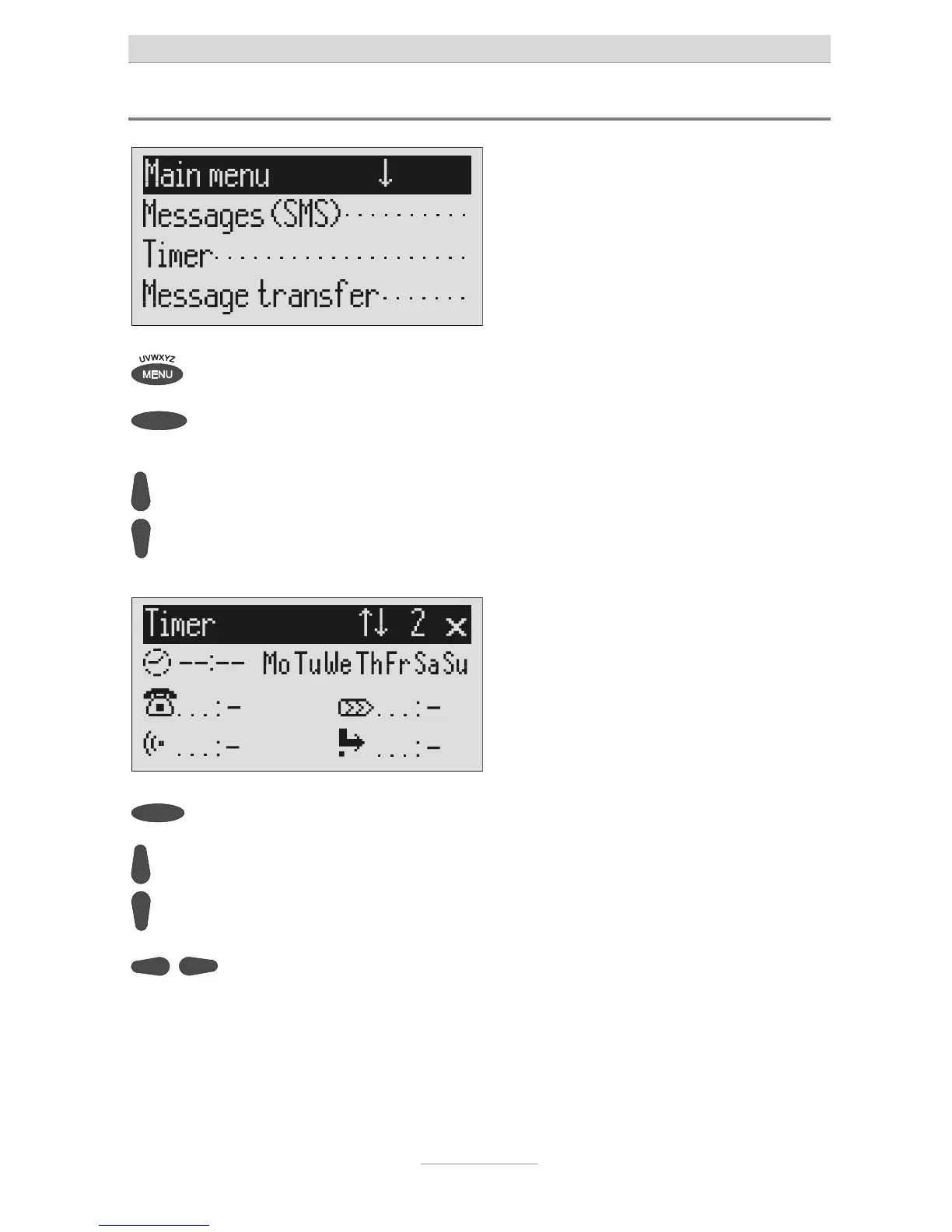
Press menu. The main menu is displayed.
Press the selection button next to
imer.
The entry field for the first switching time
is displayed.
ou can search the individual
switching times using the control
buttons (up/down).
The display switches between the 10
possible switching times.
Press the selection button next to
he switching time and make the
desired settings using the control
buttons (up/down).
The cursor is at hours.
Use the control buttons (left/right)
o switch between the desired
hours, minutes and weekdays on
which the switching time is to be
valid.
The cursor moves between hours,
minutes and weekdays. A dash for "Mo"
for example means that the switching
ime will not be carried out on Monday.



 To Next Page