Short messages (SMS)
55
Templates
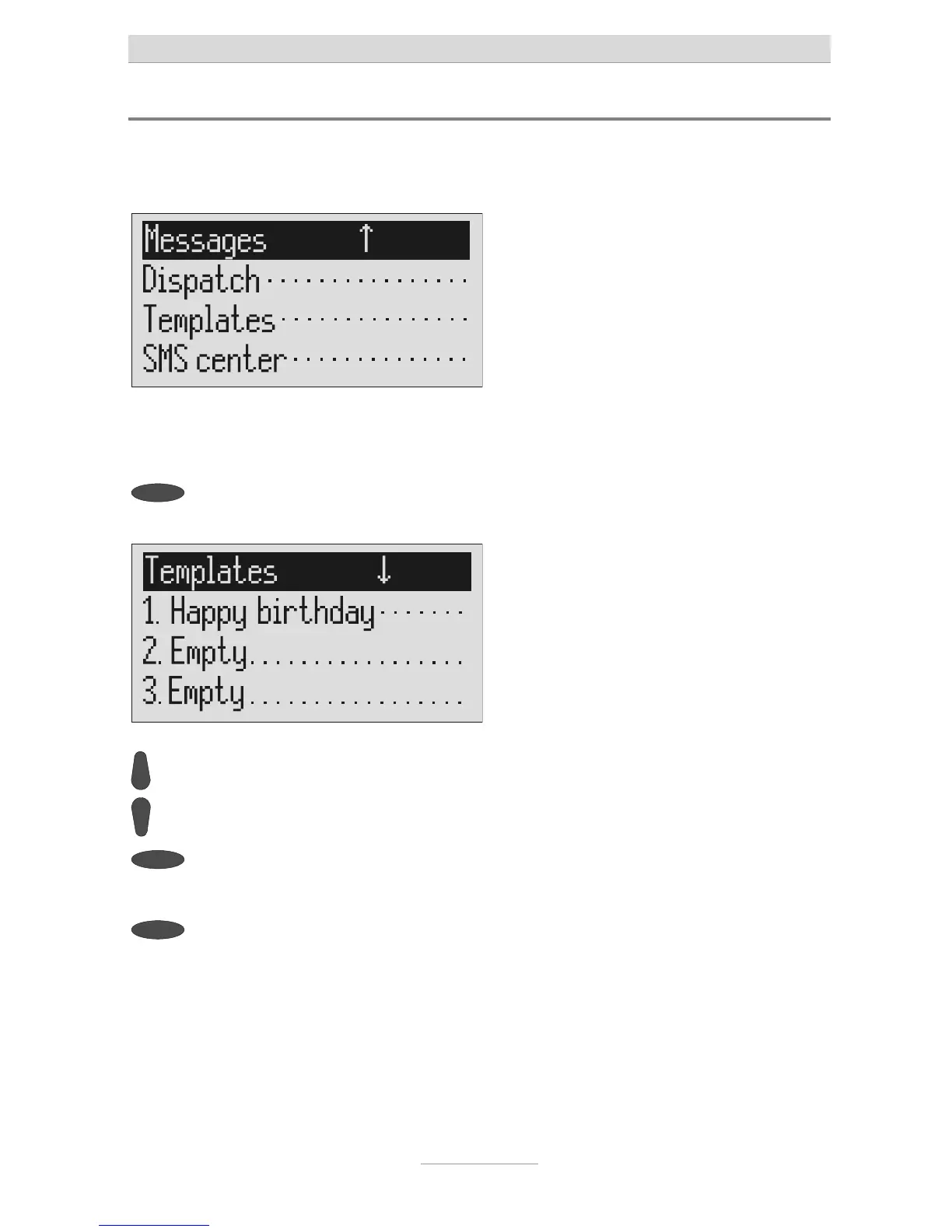
Here you can save up to 5 templates that you can edit, delete or copy to the outbox
individually.
Open the message menu as de-
scribed in "Inbox" and "Outbox".
The messages menu is displayed.
Press the selection button next to
"Templates".
The display switches to the templates.
ou can scroll through individual
emplates using the control buttons
(up/down).
The start of the selected template is dis-
played.
2s
To copy a template to the outbox
press the corresponding selection
button for two seconds.
The template is copied and the display
changes to outbox.
To create or edit a template press
he selection button next to the de-
sired template briefly.
The selected template is displayed.
Open or edit the template as de-
scribed in detail in "Outbox".



 To Next Page