Short messages (SMS)
54
Search for names as described un-
der "Search entries" ("Telephone
book" chapter Page 35).
ou can insert a character by
pressing secondary function and
he control button (down).
An empty space is inserted to the left of
he cursor.
To delete an entry move the cursor
o the location and press the selec-
ion button next to the delete sym-
bol.
The character under the cursor is delet-
ed.
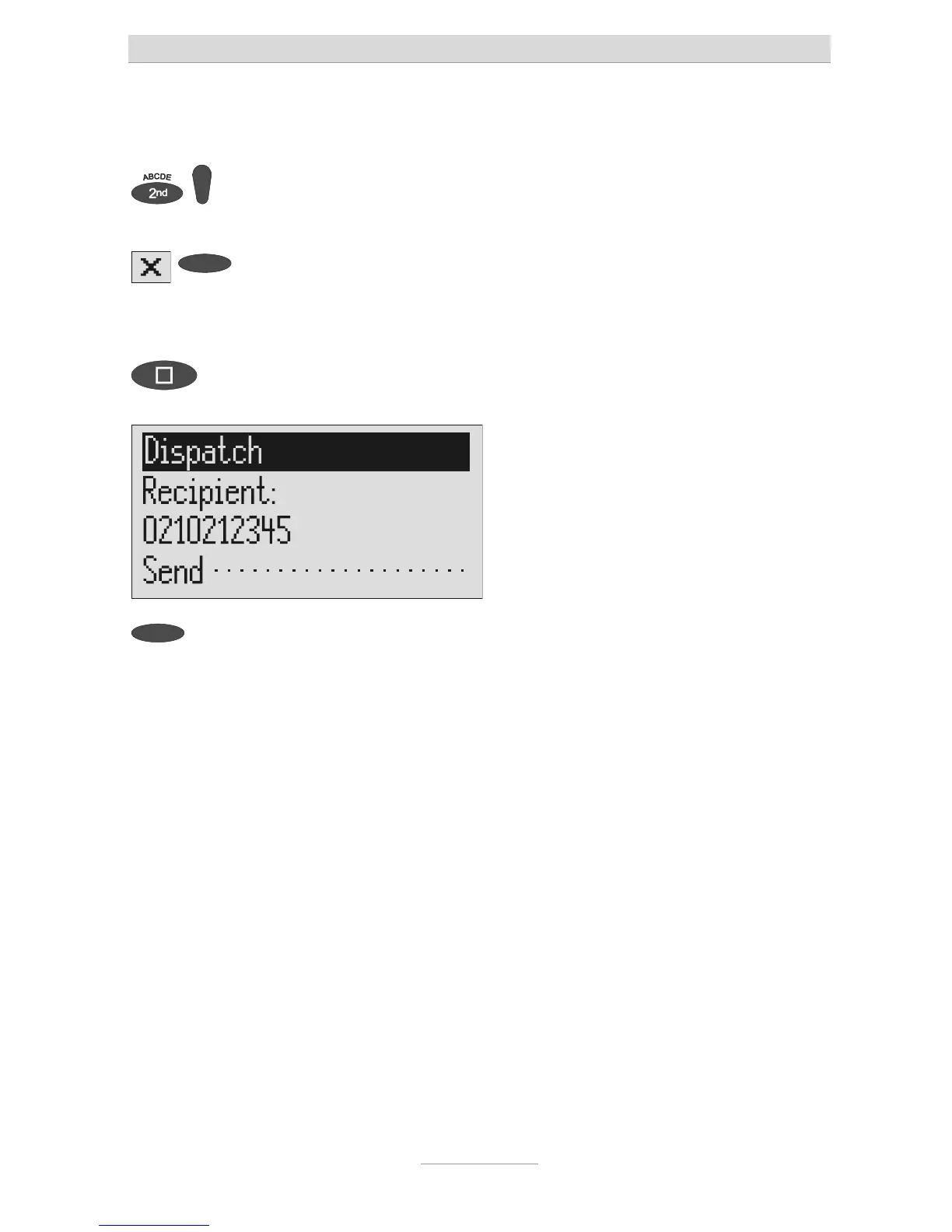
To transfer the call number press
stop.
The call number is transferred and "Dis-
patch" is displayed.
To start the transfer, press the se-
lection button next to "Dispatch".
The device creates the connection to the
message center and transfers the outbox
o the selected recipient's call number.
Then the messages menu is displayed
again.



 To Next Page