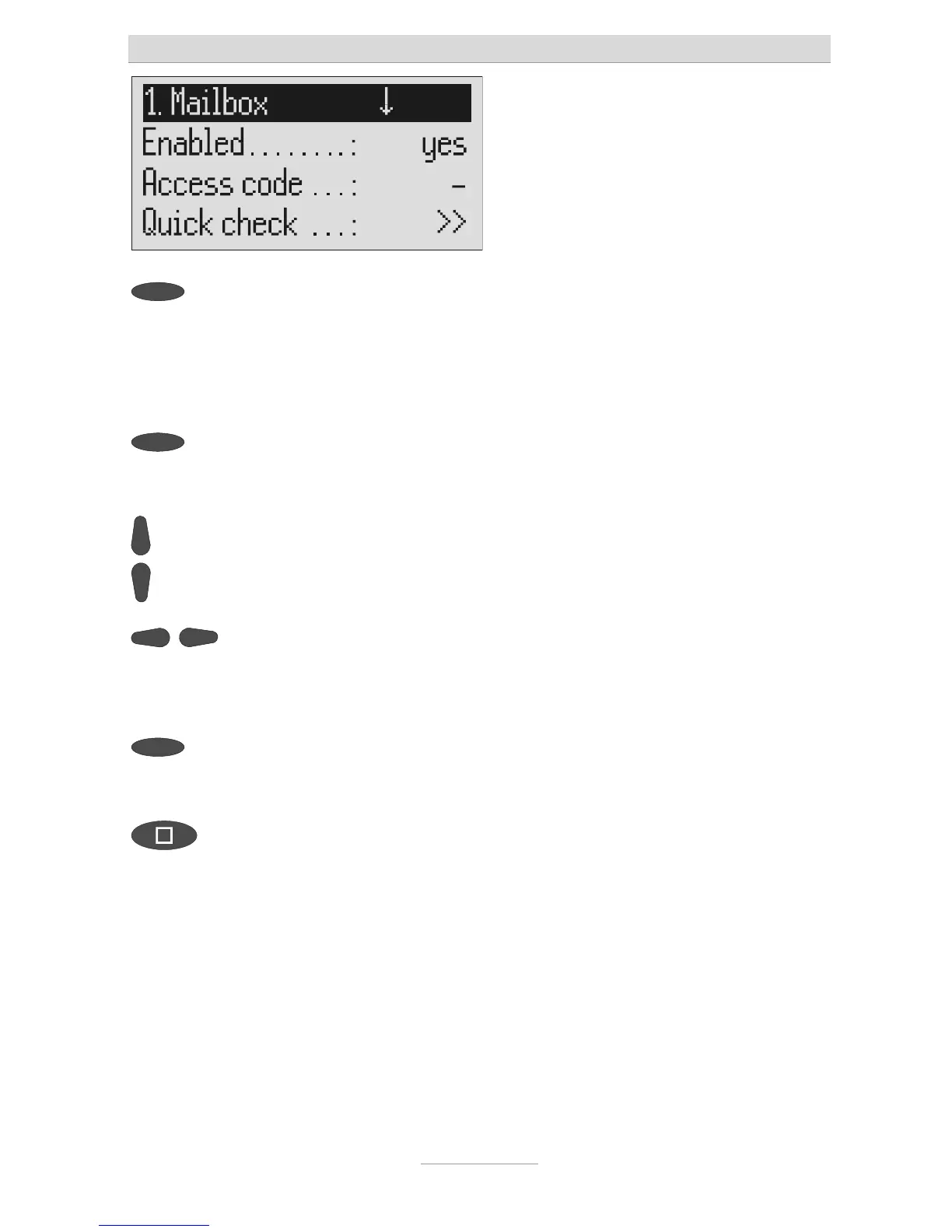
Mailboxes
78
Press the selection button next to
he setting that you wish to change
until the desired setting is dis-
played.
The display shows the current setting.
or
When entering digits press the se-
lection button next to the desired
line.
The entry location flashes.
Change the settings using the con-
rol buttons (up/down).
The display counts up or down.
For settings with several digits
move the entry location to the re-
quired location using the control
buttons (left/right).
The selected entry location flashes.
To end digit entry press the selec-
ion button next to the desired line
again.
The entry location stops flashing.
To stop the entry press stop several
imes.
The initial state is again displayed.



 To Next Page