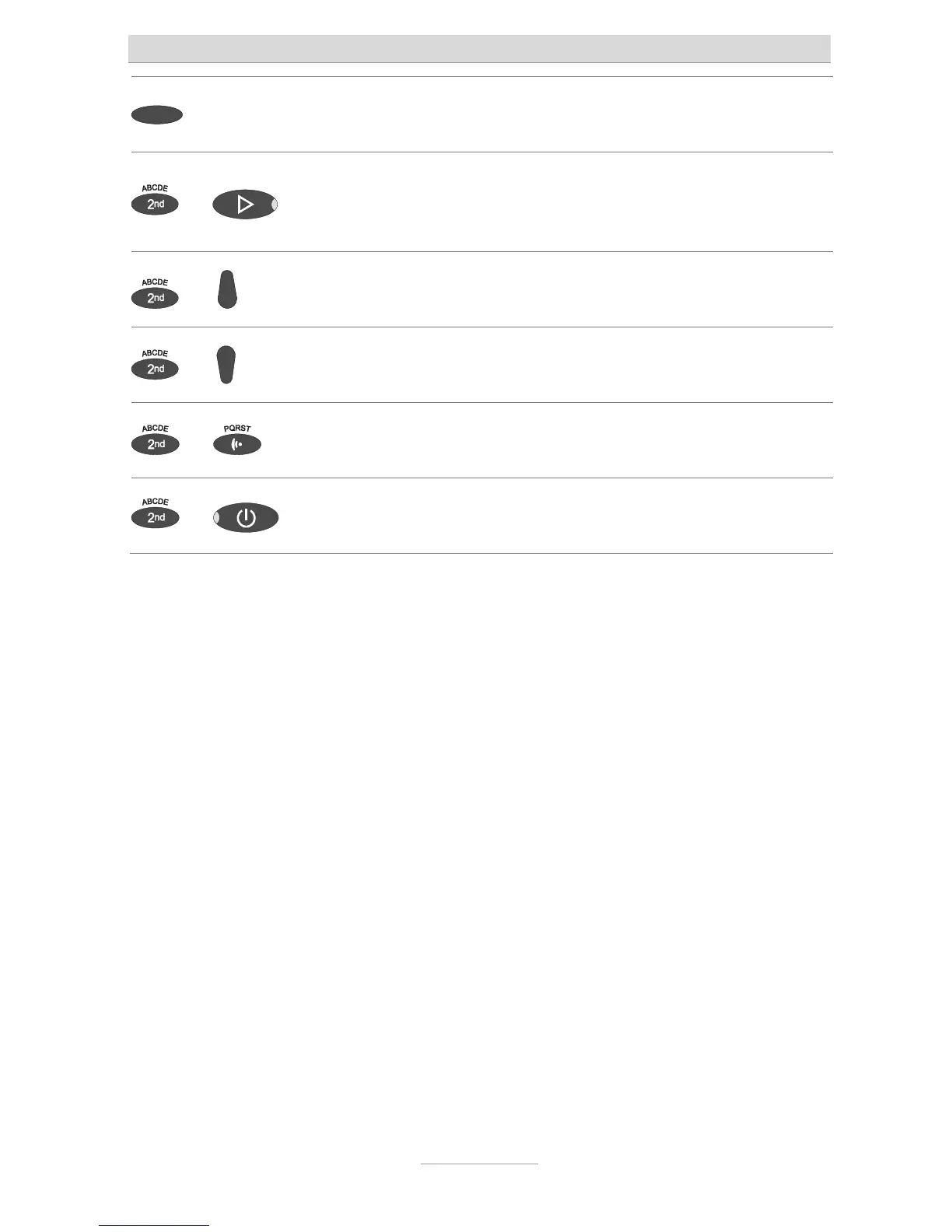
Button allocation
5
Selection button: Used to select from menus, entry fields and functions that
are displayed next to the corresponding button.
and
Secondary function and playback can be pressed in succession: Starts
playback for all incoming messages. Playback starts with the oldest and
ends with the newest recording.
and
Secondary function and control key (up) pressed consecutively: Message
list will be opened
and
Secondary function and Control button (down) pressed in succession:
Opens the entry field for the telephone book.
and
Secondary function followed by pressing and holding message: Starts
recording the outgoing message via the audio input.
and
Secondary function and Answering mode pressed in succession: opens the
settings and activates the absence manager.



 To Next Page