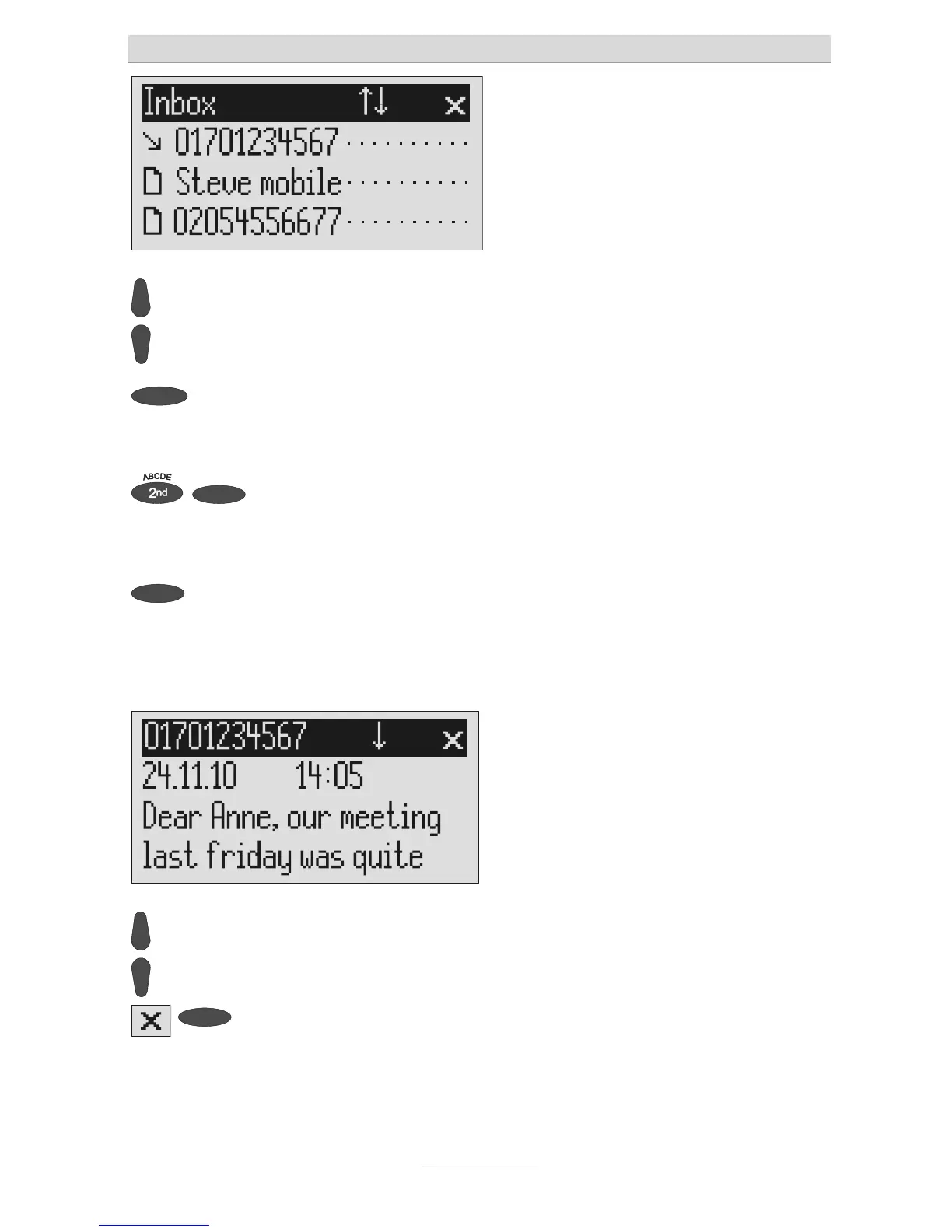
ou can scroll through individual
entries using the control buttons
(up/down).
New, unread messages are marked with
an arrow.
2s
To copy a message to the tem-
plates press the corresponding se-
lection button for two seconds.
The message is copied and the display
changes to templates.
To copy the telephone number to
he telephone book, press second-
ary function and the relevant selec-
ion button.
The entry field for the telephone book is
displayed with the copied telephone
number. Now all you have to do is enter
he name.
To read a message press the selec-
ion button next to the desired mes-
sage briefly.
The selected message is displayed.
ou can scroll through the messag-
es using the control buttons
(up/down).
2s
To delete the message press the
selection button next to the delete
symbol for 2 seconds.
The message is deleted.



 To Next Page