25
7. INPUT/OUTPUT GAIN SETTINGS
There are 3 possible setting methods.
7.1. Input and Output Channel Control Section Settings
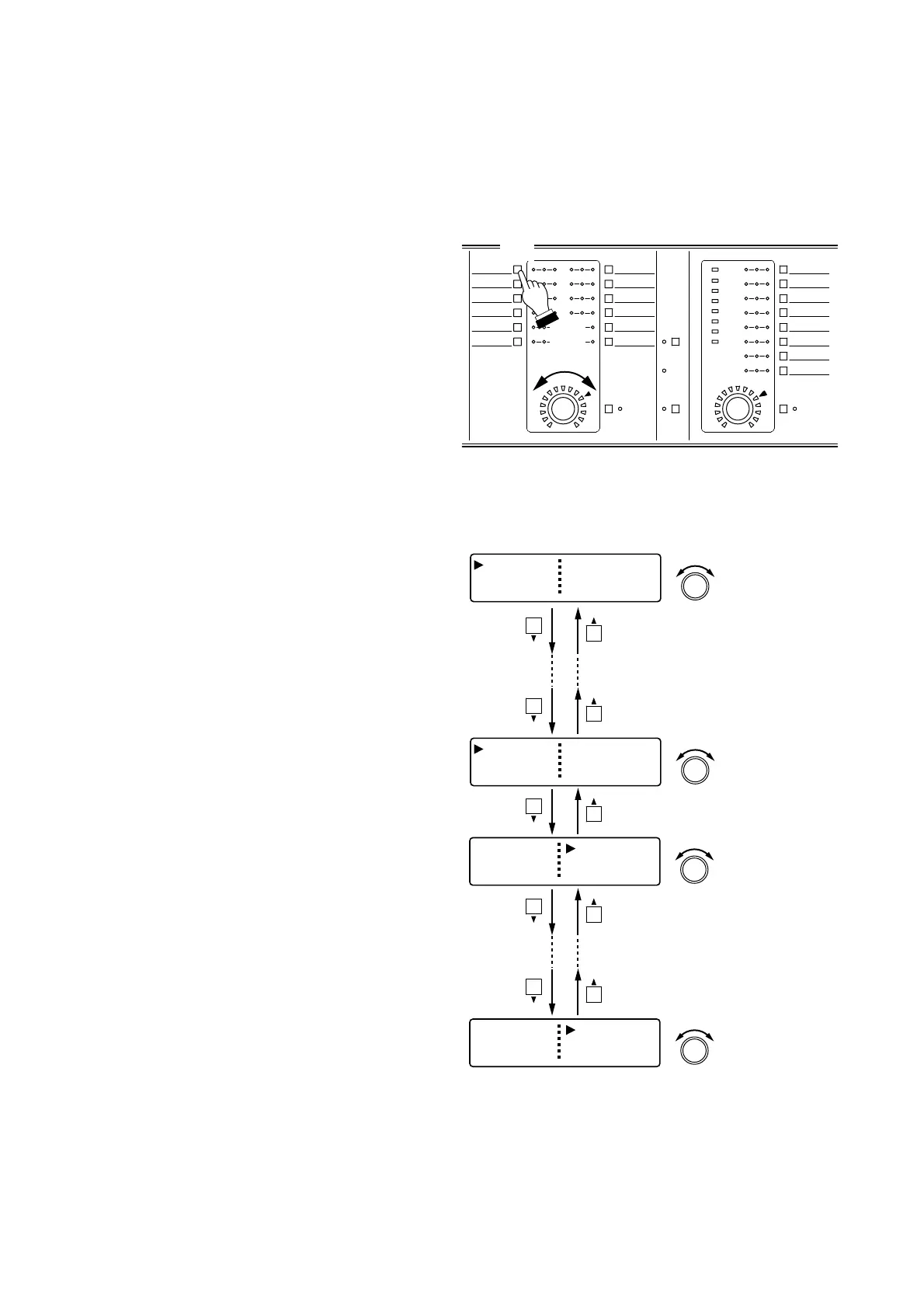
Step 1. Press the desired Input (or Output) channel
selector key.
The selected channel's SEL indicator lights.
Note
When Group setting is performed, selecting
a channel in the group allows all SEL
indicators of the input channels grouped
together to light all at once.
Step 2. Rotate the Input (or Output) volume control
to set the gain.
Input/output gain setting range:
–INF (–∞) to +10 dB
7.2. Input/Output Gain Setting Screen Operation
Step 1. Press the desired Input (or Output) channel
selector key.
Step 2. Using the Screen shift key, display the input
(or output) gain setting screen.
Step 3. Rotate the Setting knob to set the gain.
7.3. Input/Output Channel Gain Setting Screen Operation
Perform the "Input Channel Gain Settings" (p. 40) and "Output Channel Gain Settings" (p. 42).



 To Next Page