29
8.7. High-Pass Filter Settings
ON
The high-pass filter function can be enabled or disabled for the displayed channel by using the
function ON/OFF key even when any of the following screens is displayed. The function ON/OFF
Indicator lights when enabled (ON).
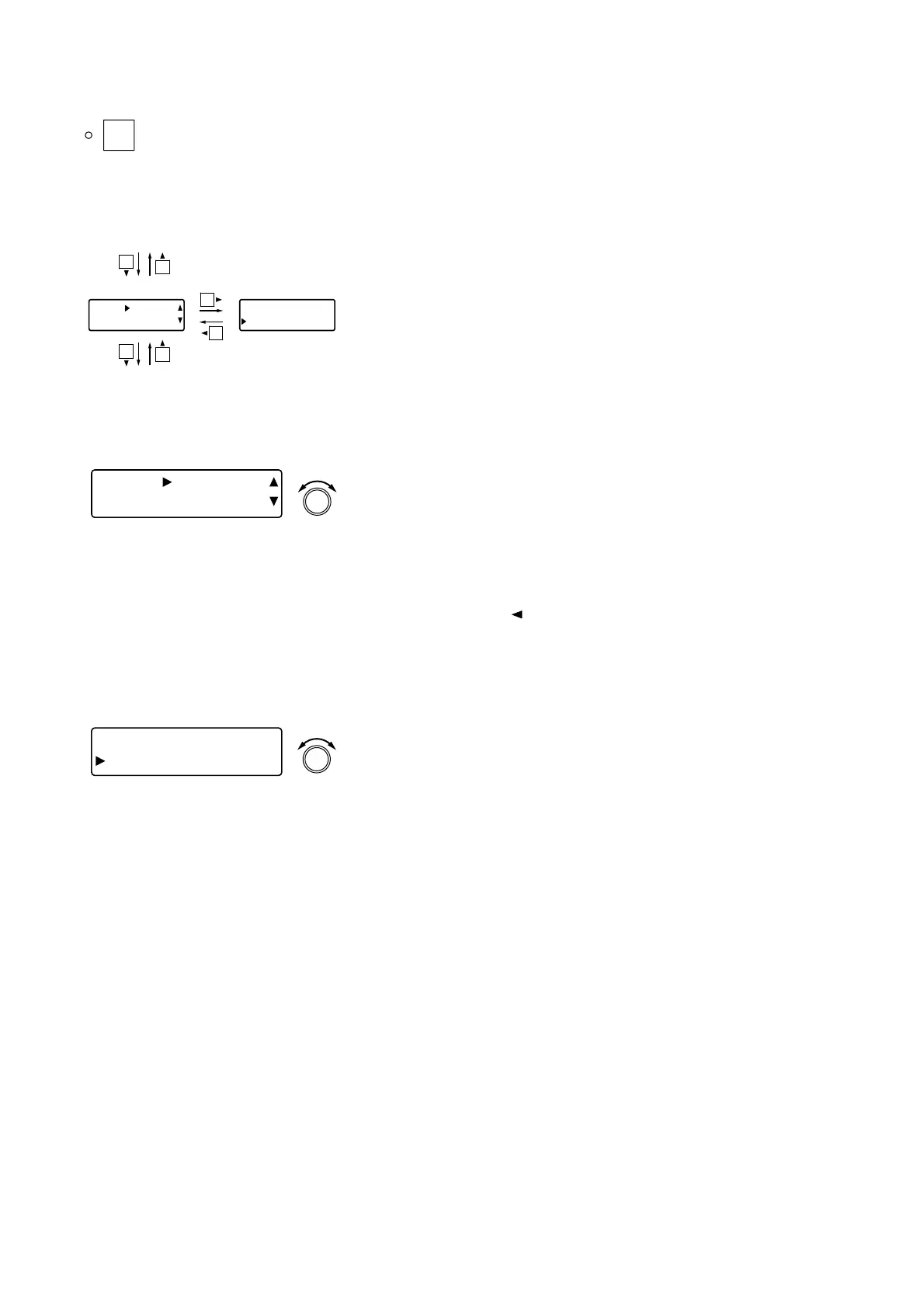
Cutoff frequency Q
Input trim settings (previous page)
Equalizer settings (next page)
[IN 1] HPF
FREQ 60H
z
[IN 1] HPF
Q 0.707
8.7.1. Cutoff frequency settings
[IN 1] HPF
FREQ 60H
z
PARAMETER
PUSH-ENTER
CHANGE
• Rotate the Setting knob to set the high-pass filter cutoff
frequency.
Parameter setting range: 20 Hz – 20 kHz in 1/24 octave steps
Note: Slope is fixed at 12 dB/oct.
• Pressing an Input channel selector key permits the high-pass
filter to be set for that channel. The [IN 1] indication changes to
the selected channel number indication.
• The setting screen reverts to the Input/Output Gain Setting
screen when the shift key is pressed.
8.7.2. Q settings
[IN 1] HPF
Q 0.70
7
PARAMETER
PUSH-ENTER
CHANGE
• Rotate the Setting knob to set the high-pass filter Q.
Parameter setting range: 0.500 – 2.563 (51 points)
• Pressing an Input channel selector key permits the high-pass
filter to be set for that channel. The [IN 1] indication changes to
the selected channel number indication.
[Screen display operations]



 To Next Page