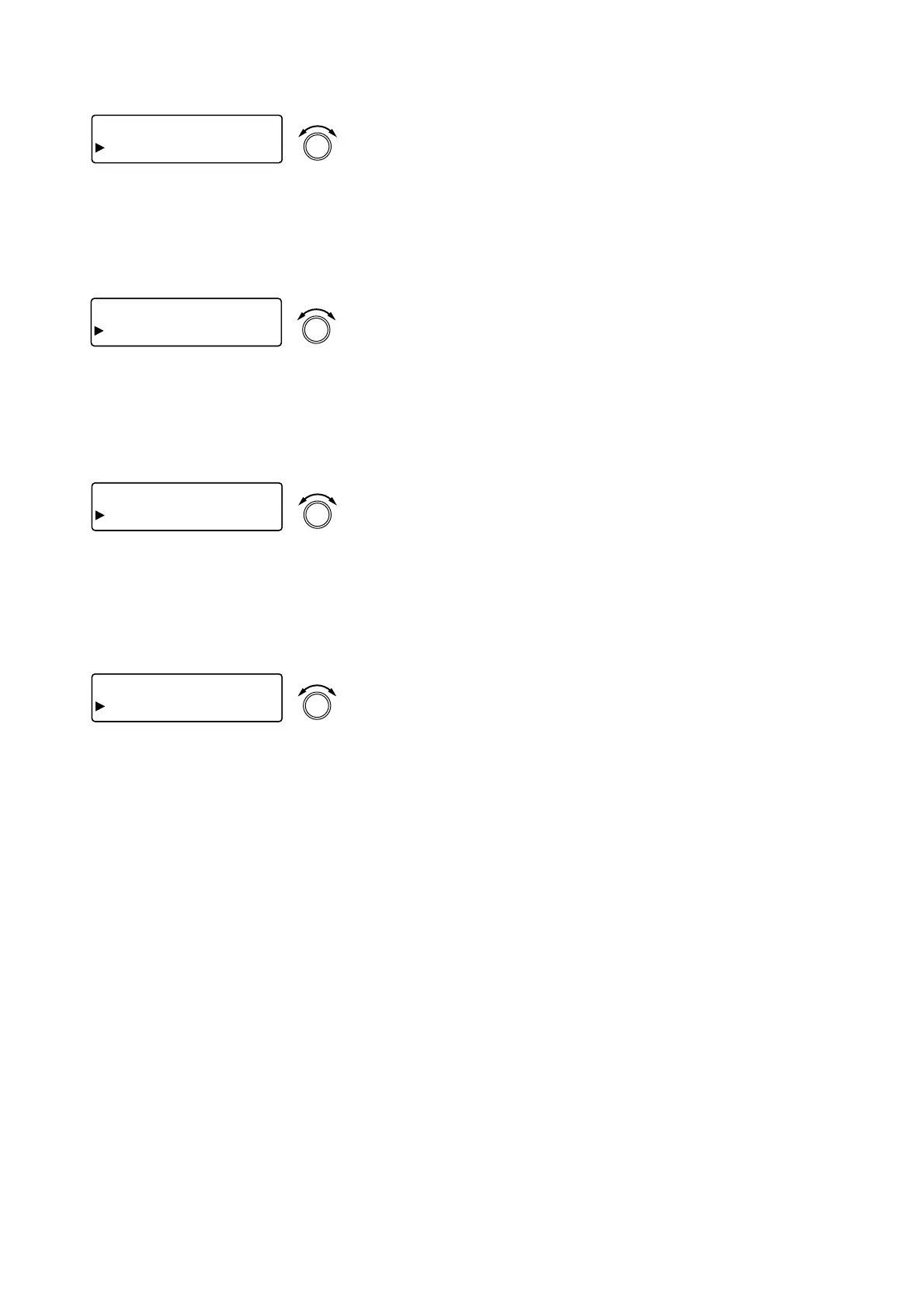
[IN 1] COMP
RATIO 1:
1
PARAMETER
PUSH-ENTER
CHANGE
• Rotate the Setting knob to set the ratio.
Parameter setting range: 1:1, 2:1, 3:1, 4:1, 8:1, 12:1, 20:1, INF
(∞):1
• Pressing an Input channel selector key permits the compression
ratio to be set for that channel. The [IN 1] indication changes to
the selected channel number indication.
8.10.3. Attack time settings
[IN 1] COMP
ATTACK
1
0.0
m
s
PARAMETER
PUSH-ENTER
CHANGE
• Rotate the Setting knob to set the attack time.
Parameter setting range: 0.2 ms – 5 s (Refer to p. 85 for more
information.)
• Pressing an Input channel selector key permits the compression
attack time to be set for that channel. The [IN 1] indication
changes to the selected channel number indication.
8.10.4. Release time settings
[IN 1] COMP
R E L E A S E 5 0 0
m
s
PARAMETER
PUSH-ENTER
CHANGE
• Rotate the Setting knob to set the release time.
Parameter setting range: 10 ms – 5 s (Refer to p. 85 for more
information.)
• Pressing an Input channel selector key permits the compression
release time to be set for that channel. The [IN 1] indication
changes to the selected channel number indication.
8.10.5. Makeup gain settings
[IN 1] COMP
GA I N + 0
d
B
PARAMETER
PUSH-ENTER
CHANGE
• Rotate the Setting knob to set the makeup gain.
Parameter setting range: –INF (–∞) to +10 dB, in 1 dB steps
• Pressing an Input channel selector key permits the compression
makeup gain to be set for that channel. The [IN 1] indication
changes to the selected channel number indication.



 To Next Page