56
10.3.5. Low-pass filter frequency settings
[Mi cB] ECHO
LPF-F 3.75k
H
z
PARAMETER
PUSH-ENTER
CHANGE
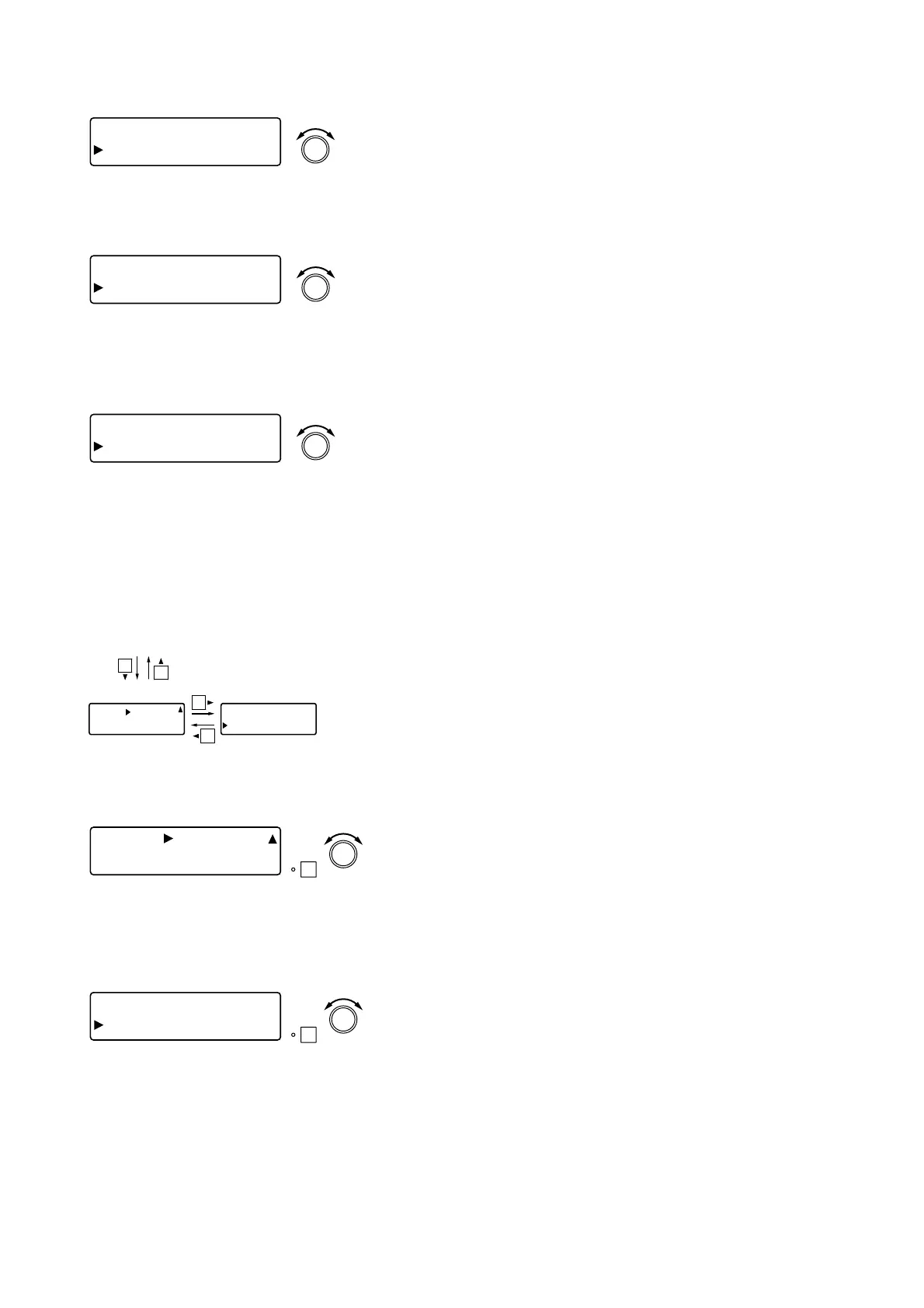
• Rotate the Setting knob to set the low-pass filter frequency.
Parameter setting range: 20 Hz – 20 kHz
10.3.6. Low-pass filter Q settings
[Mi cB] ECHO
LPF-Q 0.50
0
PARAMETER
PUSH-ENTER
CHANGE
• Rotate the Setting knob to set the low-pass filter Q.
Parameter setting range: 0.500 – 2.563 (51 points)
10.3.4. Initial echo (pre-) delay settings
[Mi cB] ECHO
Pr eDLY 80
m
s
PARAMETER
PUSH-ENTER
CHANGE
• Rotate the Setting knob to set the initial echo delay time.
Parameter setting range: 0 – 682 ms
10.4. Bus Assignment and Crosspoint Gain Settings
(Microphone Bus
→→
Output Channel)
ON
[Mi cB] ASSIGN
[OUT1] 1234567
8
PARAMETER
PUSH-ENTER
CHANGE
• Rotate the Setting knob to select the output channel bus (1 – 8),
then press the function ON/OFF key to enable or disable the
assignment. When disabled (OFF), the "–" indication is displayed.
• All buses 1 – 8 are enabled by default.
Bus assignment
Crosspoint gain
Effect (echo) settings (previous page)
[Mi cB] ASS IGN
[OUT1] 1234567
8
[Mi cB] GAIN
OUT 1 0 d
B
10.4.1. Bus assignment settings
ON
[IN 1] GAIN
OUT 1 ] 0 d
B
PARAMETER
PUSH-ENTER
CHANGE
• Rotate the Setting knob to set the crosspoint gain.
Parameter setting range: –INF (–∞) to 0 dB in 1 dB steps
• Pressing an Input channel selector key permits the input channel
selection.
• Pressing an Output channel selector key permits the Output
channel selection.
• Pressing the function ON/OFF key enables or disables the
selected assignment.
10.4.2. Crosspoint gain settings
[Screen display operations]



 To Next Page