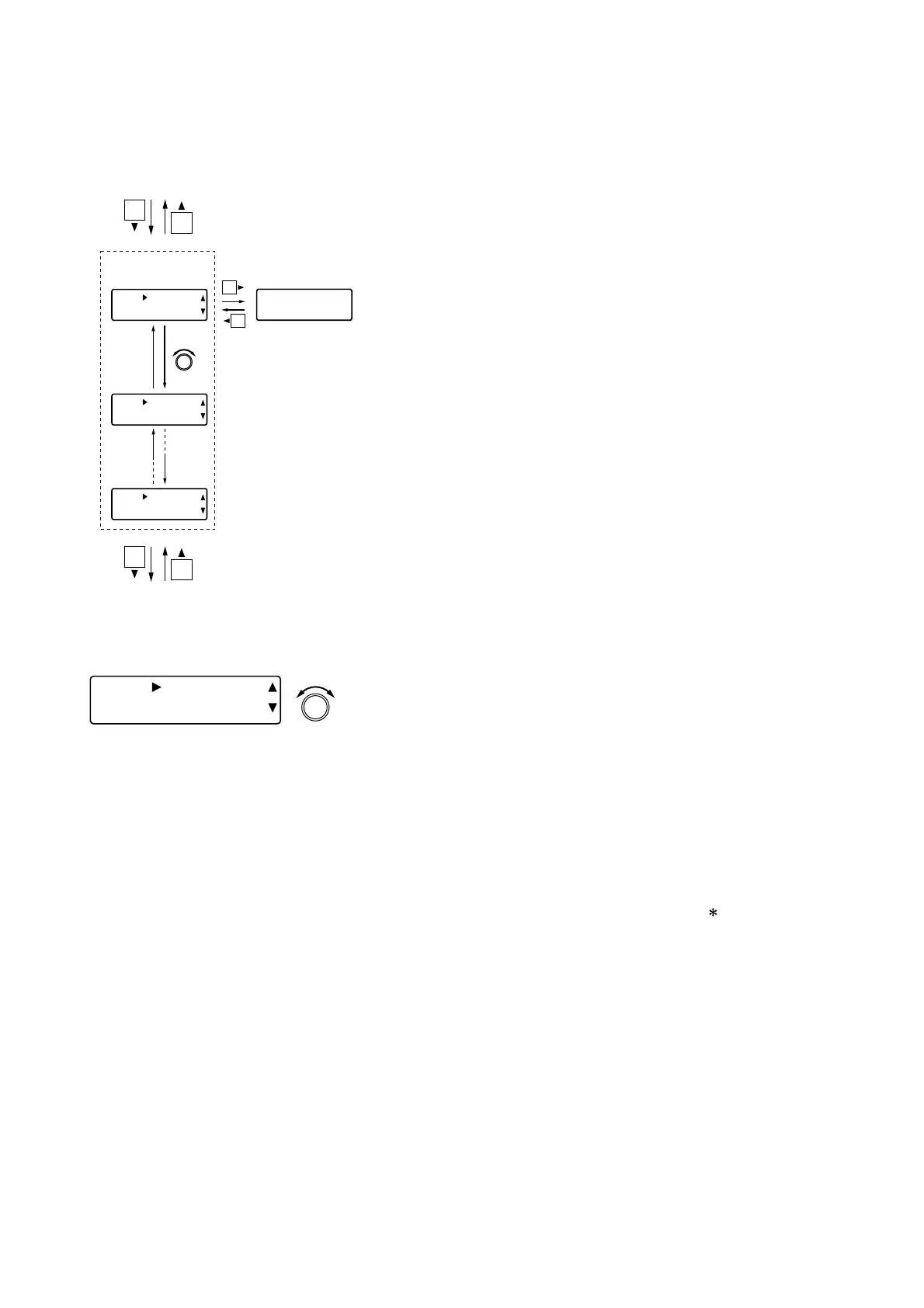
• Rotate the Setting knob to confirm the type of module installed in
each slot.
• The slot number and installed module type are displayed on the
lower row.
The module types are as follows:
· D-921F or D-921E: D-921F/E (A)
· D-922F or D-922E: D-922F/E (B)
· D-936R: D-936R (C)
· D-971M or D-971E: D-971M/E (D)
· D-971R: D-971R (E)
· D-981: D-981 (F)
· No module installed: BLANK (–)
• For the slot where a wrong module is inserted (for example, an
output module is inserted into an input slot), "( )" is displayed.
· D-923AE: D-923AE (I)
· D-937SP: D-937SP (J)
· D-961SP: D-961SP (K)
· D-972AE: D-972AE (L)
· D-983: D-983 (M)
· D-984VC: D-984VC (N)
72
12.10. Module Type Confirmation
Types of modules installed in the unit's rear slots can be confirmed.



 To Next Page