59
11.4. Preset Memory Crossfade Time Settings
Set the crossfade time when the currently selected preset memory is switched over to a newly recalled one by
pressing the preset memory number.
[Parameters to be cross-faded]
Input/output channel gains, channel ON/OFF, bus assignment, cross-point gains.
Parameters other than those above instantaneously switch when the preset memory is recalled.
Note
When the currently selected preset memory is switched over to a newly recalled one, the channels of which
phantom power ON/OFF, PAD, line input mode, and line input selection have been changed are muted for a
specified period of time.
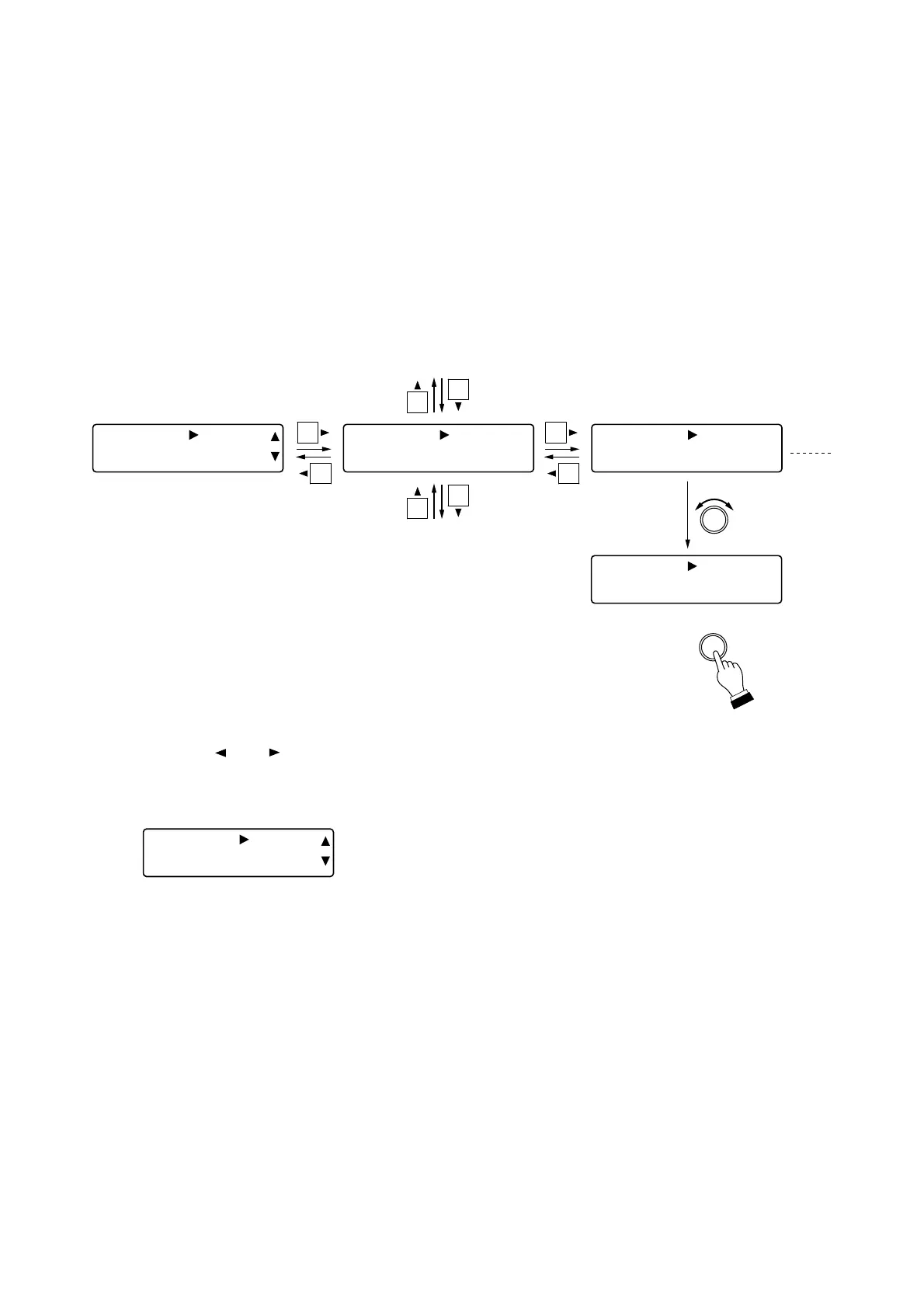
Step 1. Press the and shift keys to select the desired preset memory number.
Note
On the [All No.] screen, crossfade time of all memories can be set at a time.
The following screen appears when each memory setting is different.
Step 2. Rotate the Setting knob to change the crossfade time.
Parameter setting range: 0.0 – 10.0 s, 0.5 s steps
Tips
• Saving the configuration (see the next page) causes the parameters to be cross-faded to change at the set
crossfade time.
• Configuration can also be saved by pressing the Setting knob on this screen.
• To cancel the function, press the Preset key.



 To Next Page