EasyManua.ls Logo

Toa D-901 - Page 46

Toa D-901
94 pages
Print Icon
To Next Page IconTo Next Page
To Previous Page IconTo Previous Page
Loading...
46
[OUT1] FILTER1
TYPE THR
U
[OUT1] FILTER2
TYPE THR
U
[OUT1] FILTER2
TYPE HORN E
Q
[OUT1] FI LTER2
GA I N + 0 . 0 dB
[OUT1] FI LTER2
GA I N + 4 . 0 d
B
PARAMETER
PUSH-ENTER
CHANGE
PARAMETER
PUSH-ENTER
CHANGE
1
2
3
4
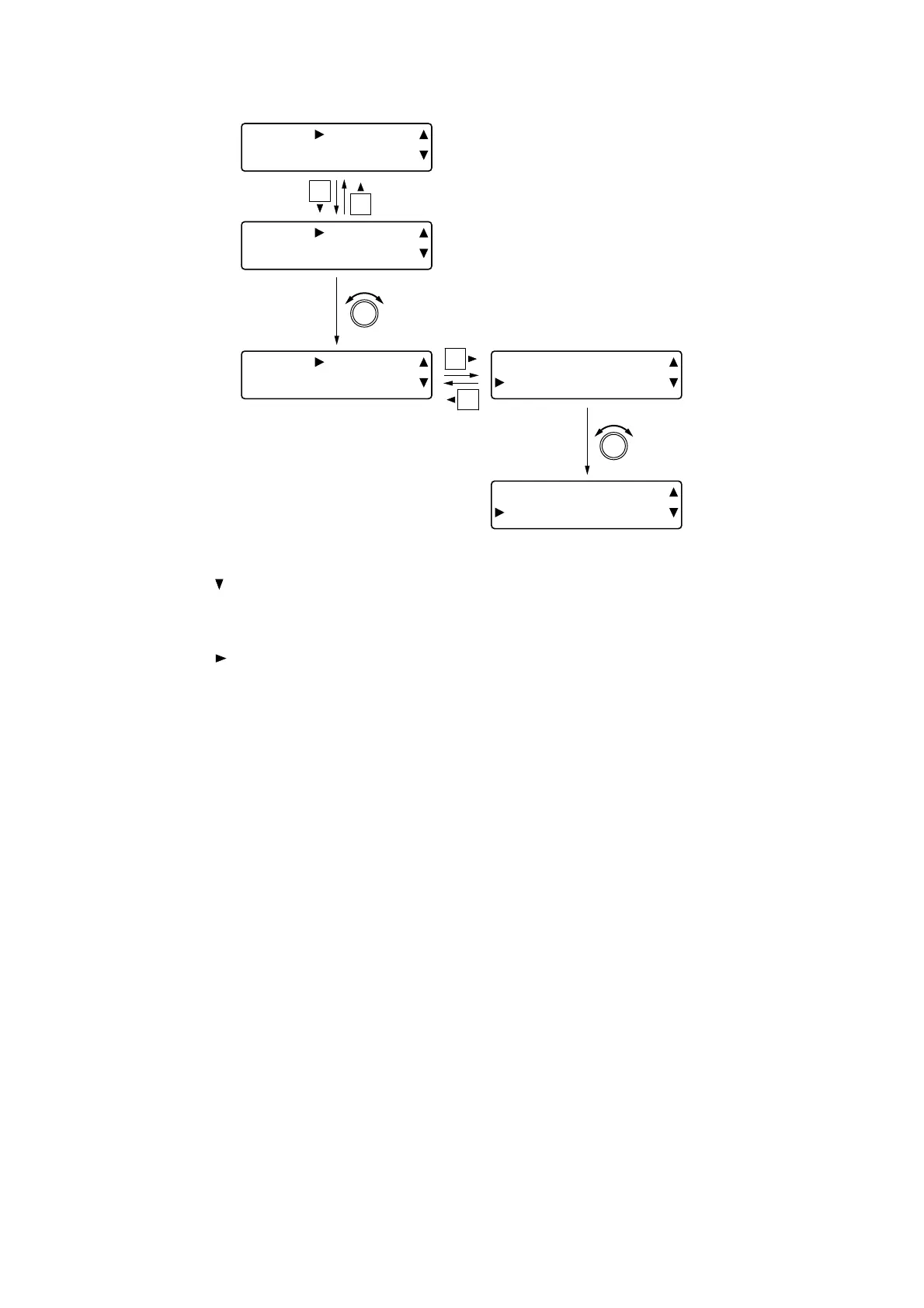
[Setting procedures (Example of setting output 1 filter 2 as a horn equalizer)]
Step 1. Press the shift key to display a filter.
Step 2. Rotate the Setting knob to select the type of filter.
Step 3. Press the shift key to display the setting items for the selected filter.
Step 4. Rotate the Setting knob to set the parameters for each item.
Step 5. Repeat Steps 3 and 4 when there are two or more setting items.


Table of Contents

Other manuals for Toa D-901

Related product manuals