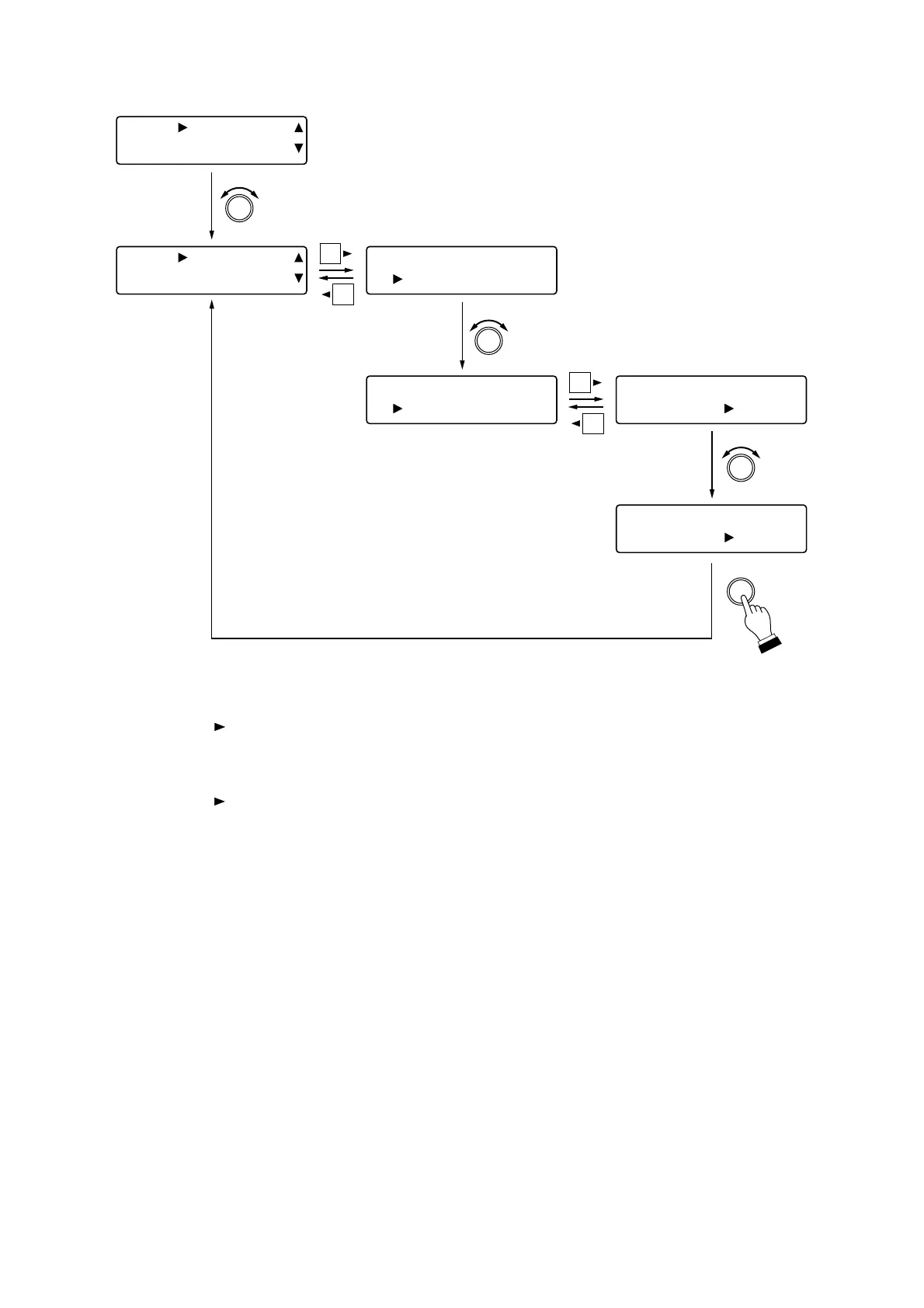
Step 1. Rotate the Setting knob to select the input contact number.
Step 2. Press the shift key.
Step 3. Rotate the Setting knob to select the function to be assigned to the contact input.
Step 4. Press the shift key.
Step 5. Rotate the Setting knob to select the setting contents for each function.
Tip
Pressing the Setting knob executes the Configuration save and allows the display to revert to the
Input contact number selection screen.



 To Next Page