11
Setting up a New Implement
Once the yield monitoring functionality is enabled, the connected
implement must be set up in the console. Auto section control is
automatically enabled to allow auto cut width to work.
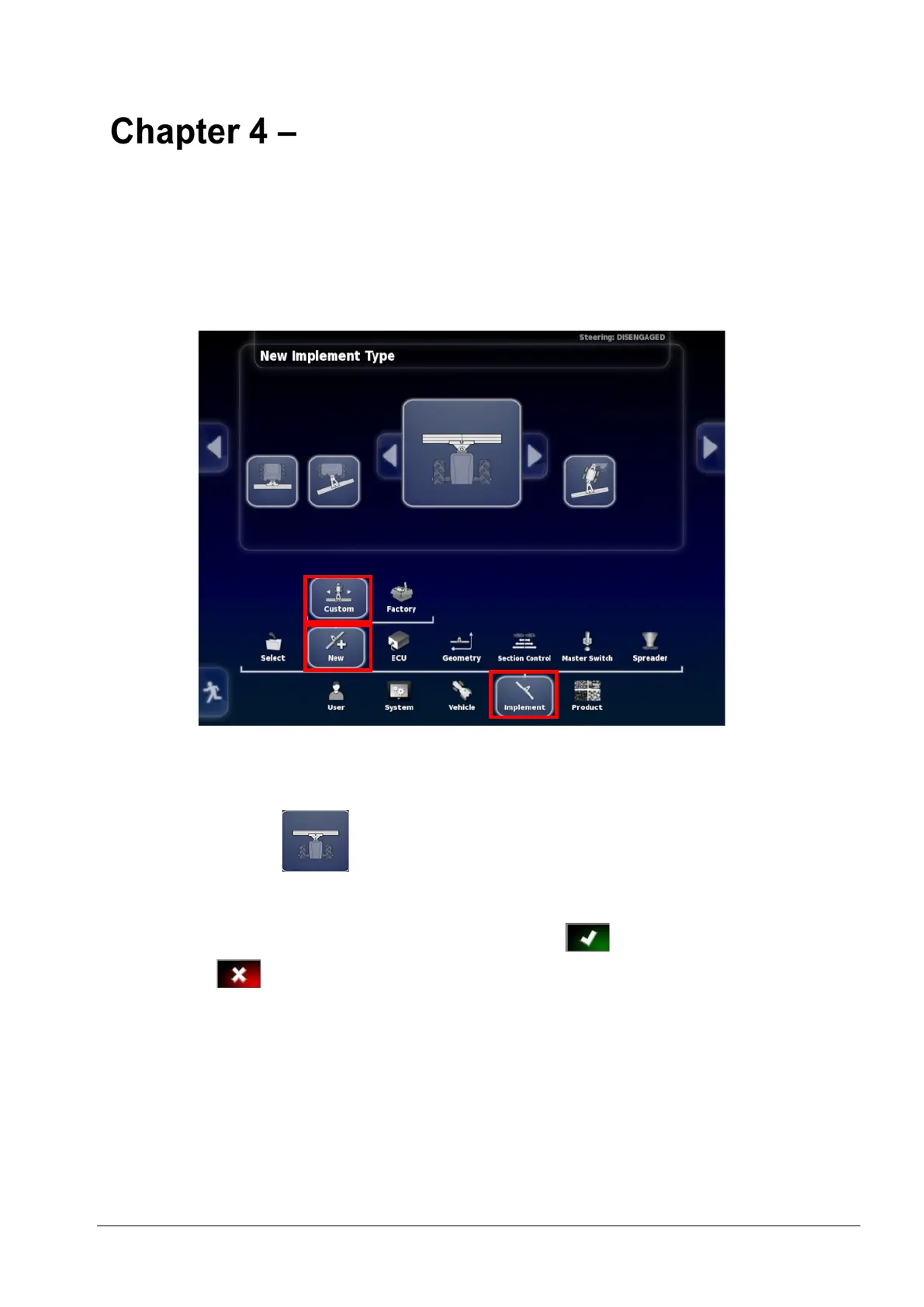
1. Select Implement / New / Custom.
2. Use the arrows to choose the type. Type can be Rigid, Pivoted
(Tow behind), Front, or Double Pivoted (Tow between).
Note: Front would usually be selected.
3. The system will warn you that it needs to restart after you have
finished setting up the implement. Select to continue (or
select to cancel the action).



 To Next Page