28
5.4. Viewing map layers
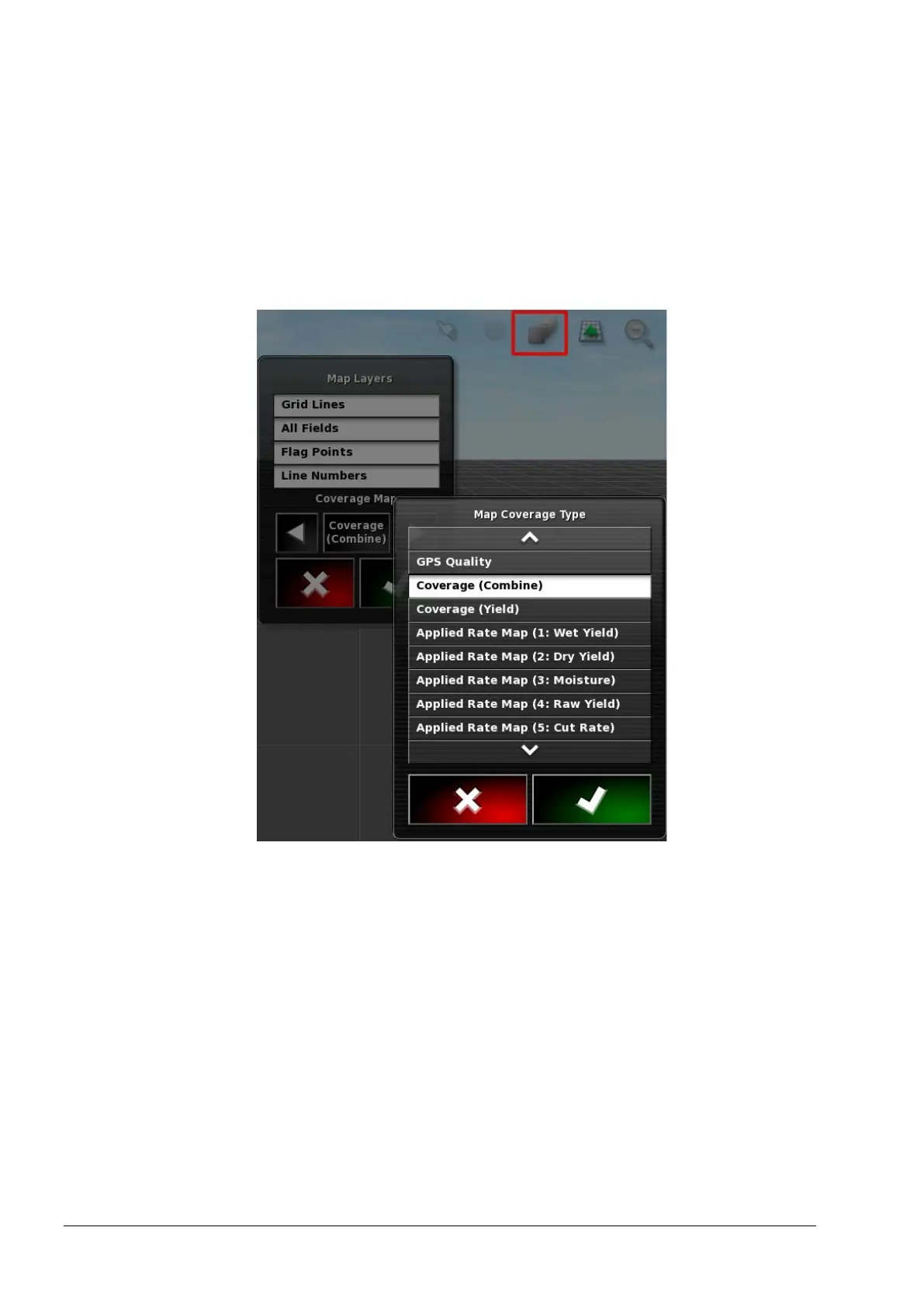
The coverage map selector enables one type of coverage map to be
selected.
1. Select the highlighted icon to choose which coverage and
information layer will appear on the screen.
2. Press the center button and select from the list or press the
left/right arrows to scroll through the list with a live preview of
that layer in the map in the background.
• Coverage (Combine): Shows the area covered by the harvester.
• Coverage (Yield): Shows the area covered by the harvester with
a delay value equal to the time taken for the crop to get from the
header to the yield sensor. Refer to the Delay Time figure in
Yield sensor, page 47.
• Applied rate map (wet yield): T/Ha (Bu/Ac) based on the raw
yield data.



 To Next Page