26
1. On the Setup screen, select User / Region / Units. The
APPLICATION RATE INCREMENT TYPE may be set to
Fixed rate or Percentage of Preset 1.
• Rate preset 1 / Rate preset 2: Defines preset application rates.
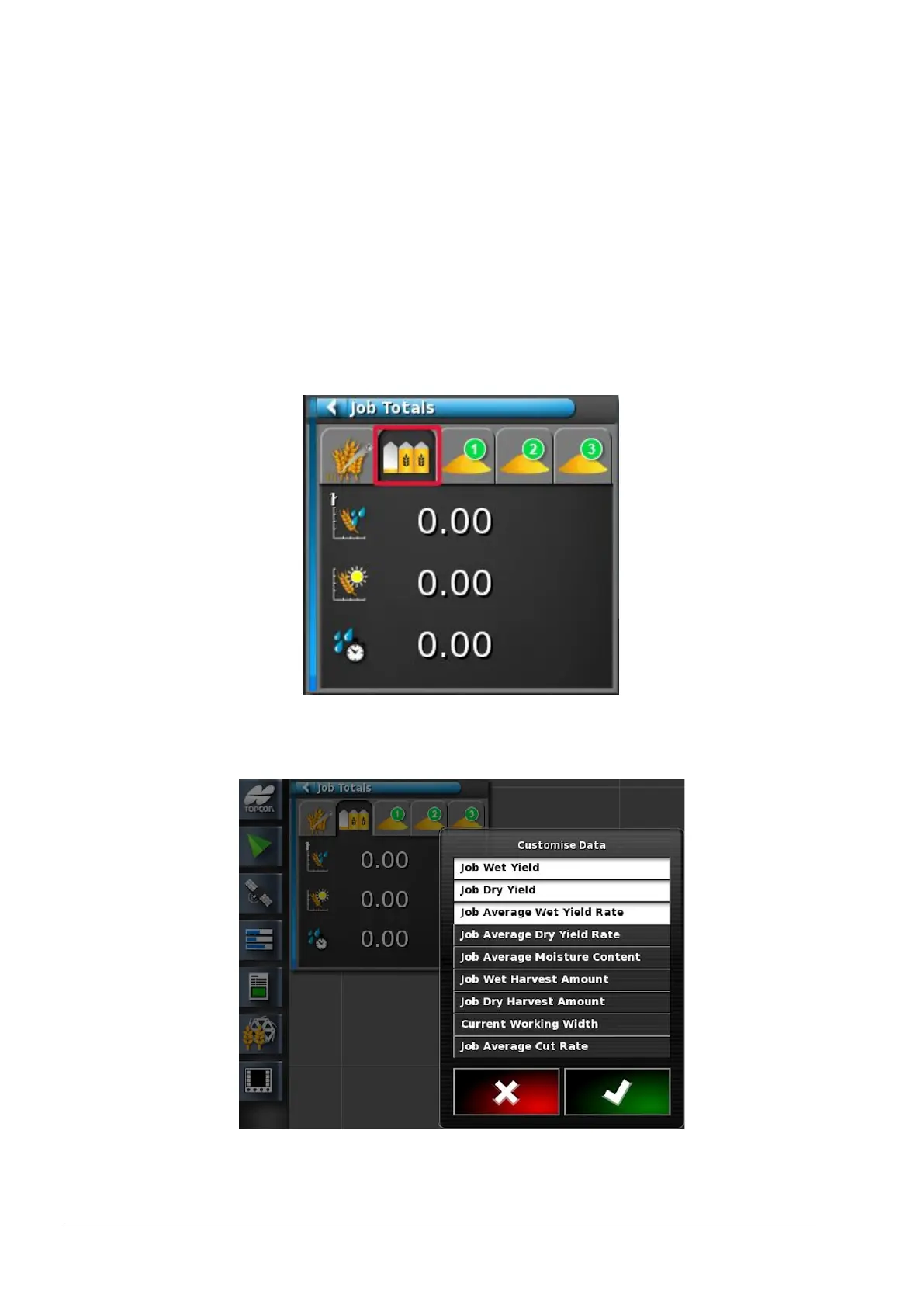
5.3.2. Job totals
The totals displayed on this mini-view are reset when a new job is
started.
1. Press the information area of the mini-view to display the options
available.
2. Deselect and select options as required.



 To Next Page