38
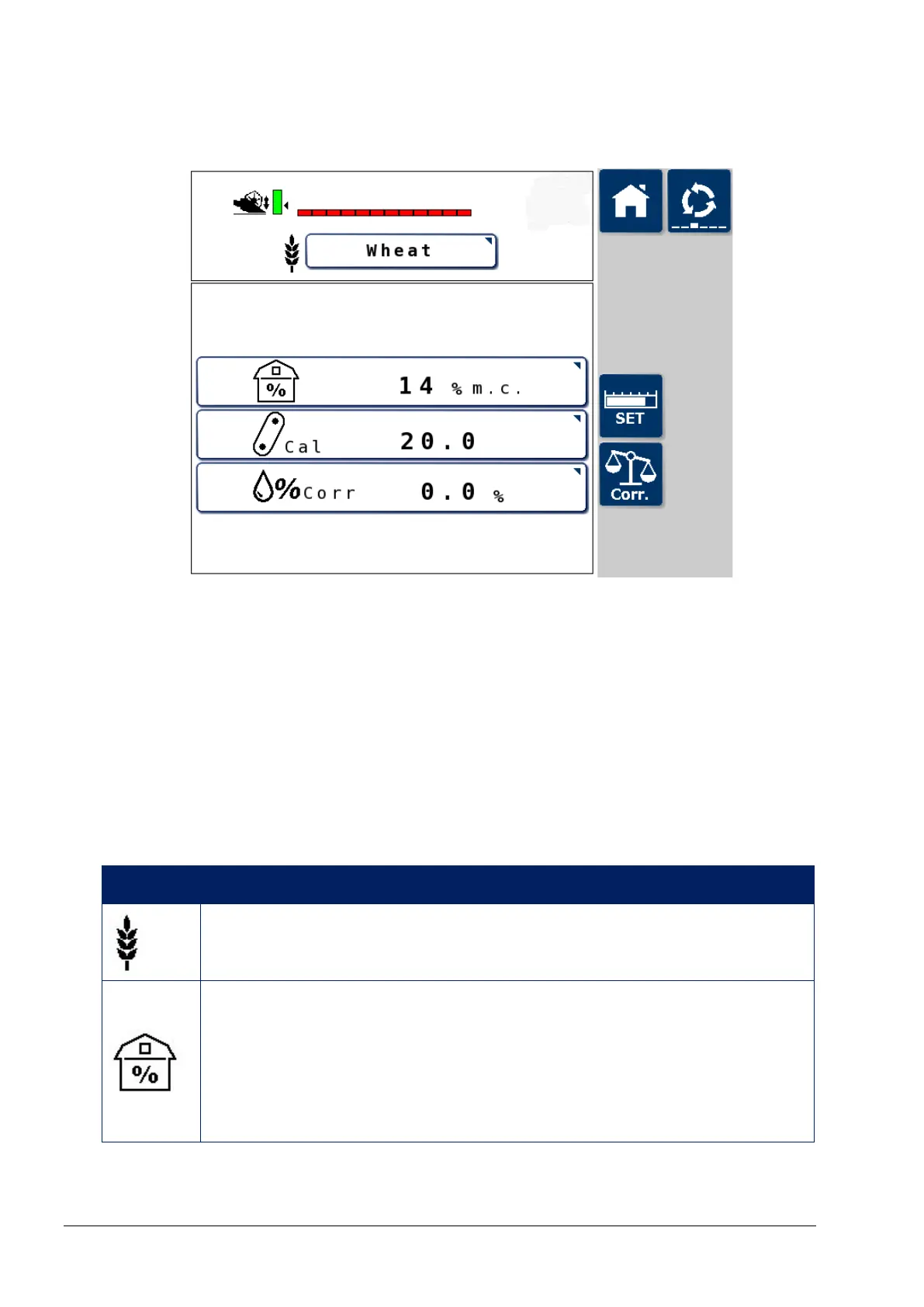
7.5. Crop settings screen
The settings shown on this screen are pre-programmed for the
following crops: Wheat, barley, oats, oilseed rape (canola), linseed,
beans, peas and maize (corn). It is also possible to define two further
crop types.
Displayed settings may require adjustment for specific crop
conditions. Adjustments cannot be made while logging data. The job
must be completed and the adjustments made before starting a new
job.
Icon Description
Crop type
Press to change the crop type.
Storage moisture content
The storage moisture content (specific to each crop)
determines the dry yield value displayed. If the harvest
moisture content drops below the set storage moisture
content, the harvest weight stays equal to the dry weight.



 To Next Page