42
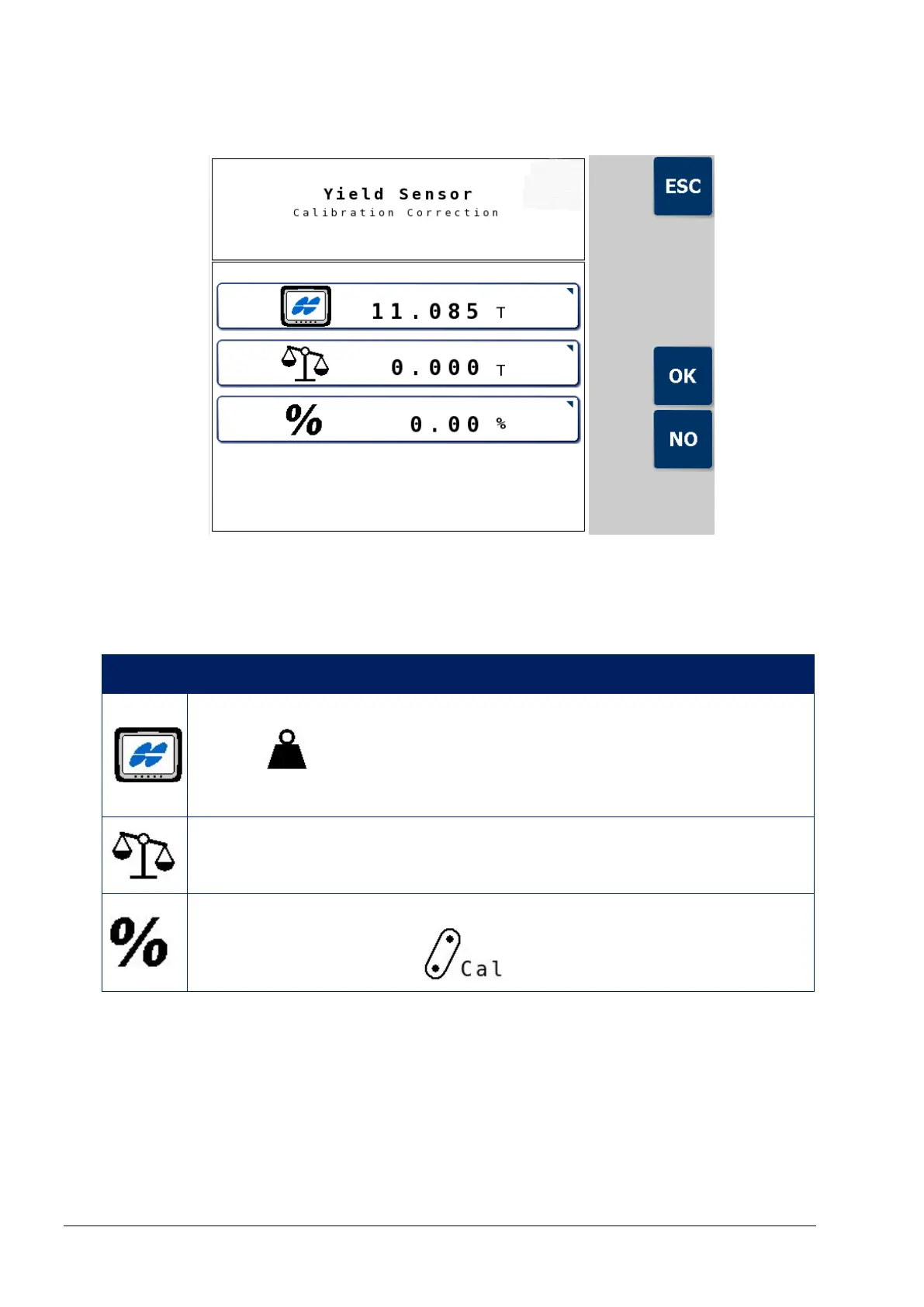
7.5.2. Calibration correction screen
This screen is used to enter the yield reading displayed by YieldTrakk
and the weighbridge (true weight) reading to calculate the correction
percentage.
Icon Description
Yield reading displayed by YieldTrakk (displayed on Totals
screen ).
Press to enter value.
Weighbridge reading (true weight).
Press to enter value.
Displays calculated correction percentage, which
automatically corrects on Crop Settings screen.



 To Next Page