Chapter 4 – Setting up a New Implement
15
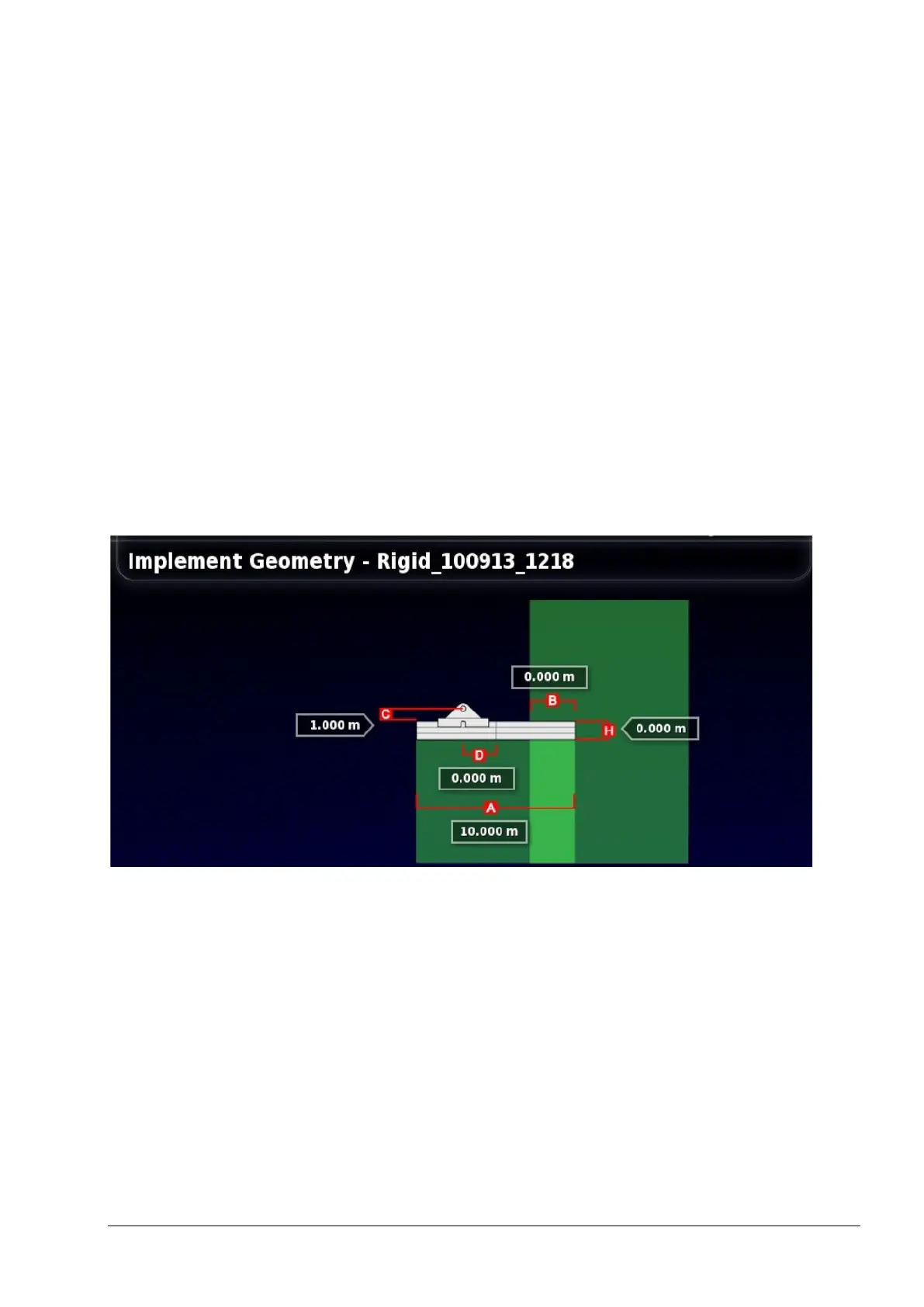
4.1. Setting the implement geometry
Sets the implement measurements so that guidance can work
accurately.
Note: Measure the implement dimensions as accurately as possible.
The recommended tolerance is +/- 5 cm.
When an ISOBUS implement is connected, some of the geometry
items are provided by the implement and cannot be altered in the X30.
Any changes to these must be made in the implement ISOBUS UT
control screen.
To set the implement geometry:
1. Select Implement / Geometry.
2. Select an implement dimension. The name of the dimension
appears in the title bar.
Dimensions requested vary according to the type of implement
selected.
3. Add or adjust dimensions where needed and confirm.



 To Next Page