Chapter 4 – Setting up a New Implement
17
4.2. Setting up the master switch
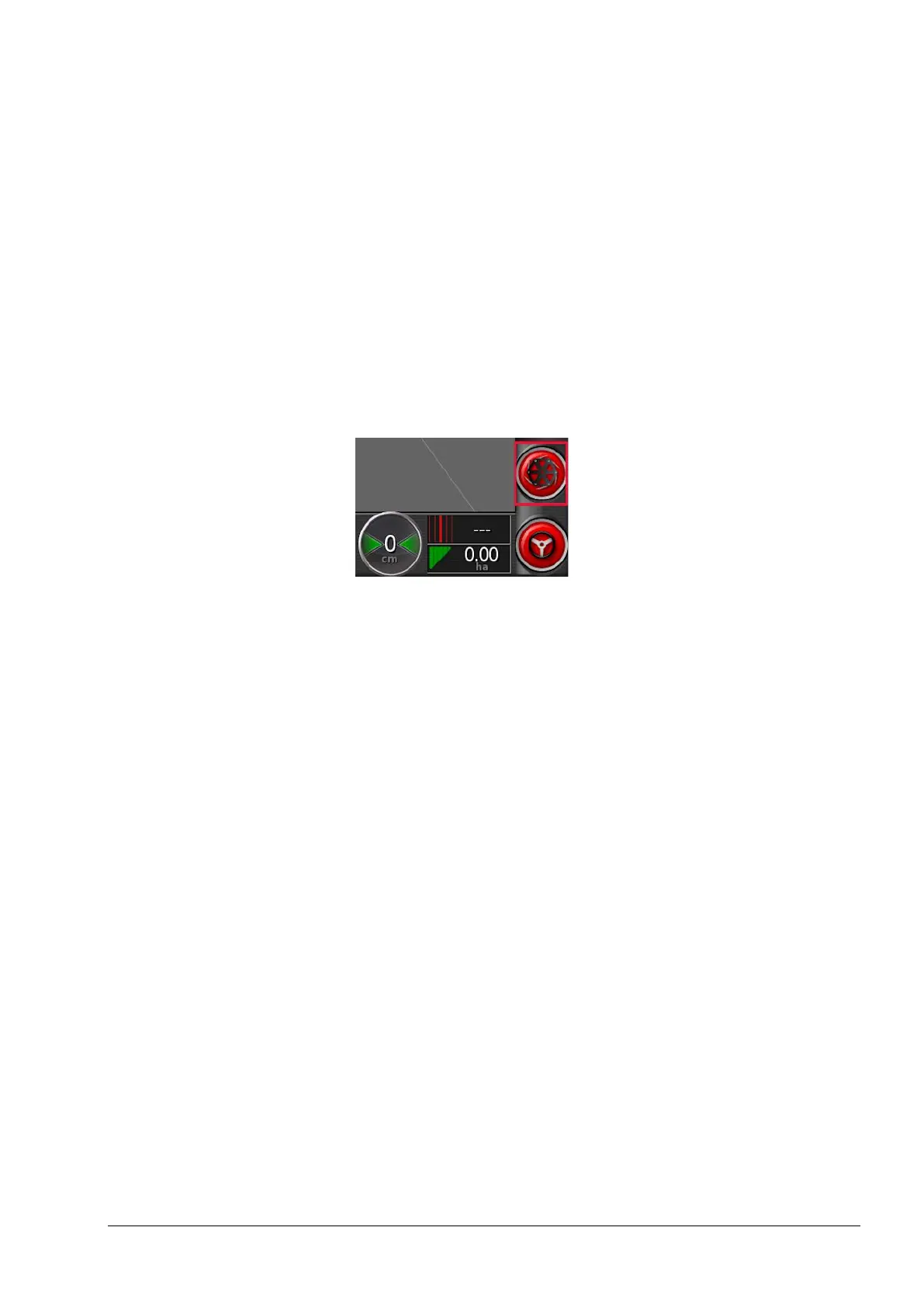
The master switch turns on the application control and also enables
the coverage map on the guidance screen.
To set up the master switch:
1. Select Implement / Master Switch.
Virtual
Enables the master switch to be operated by selecting the virtual
master switch on the console Operation screen.
Follows device work state
Follows the state of the YieldTrakk ISOBUS ECU. The virtual master
switch is then for status display only.



 To Next Page